
If you’ve ever explored the Power Options in Windows, you might have come across a setting called “Dim display after.” While useful for controlling screen brightness during inactivity, many users prefer to hide this option for a cleaner interface or to prevent others from changing display dimming behavior.
In this guide, we’ll show you two easy methods to hide or remove the “Dim display after” option from Power Options in Windows 11 or Windows 10 — using Command Prompt and Registry Editor.
Hide Using Command Prompt (Recommended) This is the quickest and safest way to hide the “Dim display after” setting.
Step 1: Open Command Prompt as Administrator
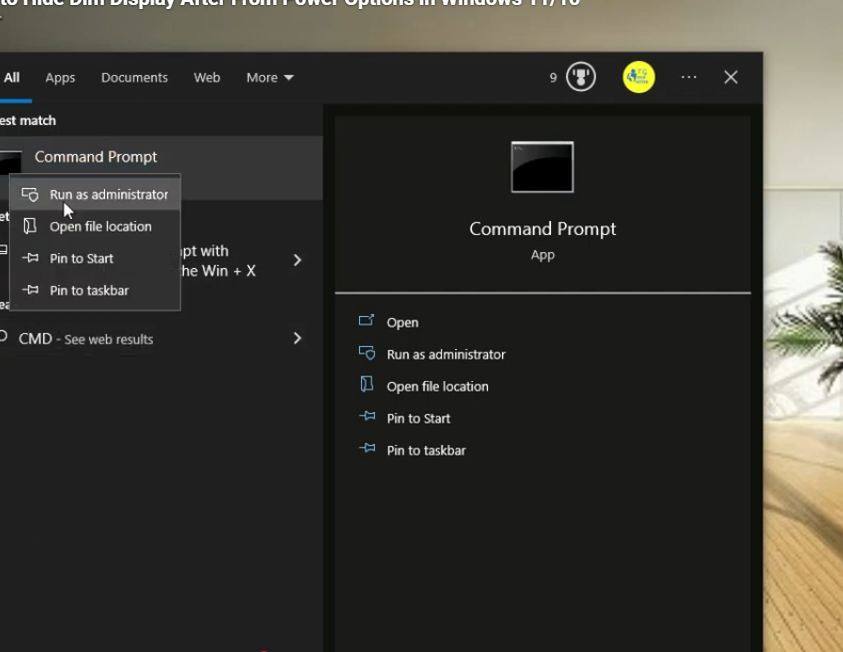
- Click on the Start button and type CMD in the search box.
- Right-click on Command Prompt and select Run as administrator.
Step 2: Enter the PowerCFG Command
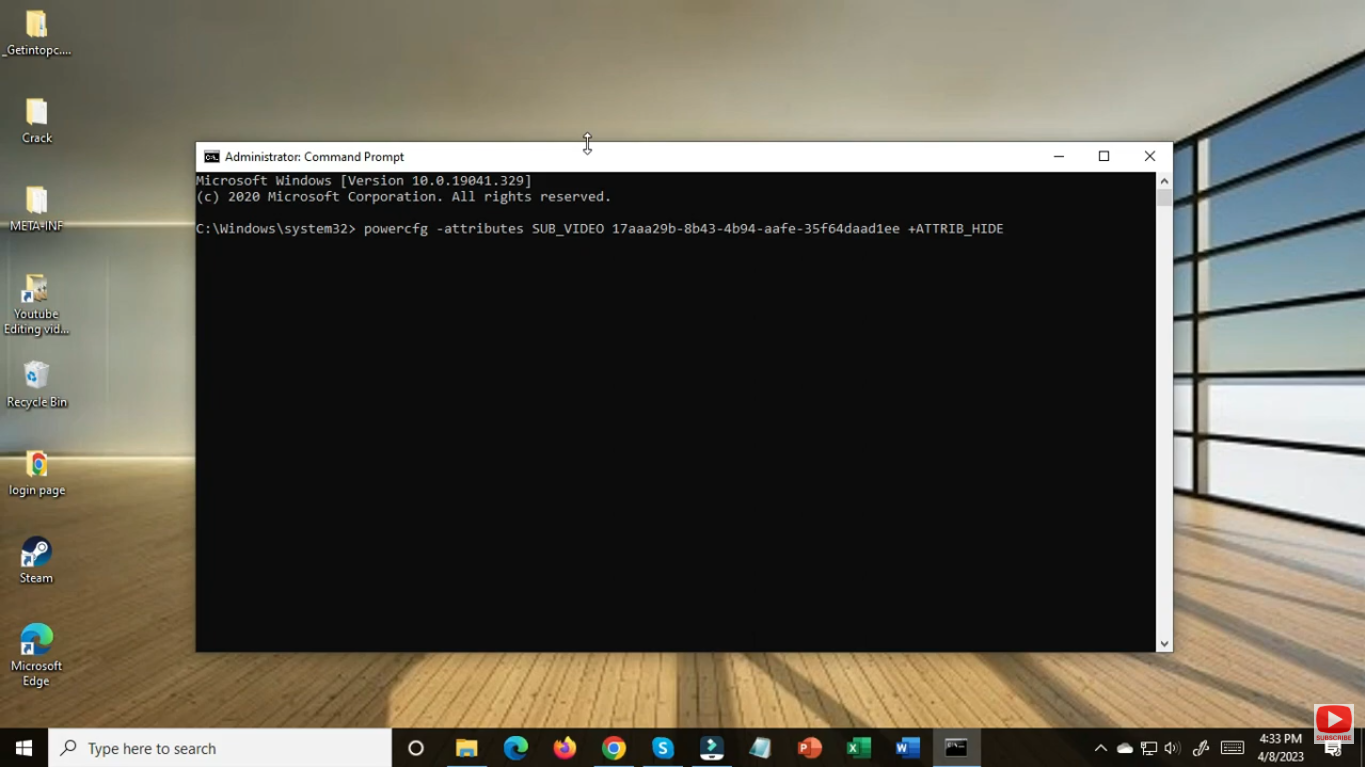
- Now, type or copy-paste the following command in the Command Prompt window:
- powercfg -attributes SUB_VIDEO 17aaa29b-8b43-4b94-aafe-35f64daaf1ee +ATTRIB_HIDE
- Then press Enter. This command tells Windows to hide the “Dim display after” option in Power Options.
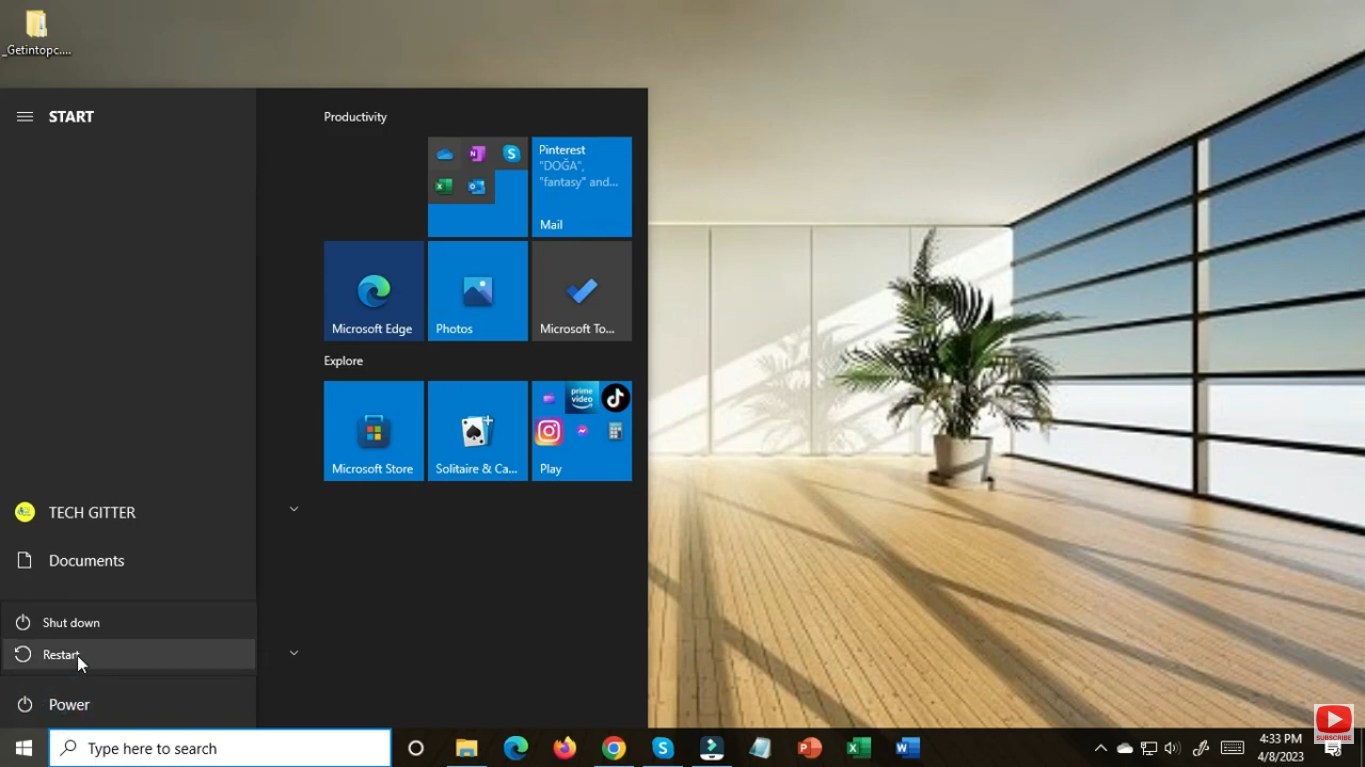
Step 3: Restart Your PC
Once done, restart your computer. When you open Power Options again, you’ll notice the “Dim display after” setting is no longer visible.
Conclusion
You’ve learned how to hide or show the “Dim display after” option from Power Options in Windows 11 and Windows 10. Whether you prefer the Command Prompt or the Registry method, both are safe and effective. Use these tweaks to keep your settings neat, simple, and under control.






