

Hy Friends Welcome Back To MY Channel Tech Gitter
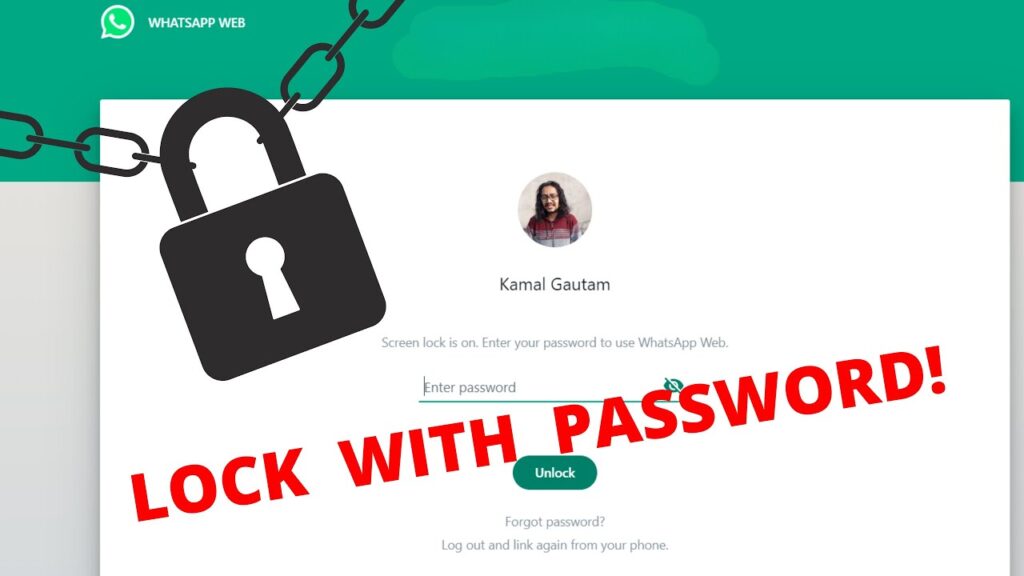
In this video we will learn to lock WhatsApp Web with password.
Step 1: Open WhatsApp Web
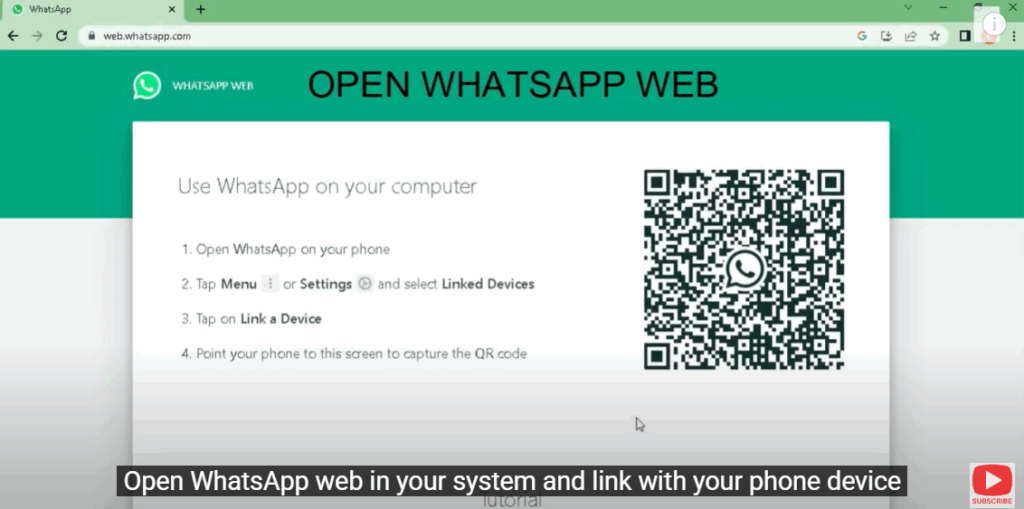
Open WhatsApp Web in your system and link with your phone device.
In my previous video I have explained how to link WhatsApp Web.
Step 2: Add Extension
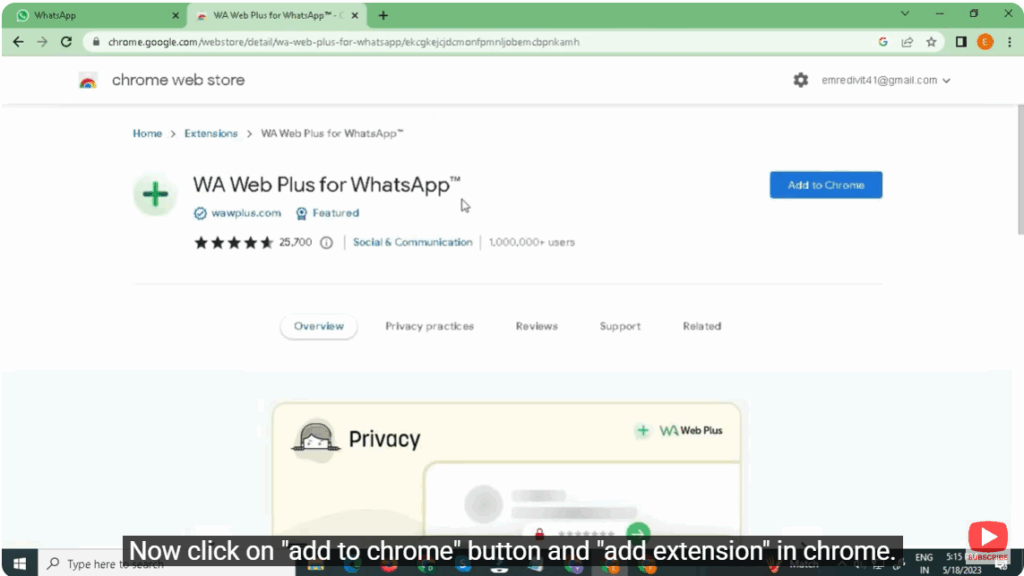
Now open another tab of Chrome and search “WA Web Plus for WhatsApp”.
Now click on “Add to Chrome” button and “Add extension” in Chrome.
Step 3: Set Password
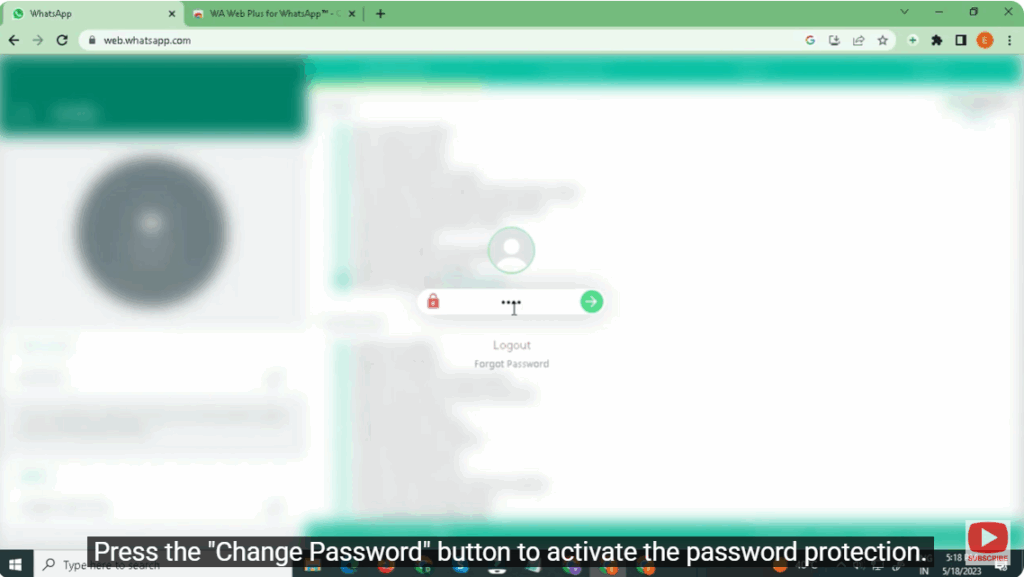
The extension prompts you to enter the password when you open WhatsApp Web.
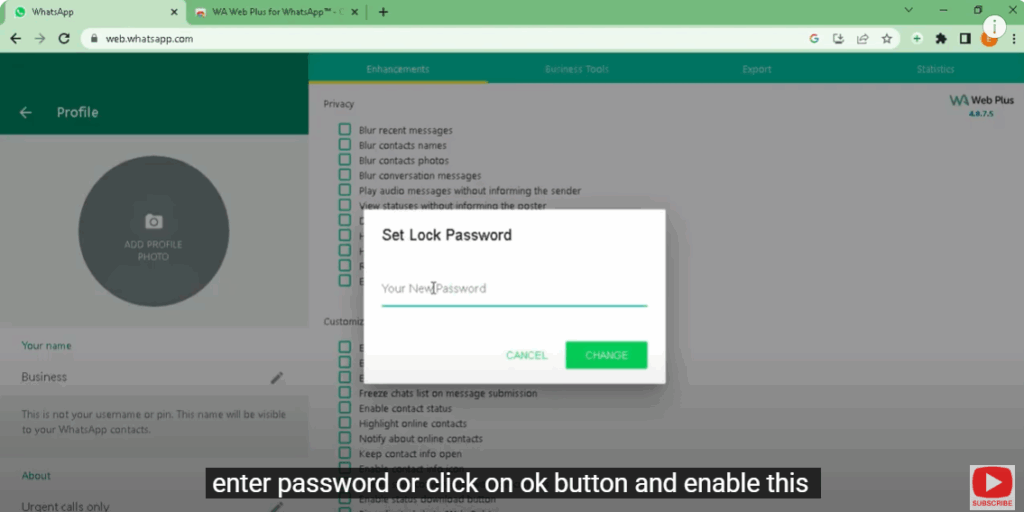
Here we will see the option of privacy and coustmization.
We have to lock WhatsApp Web so click on set password.
Enter password or click on OK button and enable this.
Step 4: Activate Password Protection
Press the “Change Password” button to activate the password protection.
Press the action button to lock WhatsApp Web. This will lock all open instances of WhatsApp.
For more tricks and hacks subscribe my channel.
Thank you so much for watching this video.






