
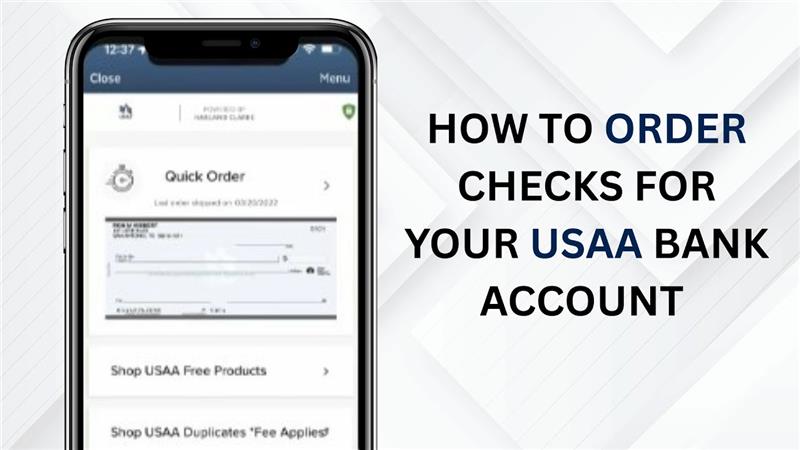
Ordering checks for your USAA bank account is simple and can be done fully online or through the mobile app. Whether new checks are needed for a personal account or to replace an old checkbook, USAA makes the process quick and easy. In just a few steps, checks can be selected, ordered, and shipped directly to the address on file, so managing payments and finances stays hassle-free. Let’s get started.
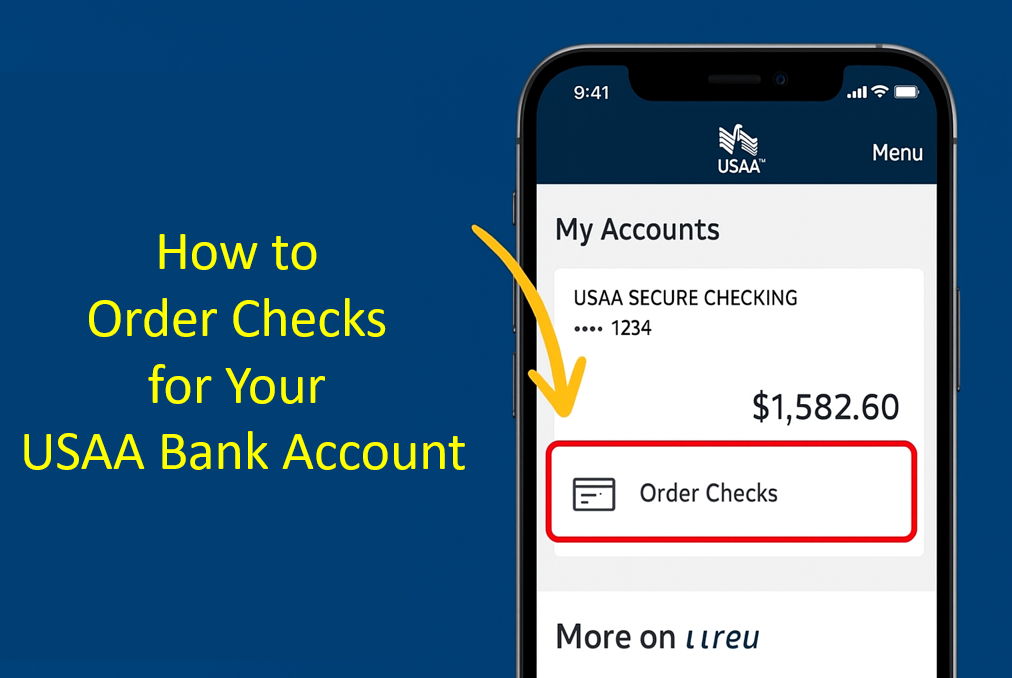
Once you receive your new or replacement USAA debit card, follow these simple steps.
First, launch the app and log in with your credentials. Once logged in, select your account. Go to the My Accounts section and select the account for which you want to order checks.
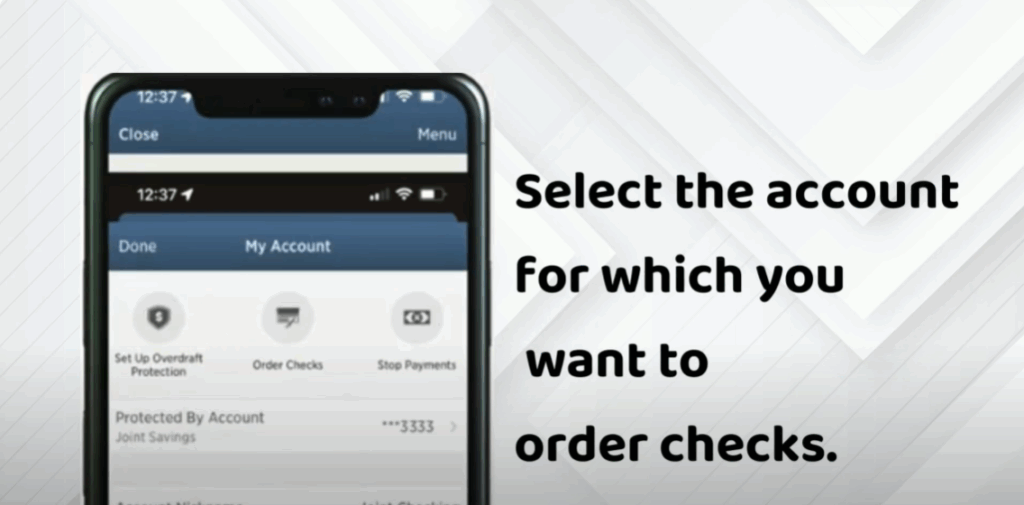
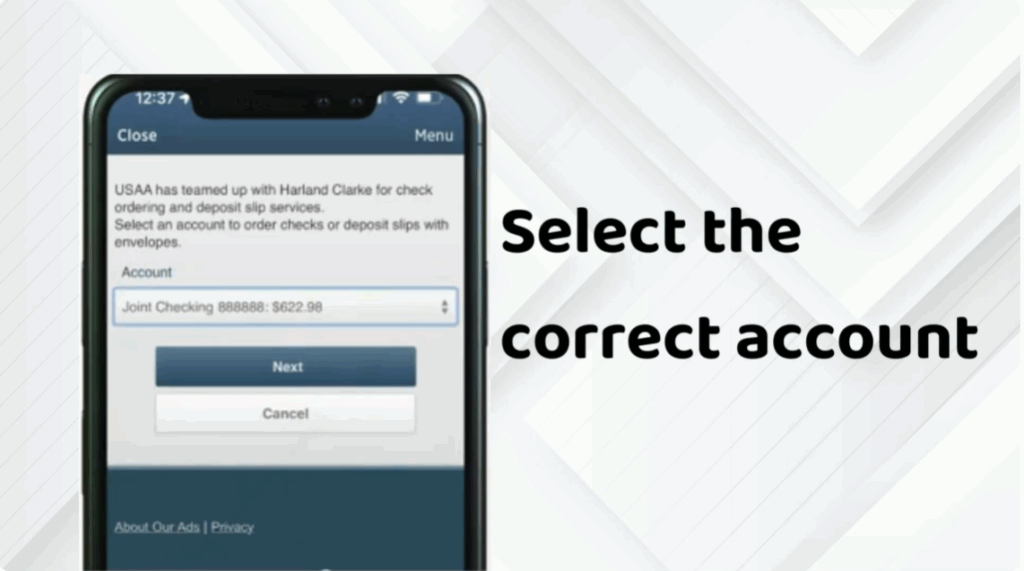
In your account dashboard, look for the Order Checks option and click or tap on it. Select the correct account again if prompted. Then click Next to continue.
Select Continue to head to the Harland Clarke website. Tap Quick Order to reorder checks or browse the catalog for more options.






