
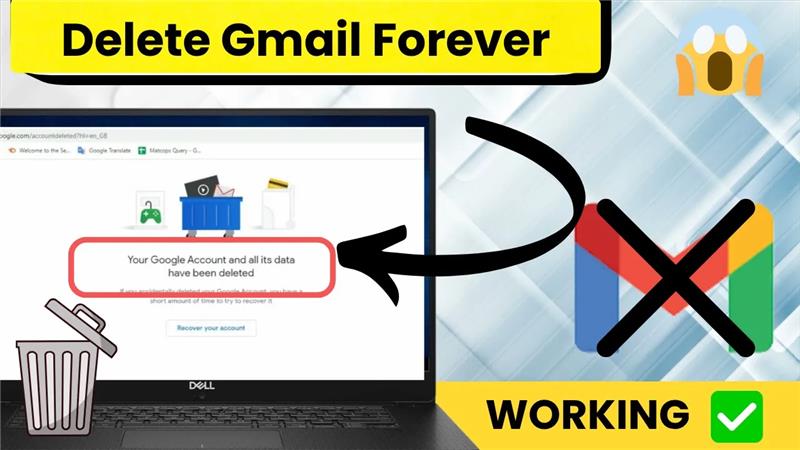
Deleting your Gmail account is a big decision, but it’s easy to do if you follow the right steps. Maybe you’re switching to a new email service, cleaning up old accounts, or just want more privacy—whatever the reason, Google lets you remove your Gmail permanently. Just remember, once deleted, you’ll lose access to all your emails, contacts, and any services linked to that account. In this blog, we’ll guide you through the simple steps to permanently delete your Gmail account, using clear instructions anyone can follow. Let’s help you take control of your digital life, one step at a time.

First, open Google Chrome and make sure you’re logged into your Google account. Now, click on your profile icon and then select Manage your Google Account.
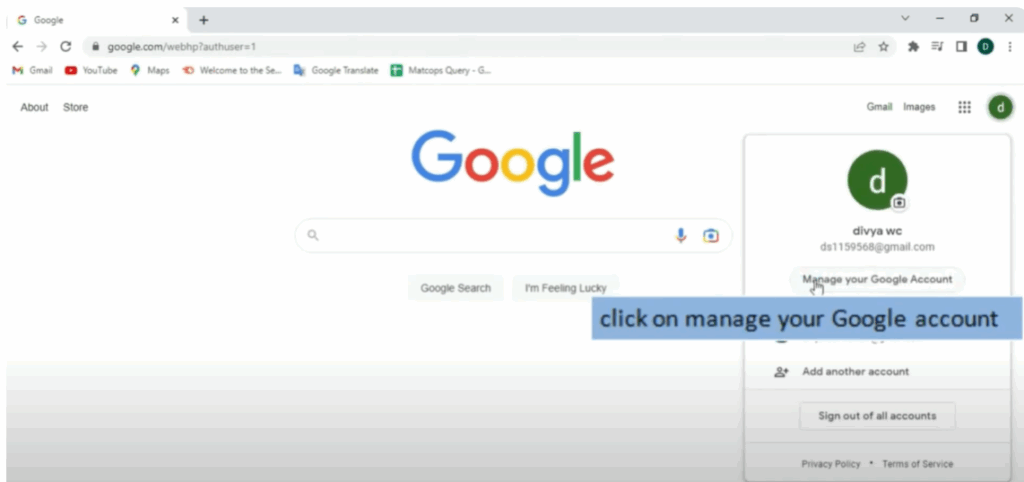
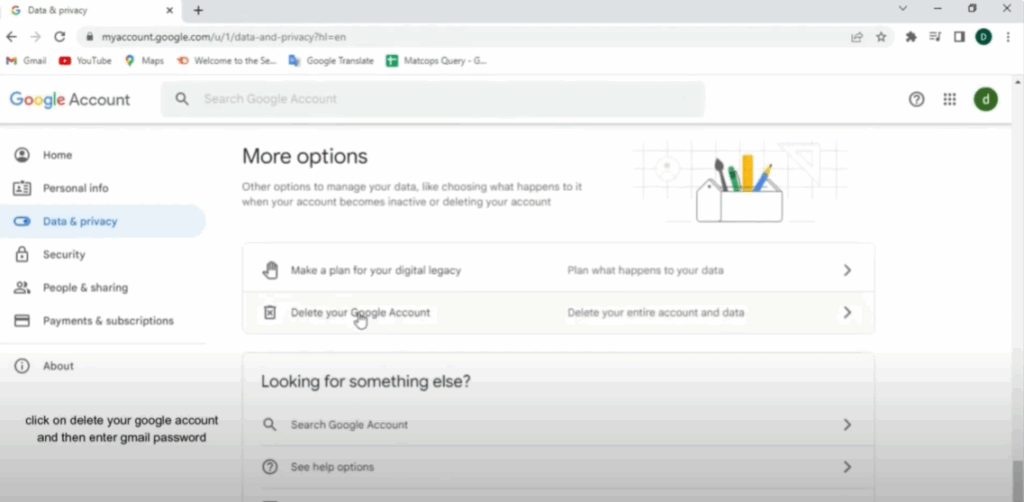
Next, tap on the Data and Privacy tab. Scroll all the way down to the bottom, and you’ll see an option that says Delete your Google Account. Click on it.
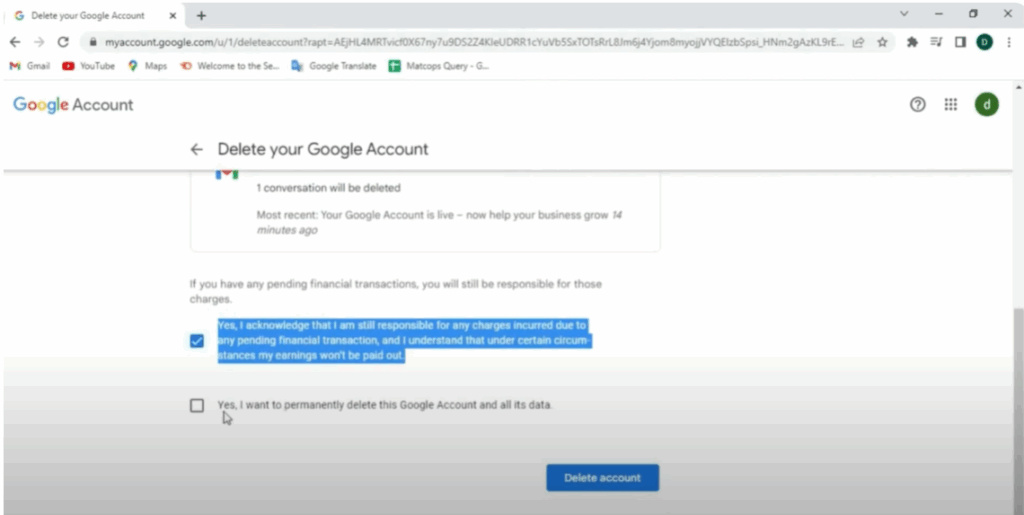
Now, enter your password and click Next. Here, you also have the option to download your data before deleting if needed. Then tick the check boxes to confirm and finally click on Delete Account.
Your Gmail account will be deleted. But don’t worry — you can also recover your Gmail account later if needed.






