
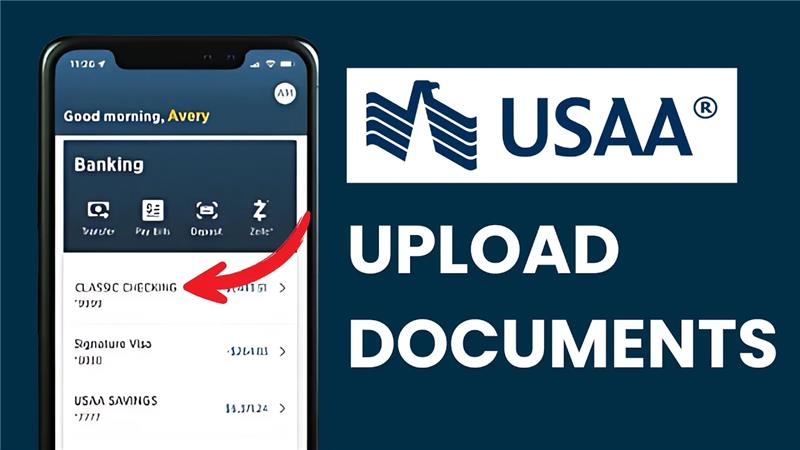
Hey everyone, welcome back to another tutorial video. In today’s video, I’ll show you how to send documents to USAA using the mobile app. Let’s get started.

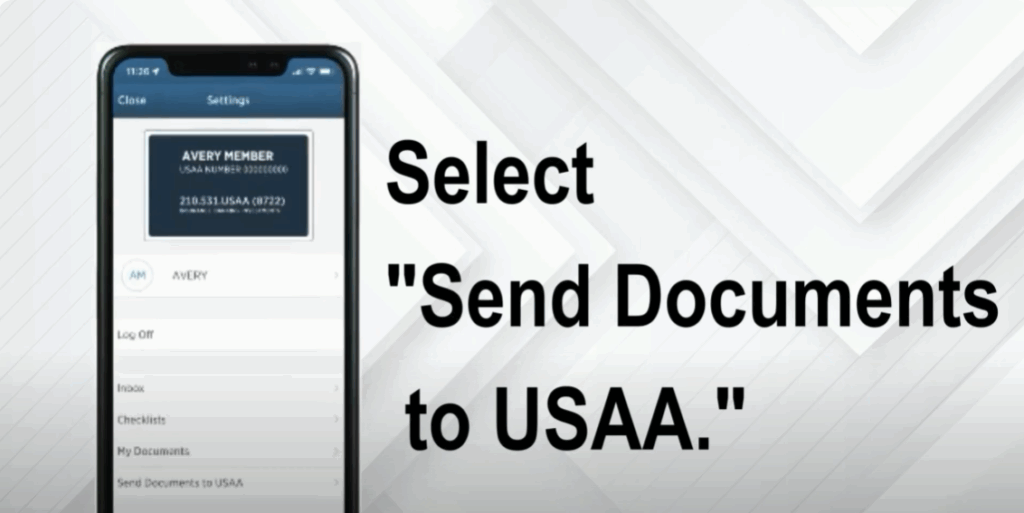
Sending documents through the USAA mobile app is quick and easy. First, tap your initials located in the upper right corner of your screen. Next, select Send Documents to USAA. Tap Upload New Documents, then choose a file. You can either take a photo of your document or upload one directly from your device.
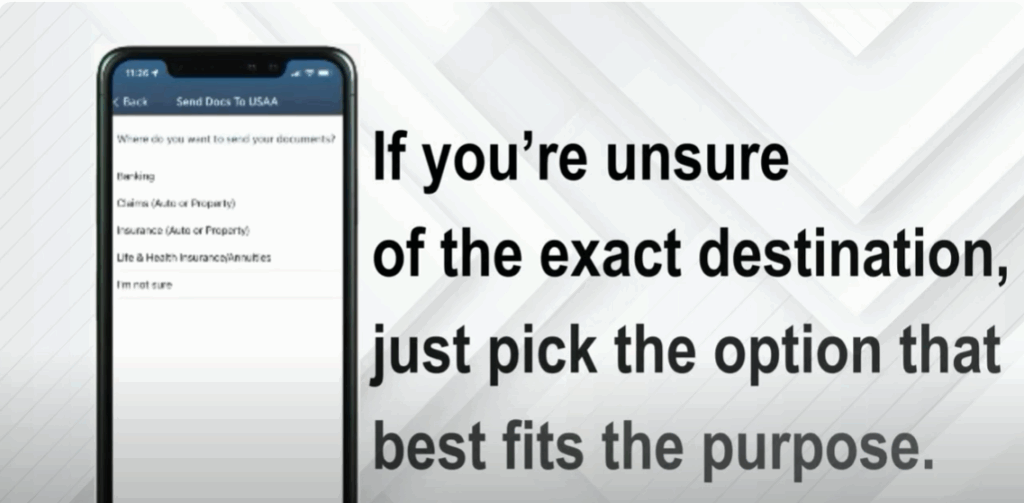
Now, select where your documents are going. If you’re unsure of the exact destination, just pick the option that best fits the purpose. Once you’ve uploaded everything, tap Send. That’s it. You’re all set.
If you found this video helpful, don’t forget to like this video and subscribe to our channel so you won’t miss out on more useful tutorials. Thanks for watching.






