
Setting a password in Windows 11 is one of the easiest ways to keep your computer safe and secure. A password makes sure that only you (or people you trust) can access your files, apps, and personal data. The good news is, Windows 11 gives you simple options to create and manage your password without any technical skills. In this blog, we’ll explain in easy language how to set a password on Windows 11 step by step, so you can protect your PC quickly and easily.
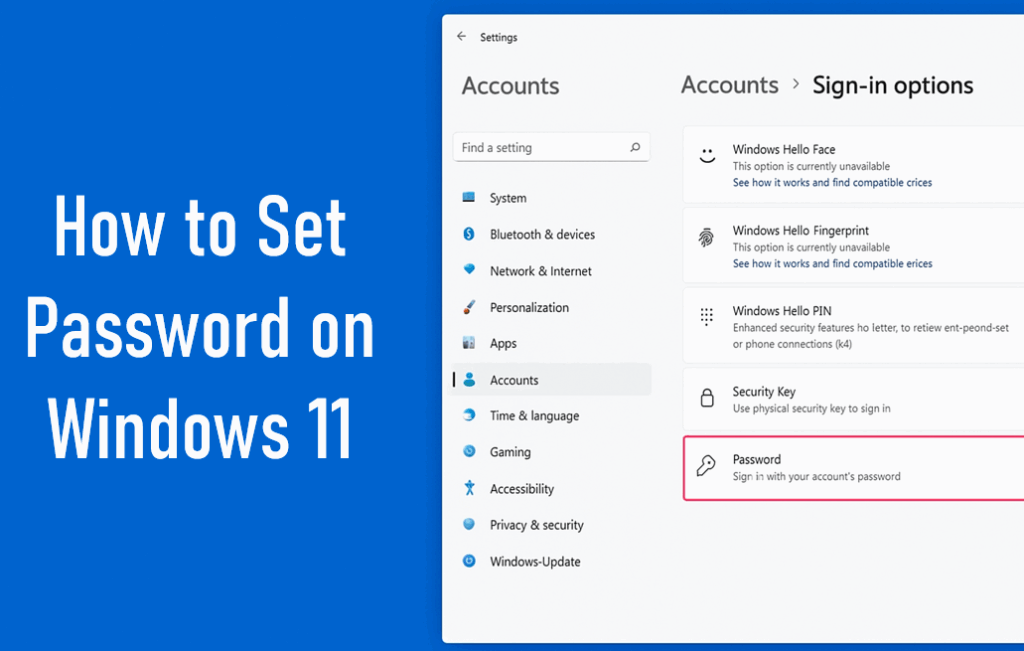
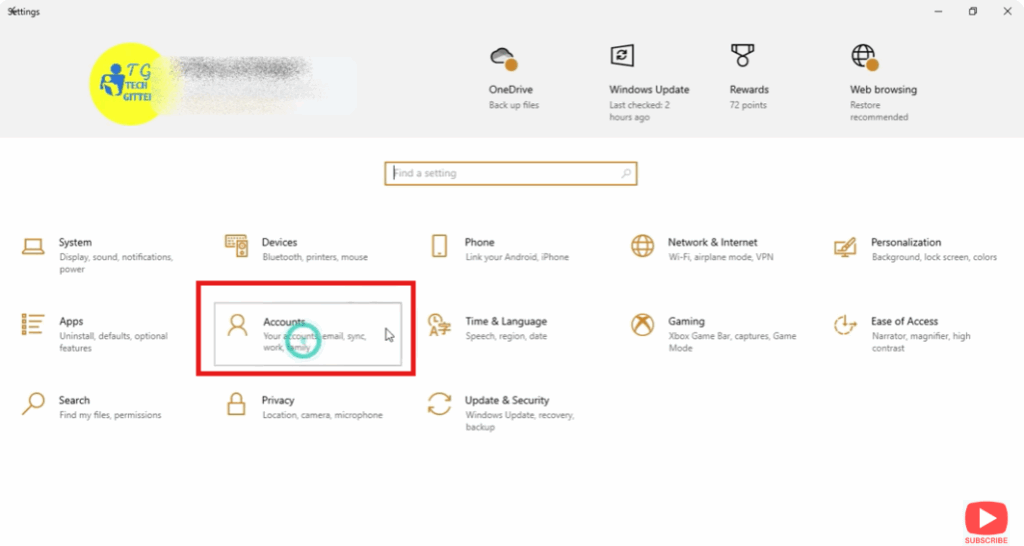
- Open Windows Settings and go to Accounts option.
- Go to sign in option and go to add password.
- Type new password and confirm it.
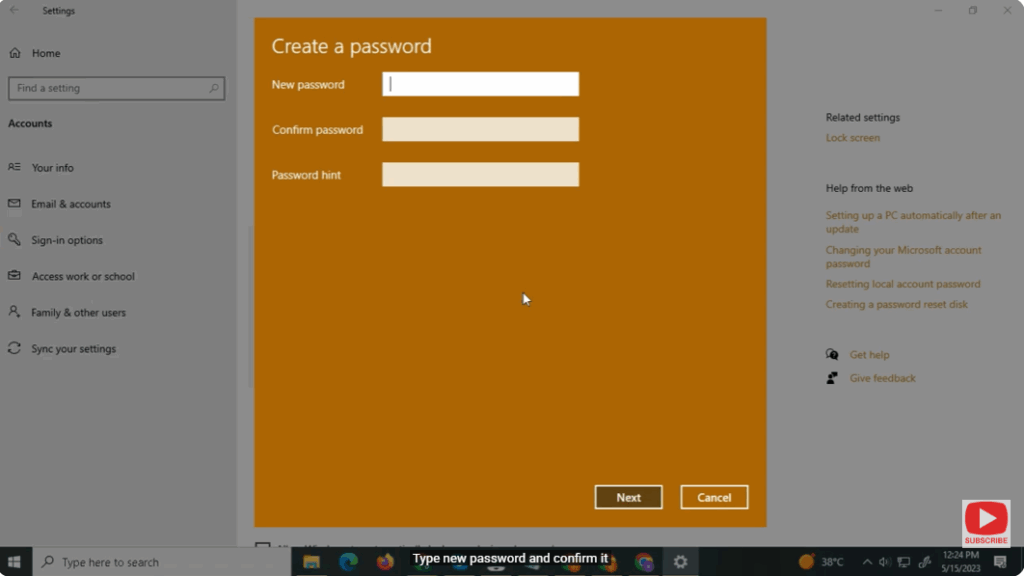
- It will ask you for a password hint, type.
Conclusion
Setting a password in Windows 11 is a simple but very important step to keep your computer safe. 🔒 It makes sure that only you can access your files and personal data, giving you peace of mind. As you’ve seen, creating a password takes just a few clicks and doesn’t require any technical skills. By following these easy steps, you can protect your PC and use it with confidence.






