
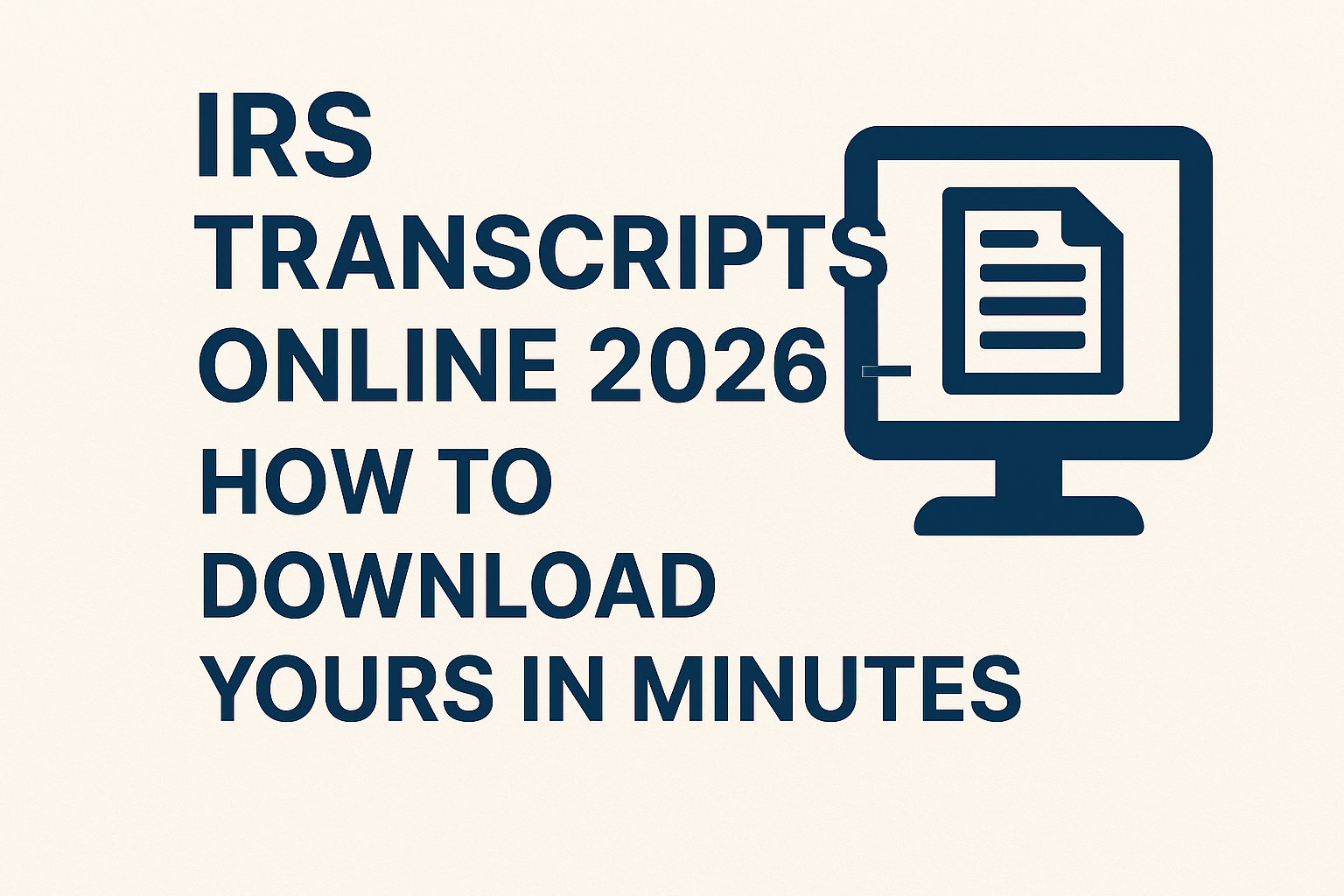
If you need to get your IRS tax transcripts quickly in 2026, you can download them online in just a few minutes. Tax transcripts are official summaries of your tax return information that can be used for loan applications, income verification, and more. In this blog, you will learn simple and fast ways to access and download your IRS transcripts online safely, so you can have your important tax documents ready whenever you need them.
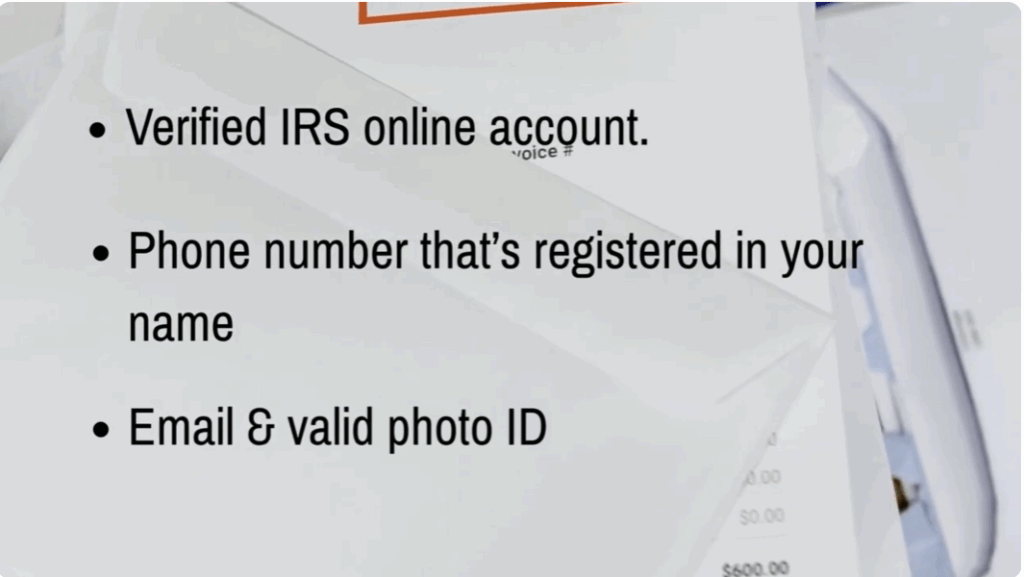
Before you start, there are a few things you’ll need to successfully access your IRS transcripts online. First, make sure you have a verified IRS online account. You also need a phone number that’s registered in your name because the IRS uses it to confirm your identity. Have access to your email and keep a valid photo ID handy just in case the system asks you for reverification. If you already use id.mme or login.gov, you’re in luck. You can sign in instantly. If not, don’t worry. Creating an account only takes a few minutes and I’ll walk you through the steps.
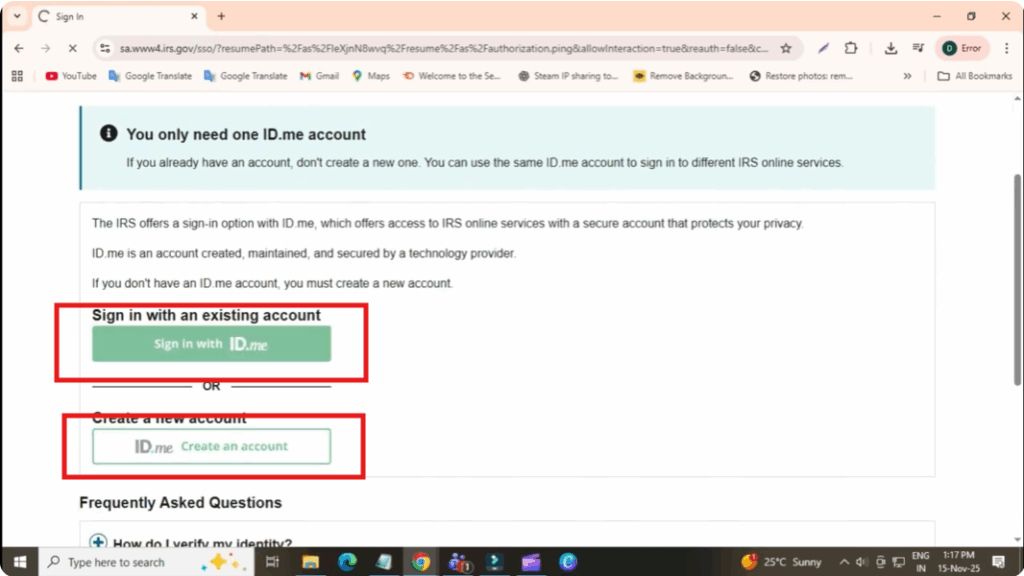
To access your IRS transcript online, start by searching IRS Get Transcript Online on Google and clicking the official IRS.gov link. Once you’re on the page, click the option to sign in using your IRS account. If you don’t have an account yet, simply create one by following the onscreen instructions. After that, you’ll need to complete identity verification. The system may ask you to confirm details like your phone number, email, driver’s license, or state ID, and even perform a face scan verification if you’re using ID to me.
Once your identity is verified, you’ll be taken directly to your IRS dashboard. From there, select the option get transcript online. You’ll see four types of transcripts available: return transcript, account transcript, record of account, and wage and income transcript. For most people, the return transcript or account transcript is all you need.
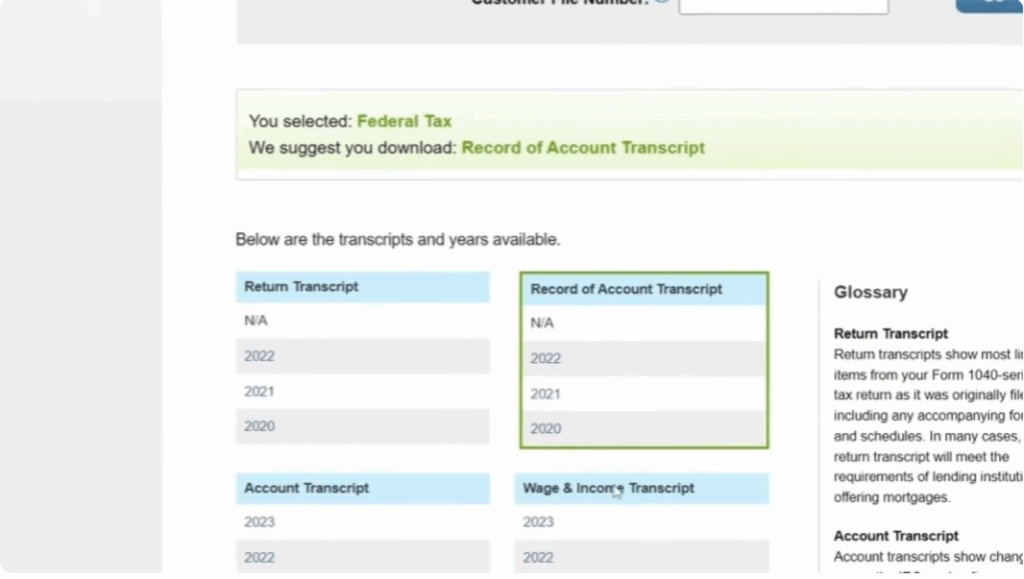
Next, choose the tax year you want. The IRS allows you to download transcripts for the last 10 years. So, select the year you’re looking for. Once you do that, your transcript will open as a PDF file, which you can save, share, or print anytime.
Now, if you run into issues while trying to access your transcript, don’t panic. These are some of the most common problems people face in 2026. If identity verification fails, try restarting the process and use a device with a clearer camera. If your phone number isn’t being recognized, make sure it’s registered under your own name. Business or VOIPE numbers often don’t work. If your transcript isn’t showing updates, remember that the IRS updates transcripts on both weekly and daily cycles, so delays are completely normal. And if you get the your information does not match error, double check that your social security number is exact, that your filing status matches the previous year’s return, and that your address matches the USPS format exactly.
And that’s it. That’s how you can easily download your IRS transcripts online in 2026 quickly, safely, and without any confusion.






