
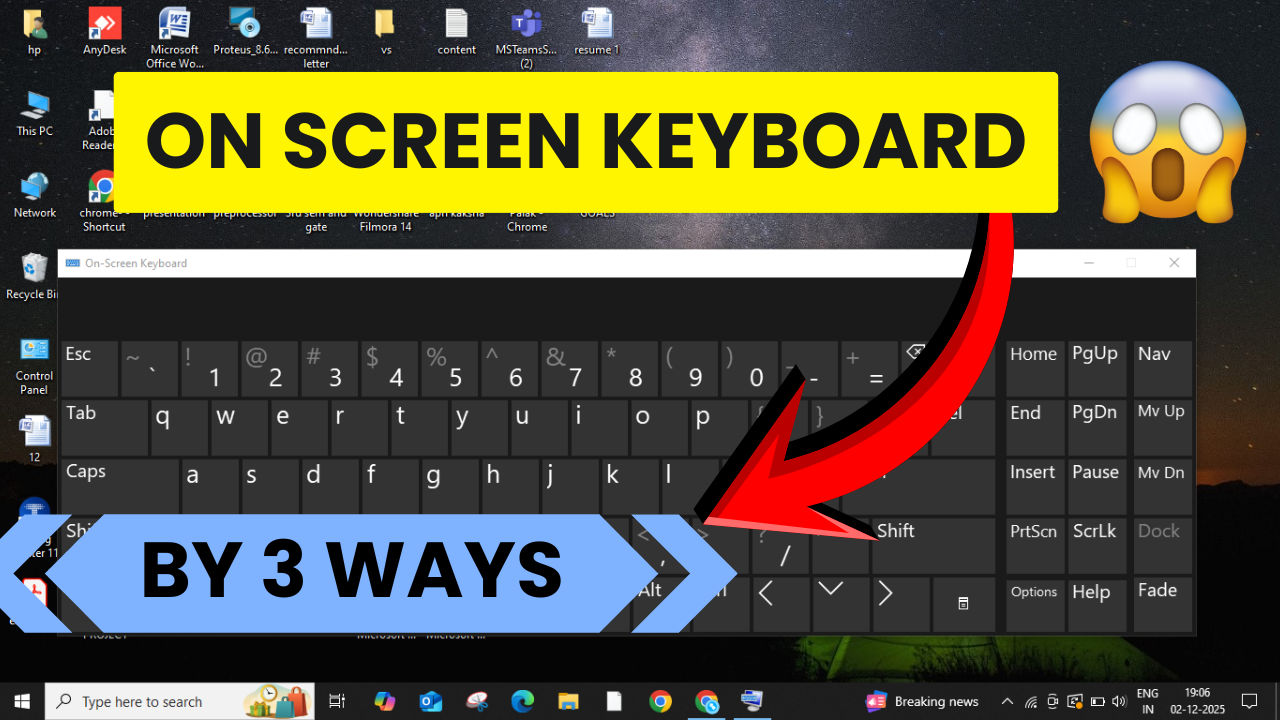
The on-screen keyboard in Windows is a helpful tool when your physical keyboard isn’t working or you need to type using a touchscreen. Sometimes, the on-screen keyboard doesn’t show up automatically, which can be frustrating. In this blog, you will learn easy steps to enable the on-screen keyboard quickly on Windows 10 or 11, so you can type comfortably anytime without a physical keyboard.
Method 1: Using the Run Command
- Right-click on the Windows icon.
- Click on Run.
- Type OSK in the box and click OK.
(OSK stands for On-Screen Keyboard.)
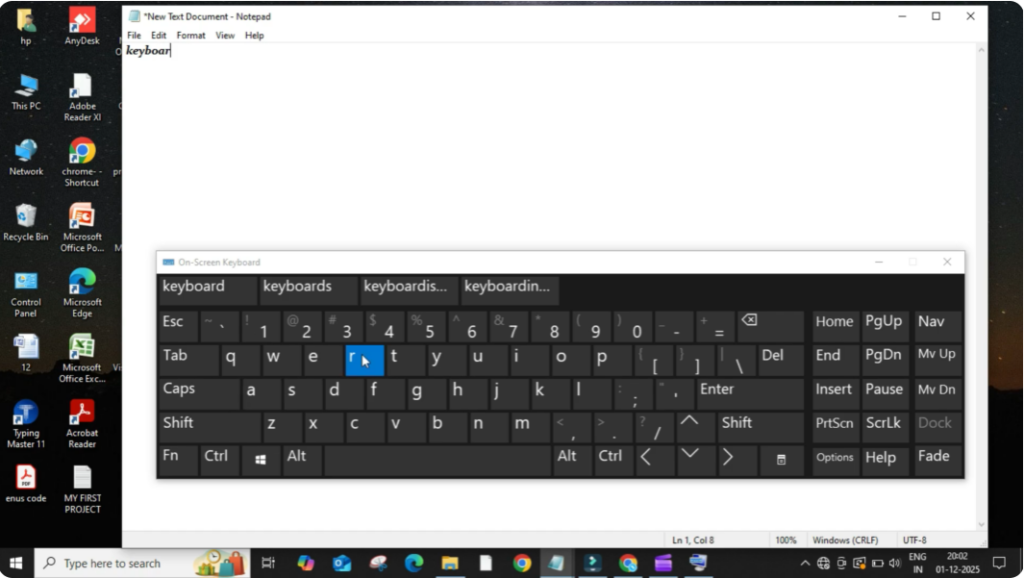
As soon as you press OK, the on-screen keyboard will appear.
To check this, open Notepad and start typing using the digital keyboard.
You can clearly see the typed words on the screen, which means it’s working properly.
Method 2: Using Control Panel
- Click on the search bar and type Control Panel.
- Click to open it.
- Select Large Icons or Category View if needed for better visibility.
- Click on Ease of Access.
- Then click on Ease of Access Center.
- Inside this menu, click on Start On-Screen Keyboard.
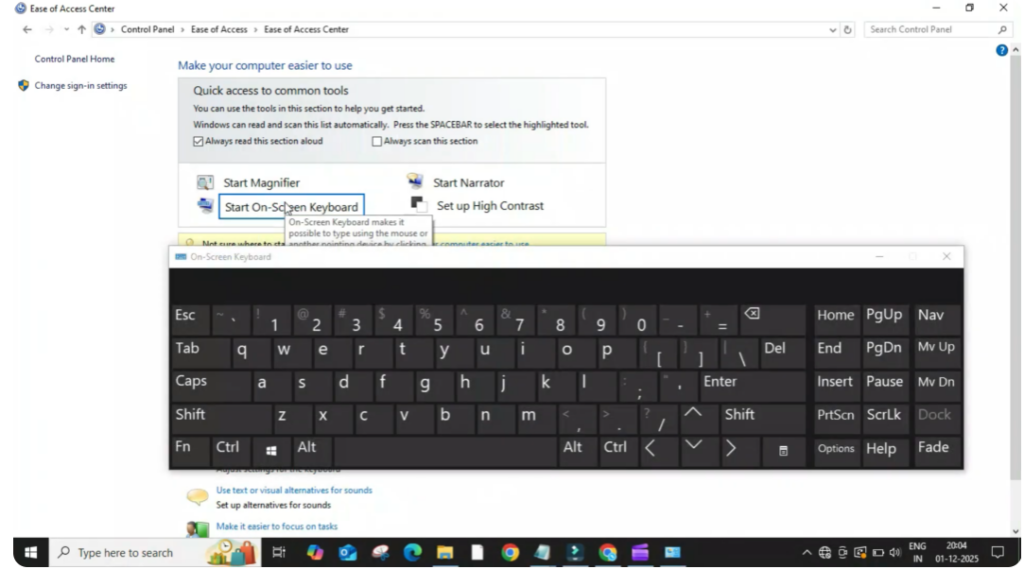
Again, the on-screen keyboard will pop up instantly.
Method 3: Using Keyboard Shortcut (Quickest Method)
This is the fastest way to open the on-screen keyboard.
Simply press:
Ctrl + Windows + O
As soon as you press this shortcut combination, the on-screen keyboard opens instantly.
Conclusion
That’s it! You can use any of these three methods depending on what’s easier or quicker for you.






