Seeing the Parser Returned Error 0xc00ce508 on your Windows 11 or Windows 10 computer can be confusing, especially if you’re trying to open an app or finish an update. This error often appears when there’s a problem with the .NET Framework or a damaged system file called machine.config, which affects how programs run. The good news is that you can fix it by following some simple steps, usually without needing advanced technical skills. In this guide, you’ll learn easy solutions to resolve the error and get your Windows system working correctly again.
Step 1: Open Windows Features
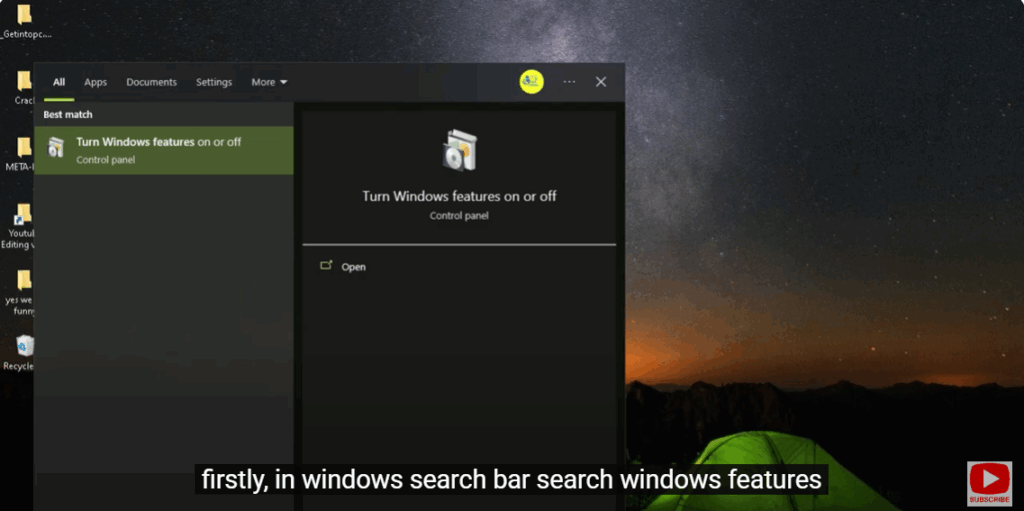
Firstly, in the Windows search bar, search Windows Features.
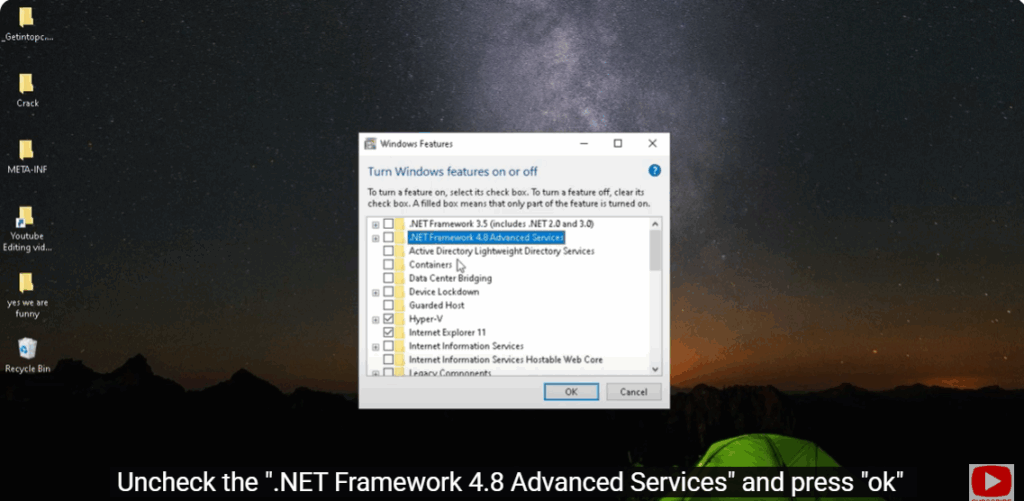
Step 2: Uncheck .NET Framework 4.8
Uncheck the “.NET Framework 4.8 Advanced Services” option and press “OK.”
Step 3: Enable .NET Framework 3.5 and 4.8 Again
Now, again open Windows Features.
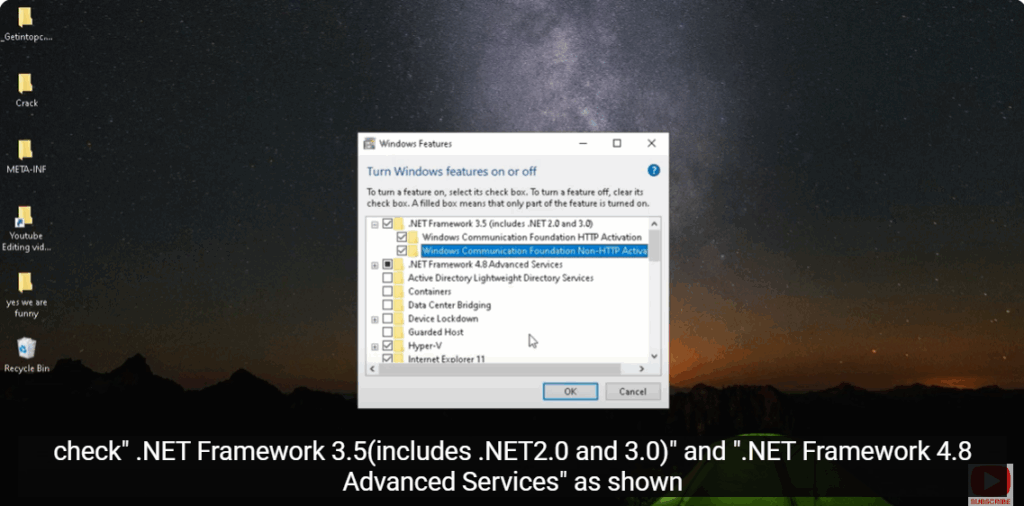
Check “.NET Framework 3.5 (includes .NET 2.0 and 3.0)” and “.NET Framework 4.8 Advanced Services” as shown.