
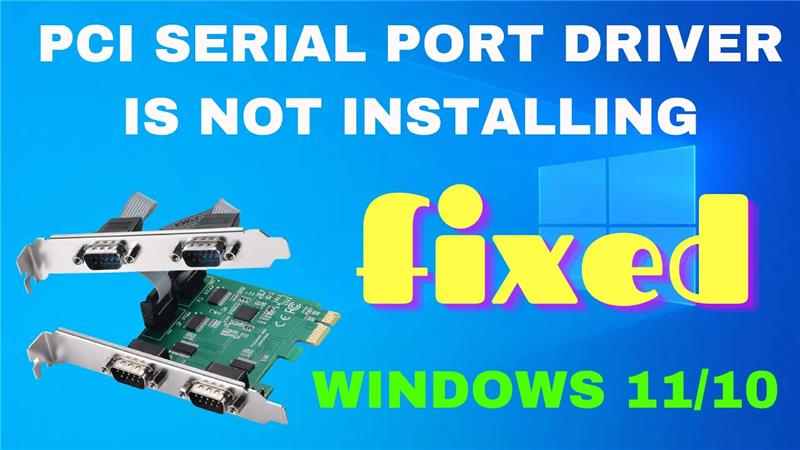
If you’re seeing a yellow exclamation mark next to “PCI Serial Port” in Device Manager, it means the driver is missing or not installed correctly. Here’s how to get it working again.
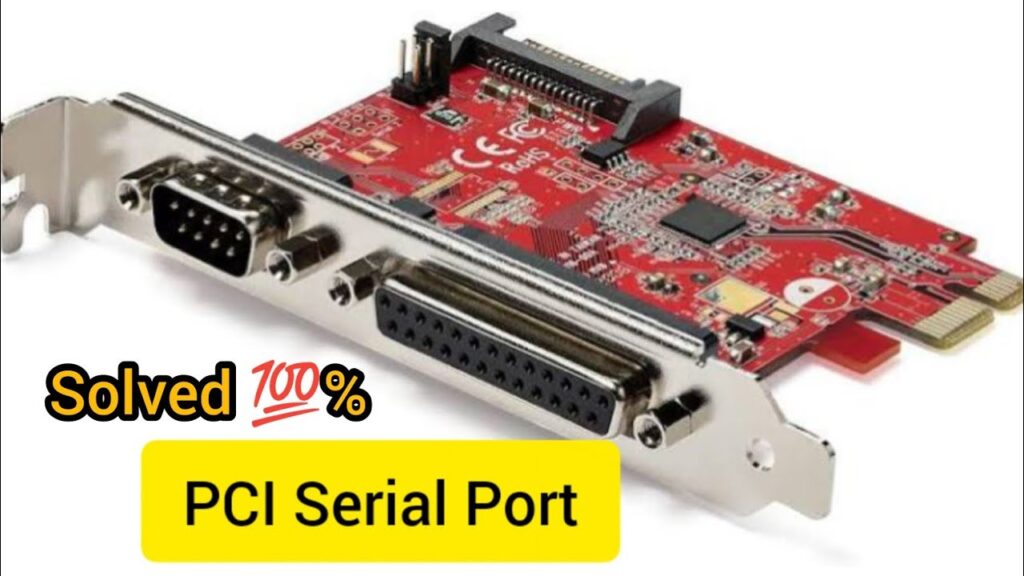
Method 1: Use the Built-in Troubleshooter & System File Repair
Windows provides built-in tools that can resolve many driver issues:
- Press Win + R, type
msdt.exe -id DeviceDiagnostic, and hit Enter to open the Hardware and Devices troubleshooter—follow the prompts to detect and fix issues. - Open Command Prompt as administrator and run:
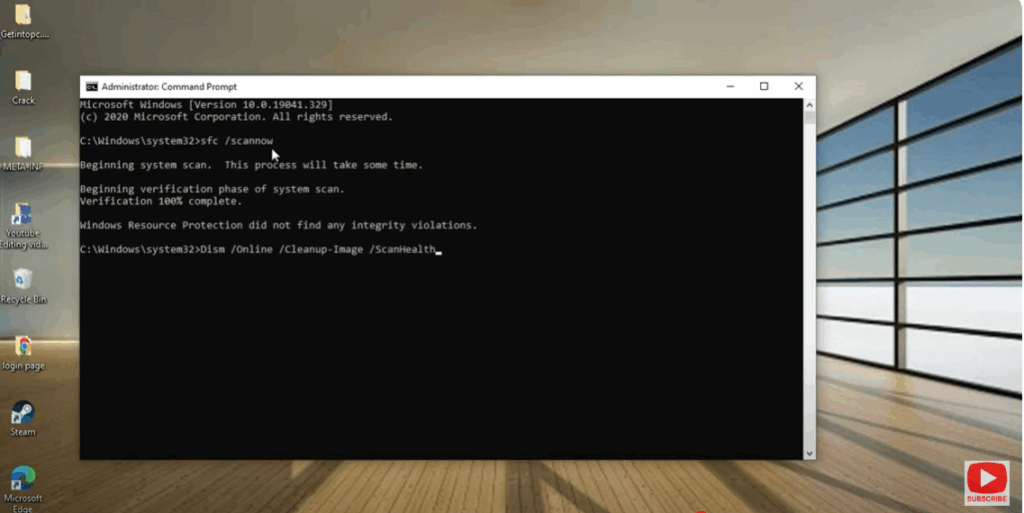
sfc /scannowWait for the System File Checker to scan and repair Windows system files. - Next, run:
DISM /Online /Cleanup-Image /RestoreHealthThis repairs Windows image issues that might be preventing driver installation.
Final Thoughts
The PCI Serial Port driver issue may not affect most users—especially if you don’t need legacy serial functionality. Start with automated fixes, move on to manufacturer drivers if needed, and disable the device as a last resort.






