
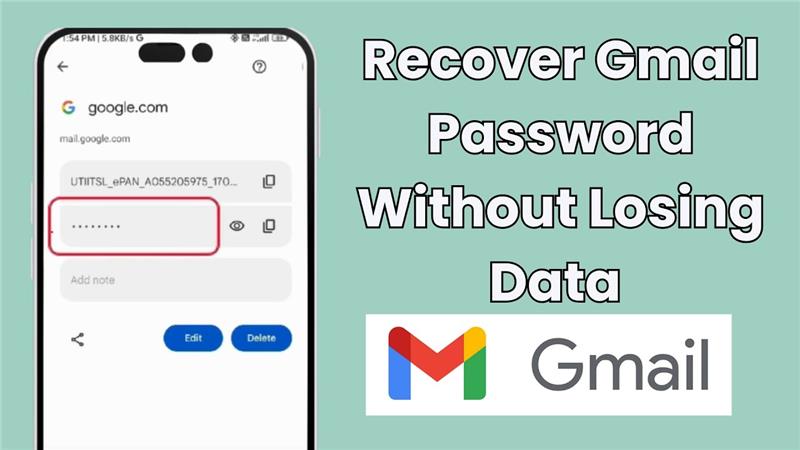
Forgot your Gmail password and worried about losing your emails, contacts, or important files? Don’t stress—it’s possible to recover your Gmail account without losing any data! Google offers simple recovery options that help you reset your password and get back into your account safely. In this blog, we’ll walk you through easy steps to recover your Gmail password, so you can regain access without losing anything important. Let’s get your account back up and running!
Firstly, open the Chrome browser on your phone. On the top right corner, tap on the three dots and then select Settings. After that, scroll down and tap on Passwords.
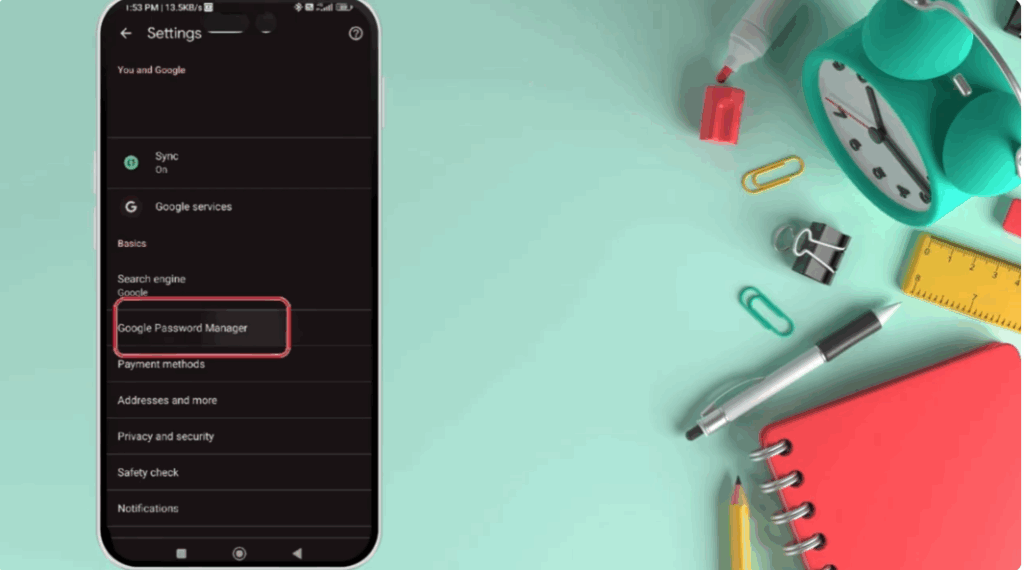
Here, you’ll see all the websites where your passwords are saved. Find and tap on google.com. Now, you’ll see your saved Gmail password, but it’s hidden. Tap on the eye icon to view it.
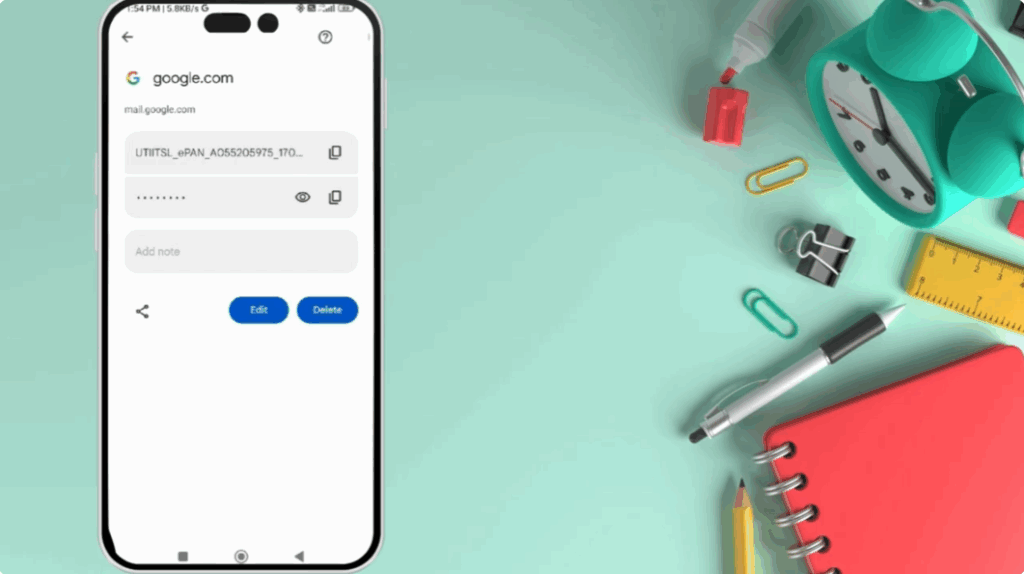
Your phone will ask for fingerprint, face unlock, or pattern to confirm your identity. Once you unlock, your Gmail password will be visible right here.
That’s it. You’ve successfully found your Gmail password without any third party app.






