

Trying to use the Reset This PC feature in Windows 10 or 11, but it’s stuck or not working? You’re not alone—many users face this issue when they try to refresh or reset their computer to fix problems. It can freeze during the process or get stuck on a loading screen, which can be frustrating. But don’t worry! In this blog, we’ll explain why this happens and guide you through easy steps to fix it, so you can reset your PC smoothly and get it running like new again. Let’s get started!
Method 1: Run System File Checker (SFC) & DISM Commands
- Press Windows + X and click Windows Terminal (Admin) or Command Prompt (Admin).
- Run the following commands one by one:
sfc /scannow
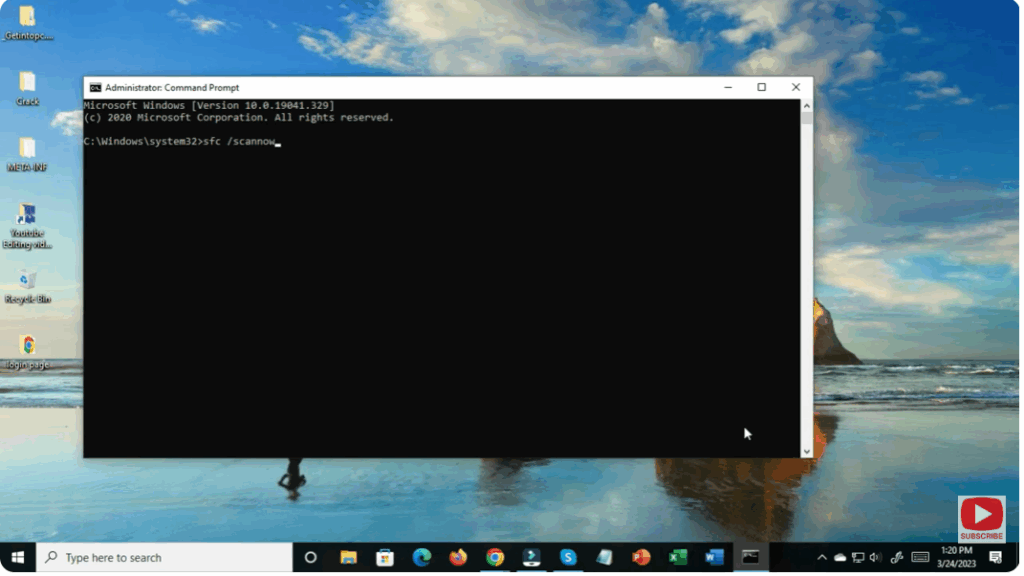
Wait for it to complete, then run:
DISM /Online /Cleanup-Image /RestoreHealth
These commands repair missing or corrupted system files that may be stopping the reset process.
Restart your PC and try resetting again.






