
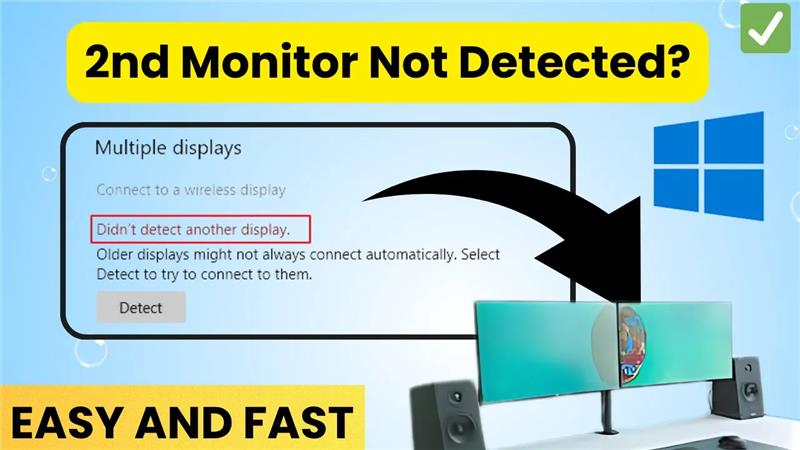
Welcome back to my channel Tech Gitter Official. In today’s video, we will learn how to fix the issue when Windows 10 is not detecting your second monitor.
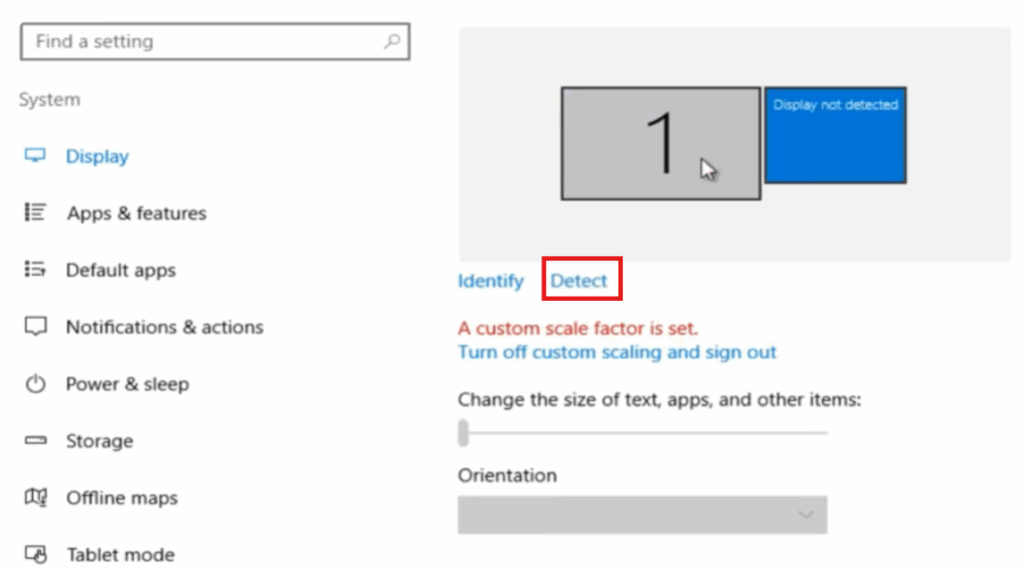
First, go to settings, then click on system, and after that, select display. Here, click on the detect option. This will force Windows to search for your second monitor. If it shows display not connected, it means the second monitor is not properly connected. So, check your cables first.
Next, click on the search bar and type device manager, then open it. Find display adapters and click on it. Right click on Intel HD Graphics or your graphics driver. Then select update driver. Now choose the option search automatically for drivers. The process will start and if it shows the best drivers for your device are already installed, it means your drivers are up to date. Close it.
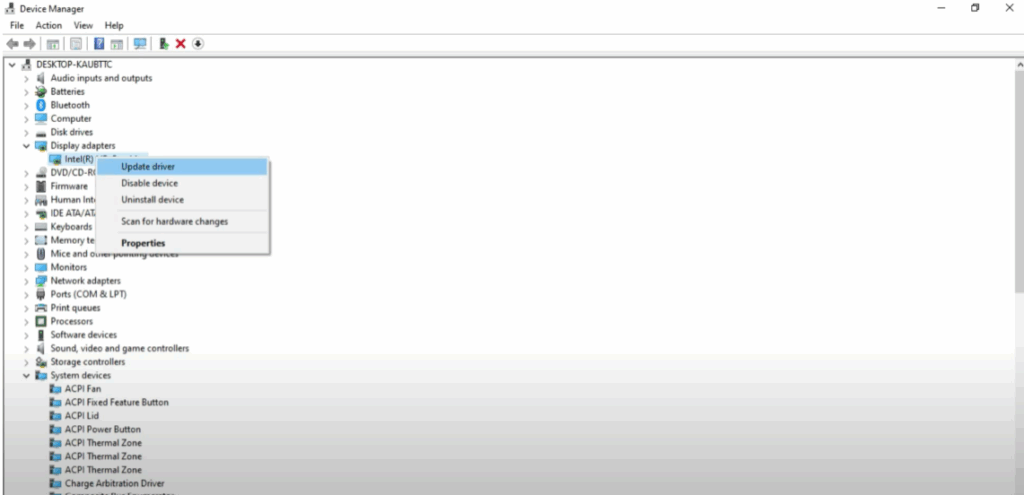
If updating didn’t help, right click again and select uninstall device. Then restart your PC. Windows will automatically reinstall the drivers after restarting. Finally, restart your PC once more. And in most cases, your second monitor should now work perfectly.
That’s it. Your second monitor issue is now fixed. Thanks for watching. If this video helped you, don’t forget to like, share, and subscribe to Tech Gitter Official.






