

In Microsoft Excel, using filters helps you quickly sort and find specific data in a large table. Instead of using your mouse, you can use a handy keyboard shortcut to turn filters on or off instantly. The shortcut key for filtering is Ctrl + Shift + L, which makes it easy to apply or remove filters on your data without interrupting your workflow. In this blog, you’ll learn how to use this shortcut and other keyboard tricks to filter your Excel data faster and more efficiently.

Shortcut Key to Apply or Remove Filter in Excel
✅ Shortcut Key:
Ctrl + Shift + L
This shortcut toggles AutoFilter On or Off in Excel.
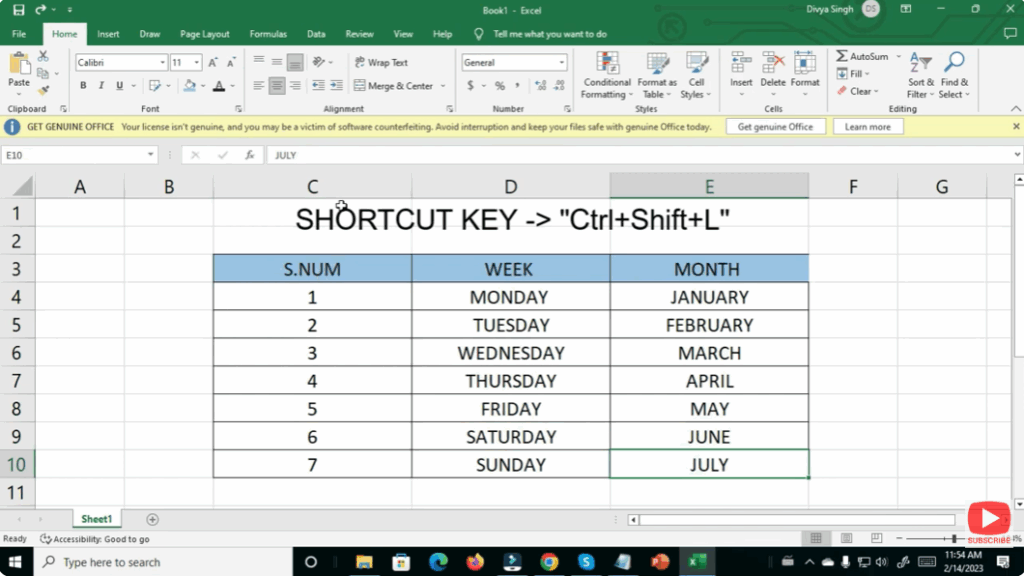
How to Use It:
- Select any cell in your data table.
- Press Ctrl + Shift + L.
- Filter drop-down arrows will appear on the column headers.
- Press the same keys again to remove the filter.






