
Hi Friends, welcome to my channel Tech Gitter.
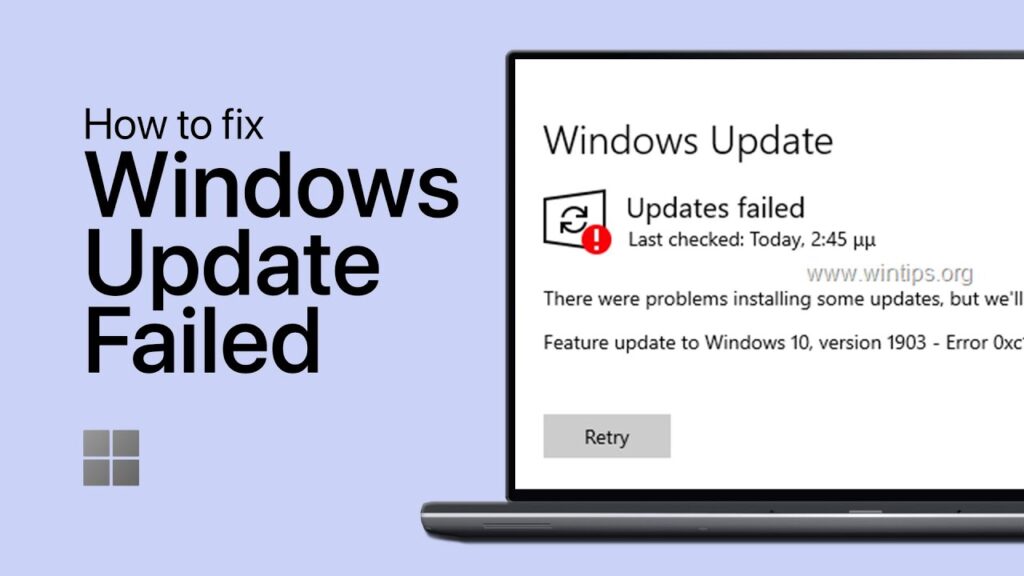
Here we fix some problems installing updates in Windows 10.
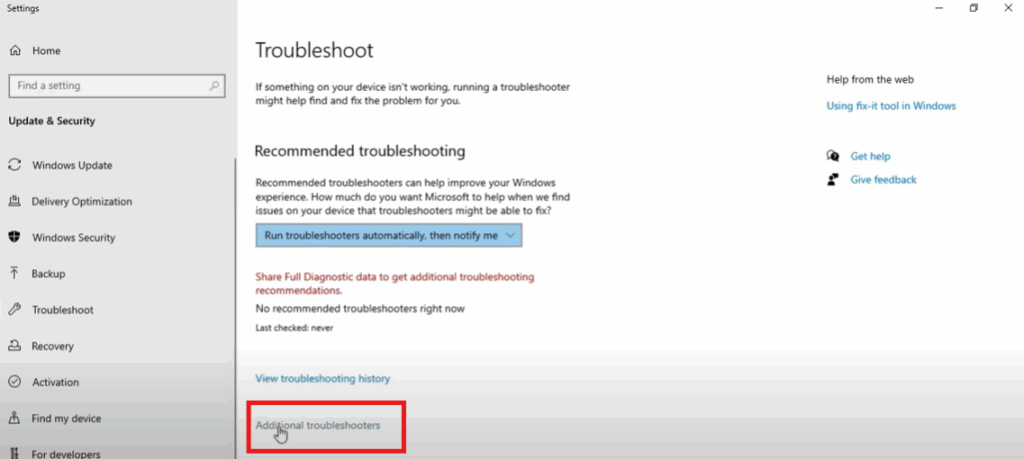
First, in your system, open “Troubleshoot Settings”.
You can now view the “Additional Troubleshooters” – click on this.
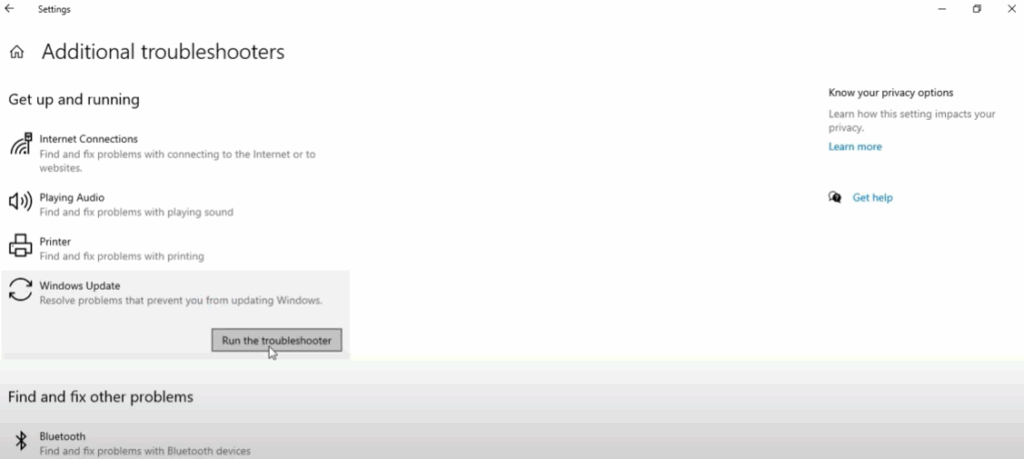
Here are some options, we have to update Windows, then click on it. A Run Troubleshooter option will appear, click on it.
Now open CMD and enter code to fix the problem.
Type the command:
sfc /scannow
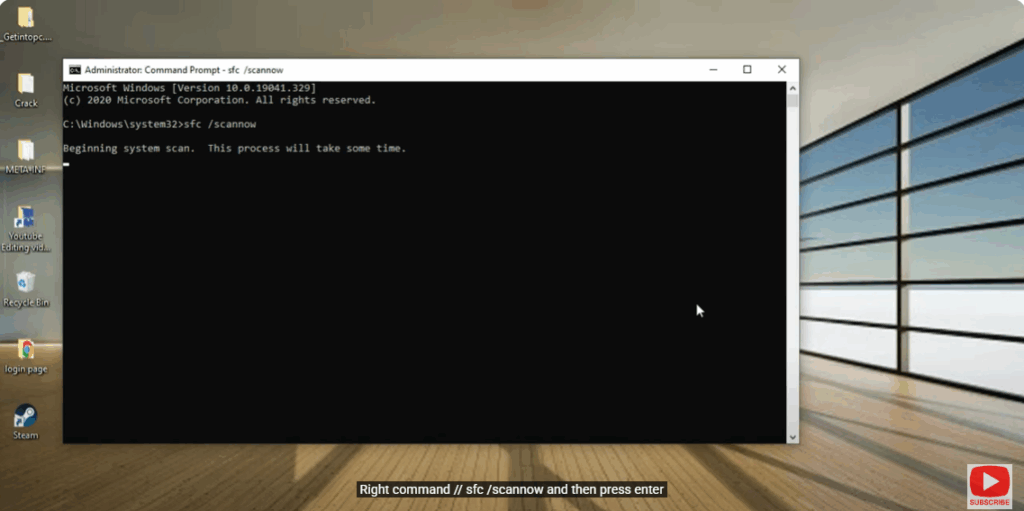
and then press Enter.
This process will take some time.
Next, type the command:
dism /online /cleanup-image /restorehealth
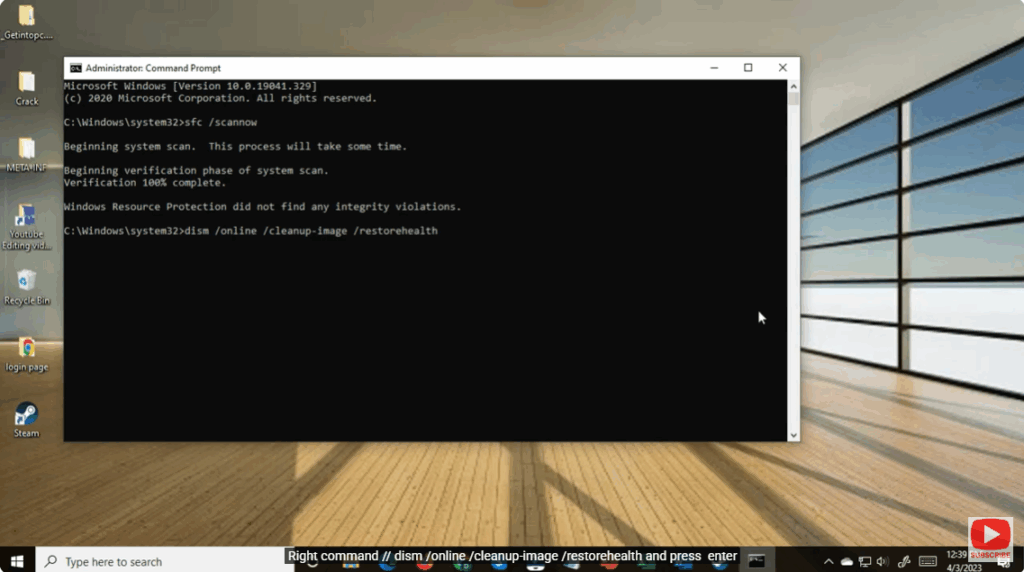
and press Enter.
The process will complete. Now close it and restart your PC.
Thank you for watching this video.






