
Activating your Tracfone—whether it’s a brand-new device or you’re transferring your existing service—can be done quickly in just three simple steps. This guide will walk you through the entire process.
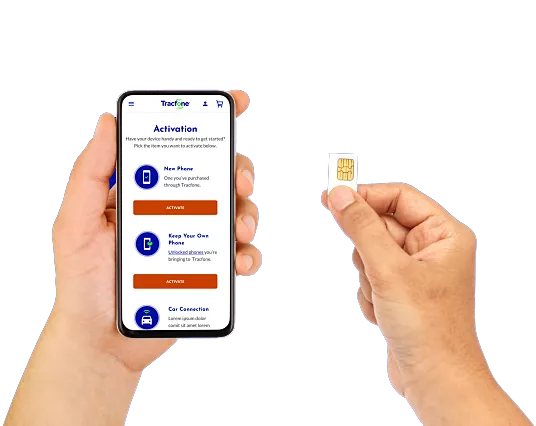
Step 1: Activate a New Tracfone
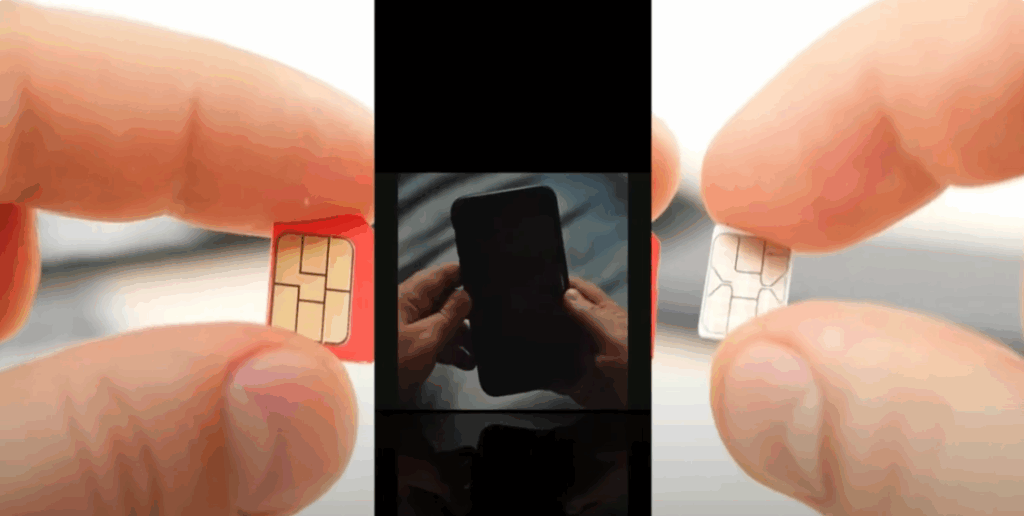
1. Insert the SIM Card
If your Tracfone requires a SIM card and one is not pre-installed, insert it into your phone before turning the device on. Ensure the phone is switched off before inserting the SIM card. Once inserted, power on your device.
2. Activate Online
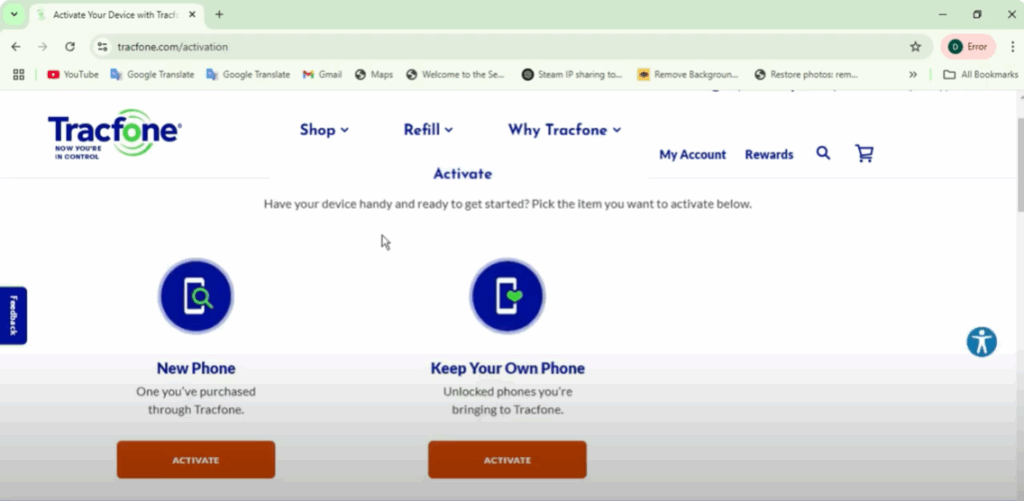
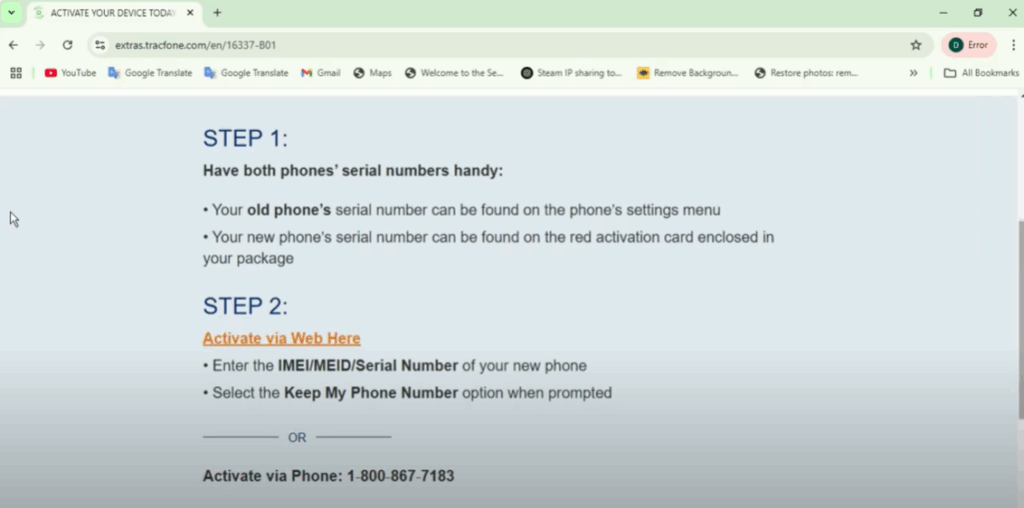
- Visit the official Tracfone activation page: tracfone.com
- Click on the “Activate” option in the top menu.
- Follow the on-screen instructions. You will need your phone’s IMEI number (dial *#06# to find it) and possibly your SIM card number.
- If you’re transferring your number from another carrier, be ready to provide your current phone number and account details.
3. Activate by Phone
- Call 1-800-867-7183 from any phone.
- Follow the automated prompts and provide your SIM card number or IMEI when requested.
Once complete, activation may take from a few minutes to up to 24 hours for full service. You will receive confirmation via text or a message once the process is done. Test your phone by making a call or sending a text.
Step 2: Transfer Your Existing Number to Tracfone
If you’re bringing your number from another carrier:
- Have your current carrier’s account details ready, including your account number, PIN, and phone number.
- Ensure your account is active and without outstanding balances.
- During activation, select the “Transfer Existing Number” option and enter the required details.
- The transfer can take a few hours to 48 hours, during which you may temporarily lose service.
Step 3: Activate Tracfone with Prepaid Service
If you have purchased a prepaid plan:
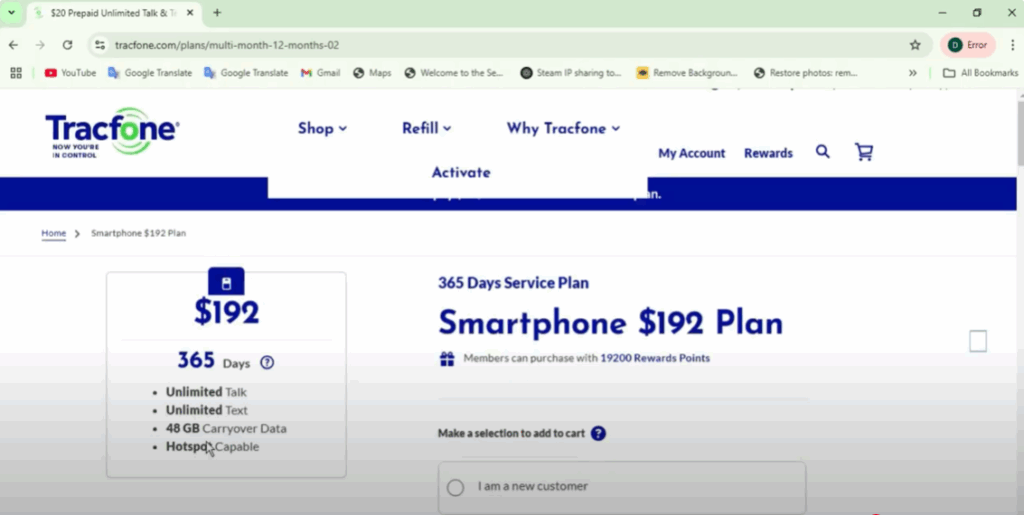
- Apply it during the activation process on the Tracfone website.
- Choose from monthly plans or pay-as-you-go options.
- Complete the activation steps and select your desired plan when prompted.
Final Tips
Once your Tracfone is activated, ensure you test all features—calls, texts, and mobile data—to confirm everything works correctly.
If this guide helped you, don’t forget to share it with friends or anyone who may need help activating their Tracfone.






