
Blocking someone on Facebook can be useful when you need a break or want to avoid unwanted messages. But what if you change your mind and want to reconnect? Luckily, unblocking someone on Facebook is quick and easy—you just need to know where to look. Whether it’s a friend, family member, or someone you blocked by mistake, you can undo it in just a few taps or clicks. In this blog, we’ll show you the fastest way to unblock anyone on Facebook using simple steps. No tech skills needed—just follow along and you’ll be back in touch in no time. Let’s get started and make Facebook feel friendly again!
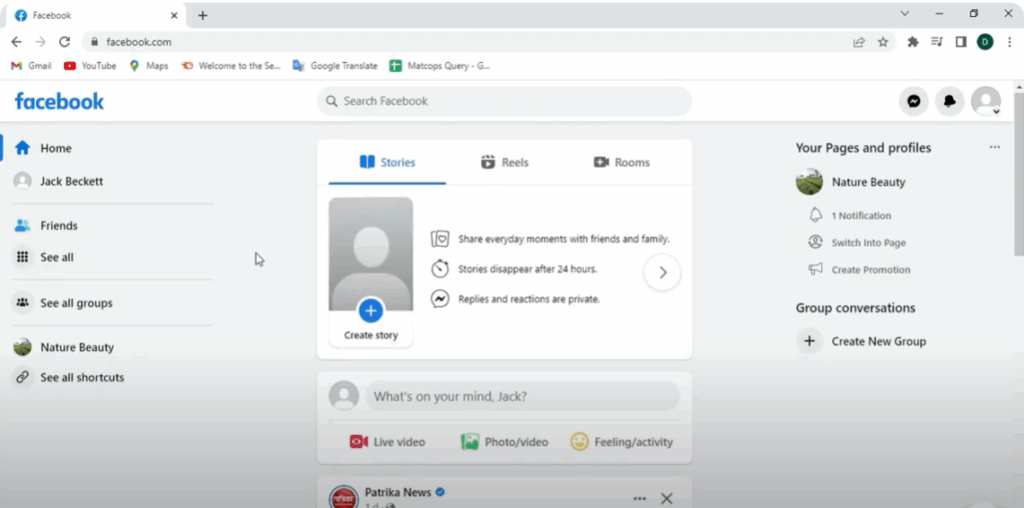
Step 1: Log in to Facebook
First, open your browser and log into your Facebook account. Here’s your home feed as you can see.
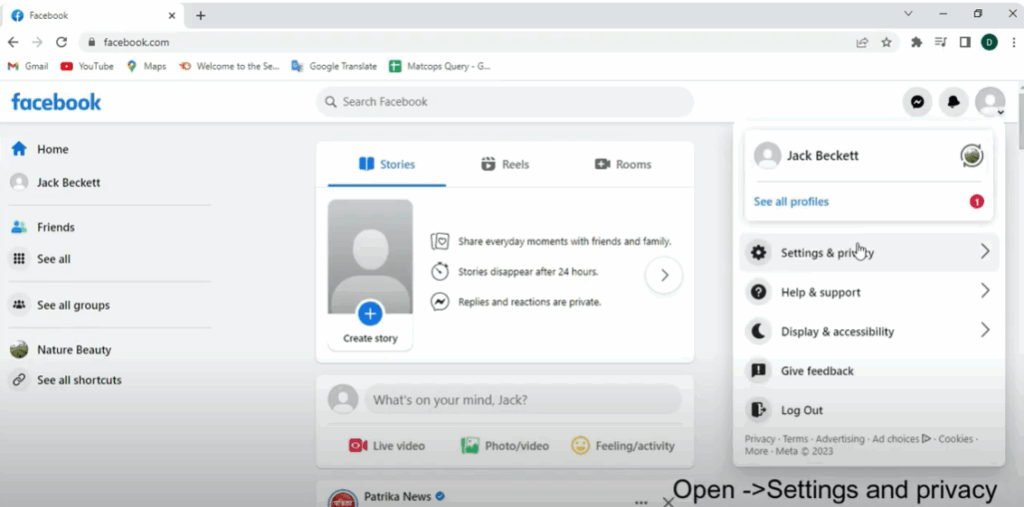
Step 2: Open Settings and Privacy
Now, go to the top right corner of the screen and click your profile picture. From the drop-down menu, click Settings & Privacy.
Step 3: Go to Blocking Settings
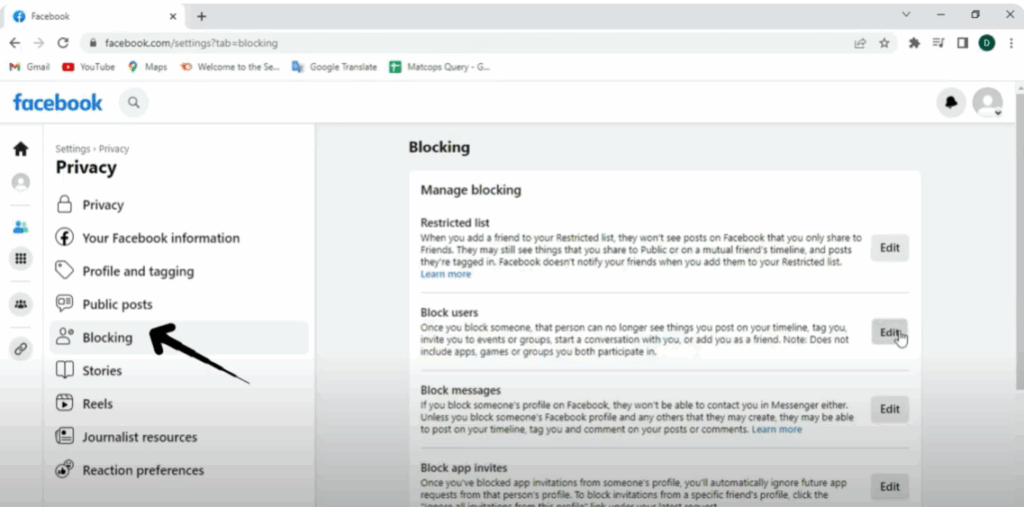
Then, on the left-hand side, select Privacy and click on Blocking. This will take you to the blocking settings page.
Step 4: Find Your Blocked List
Scroll down to the section called Block Users. Here, you’ll see a list of people you’ve previously blocked. Click on Edit or See Your Blocked List depending on your screen layout.
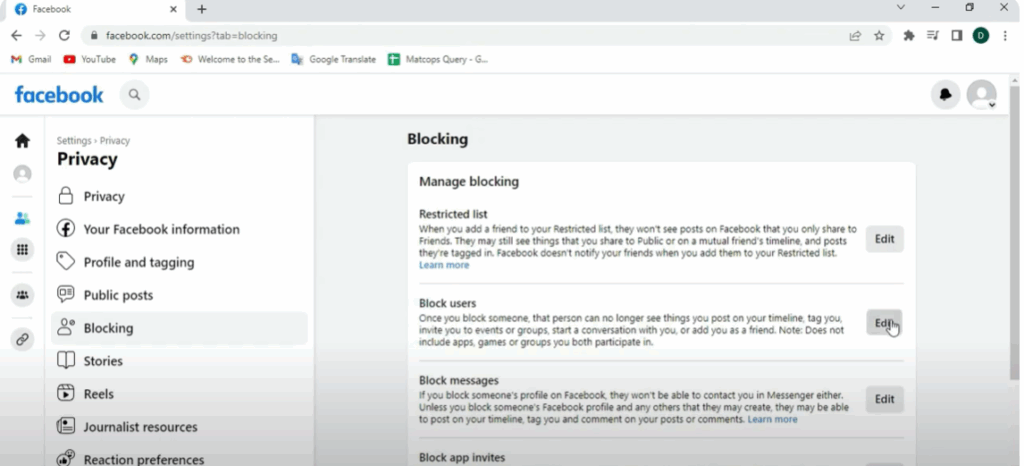
Step 5: Unblock the Person
Find the person you want to unblock and then click the Unblock button next to their name. A confirmation box will appear. Just click Confirm—and that’s it!
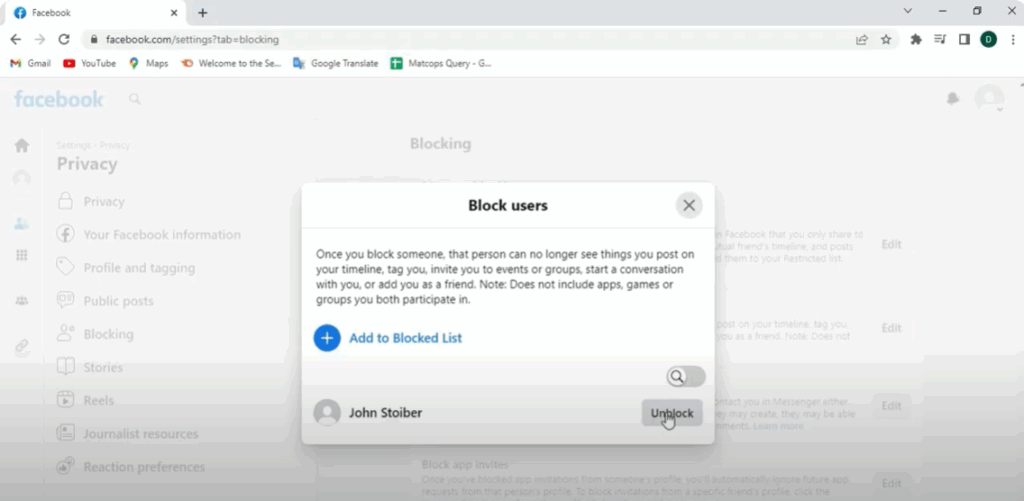
The person has now been unblocked from your Facebook account.






