
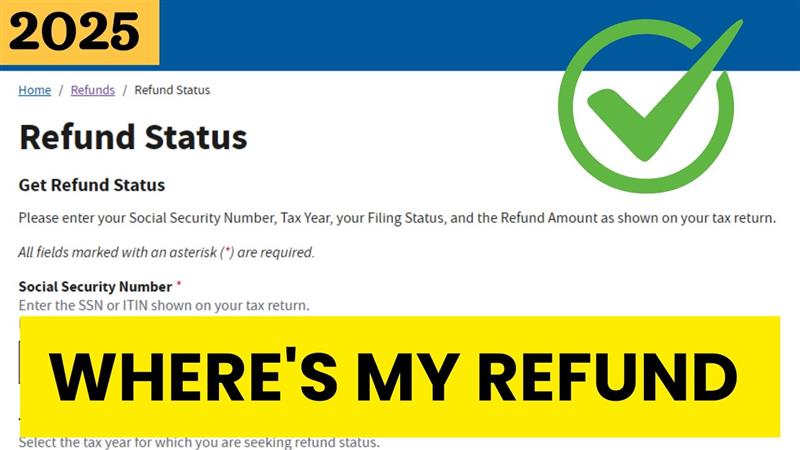
Hello friends, welcome to my channel Tech Gitter. As you must have seen in my previous videos, we have given information about IRS. In today’s article, we are going to check the status of our IRS tax refund.
For this, you have to use the “Where’s My Refund” tool available on the IRS website. This tool provides real-time updates on the status of your refund.
Information You Need Before Checking Refund Status
Before you can check your refund status, you need to have the following information ready:
- Social Security Number (SSN) or Individual Taxpayer Identification Number (ITIN).
- Your filing status (e.g., Single, Married Filing Jointly, Head of Household).
- The exact amount of your expected refund from your tax return.
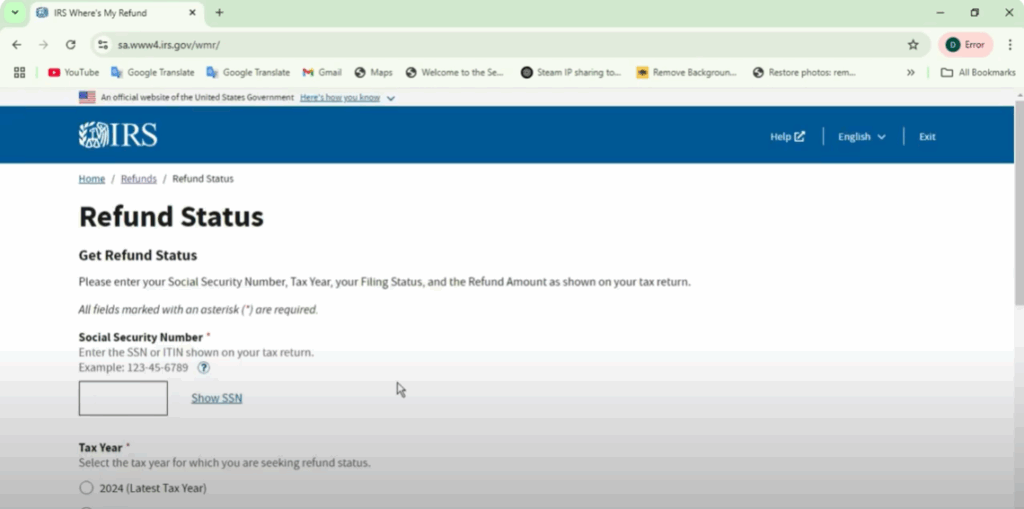
How to Check Your Refund Status Online
- Go to Google Chrome and search for Where’s My Refund.
- Click on the first official IRS link.
- Go to Check Your Refund.
- Enter your SSN or ITIN, tax year, filing status, and refund amount.
- Click Submit to view your refund status.
Refund Processing Times
The IRS processes tax refunds at different speeds depending on how you filed:
- E-filed returns with direct deposit – Most refunds are issued within 21 days if there are no issues.
- Paper-filed returns – Processing can take 4 to 6 weeks or longer.
- Amended returns (Form 1040X) – These take up to 16 weeks to process. Check the status at Where’s My Amended Return.
- Earned Income Tax Credit (EITC) or Additional Child Tax Credit (ACTC) – Refunds for these credits are not issued before mid-February, even if filed early.
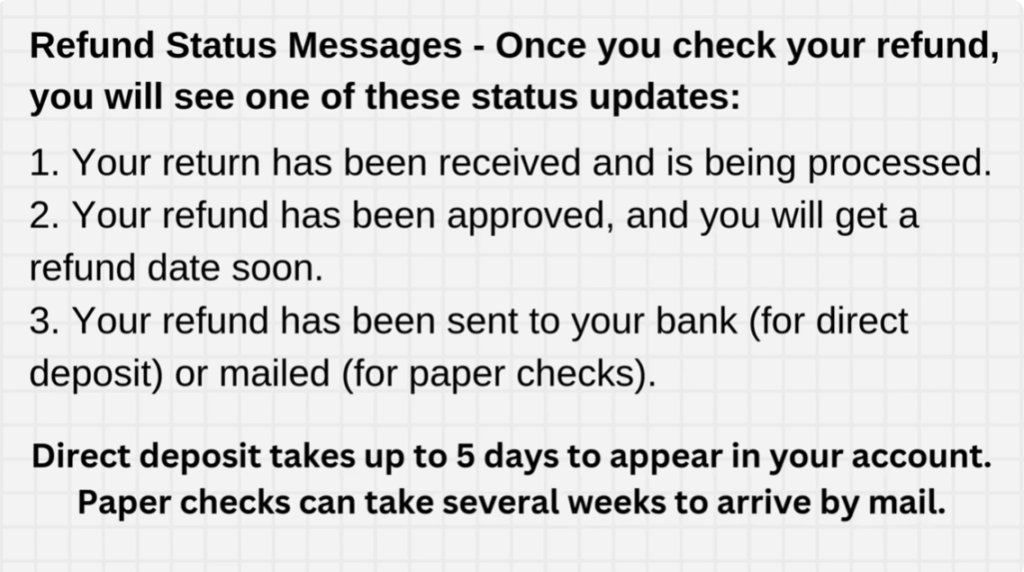
Refund Status Messages
Once you check your refund, you will see one of these status updates:
- Return Received – Your return has been received and is being processed.
- Refund Approved – Your refund has been approved and you will get a refund date soon.
- Refund Sent – Your refund has been sent to your bank for direct deposit or mailed for paper checks.
📌 Direct deposit may take up to 5 days to appear in your account. Paper checks can take several weeks to arrive by mail.
Reasons Your Refund May Be Delayed
- Errors on your tax return (e.g., incorrect SSN, incorrect filing status, math errors).
- Missing information (e.g., missing W-2 or 1099 forms).
- Claiming EITC or ACTC, which delays refunds until mid-February.
- Return under review due to suspected fraud or identity theft.
- Filing a paper return, which takes longer to process.
- Owing back taxes, child support, or other government debt (refund may be reduced or withheld).
Checking Refund Status by Phone
If you don’t have internet access, you can check your refund by calling the IRS:
- Call the IRS Refund Hotline: 1-800-829-1954
- Available 24/7 via automated system.
📌 If it has been more than 21 days since e-filing or 6 weeks since mailing your paper return, you can speak with an IRS representative.
What to Do If Your Refund is Delayed
- Use the IRS Where’s My Refund tool.
- Wait at least 21 days for e-filed returns or 6 weeks for paper returns.
- Call the IRS if:
- The tool tells you to contact them.
- It’s been more than 21 days (e-filed) or 6 weeks (paper filed) and you haven’t received your refund.
- Your refund was sent but hasn’t arrived (after 5+ days direct deposit or weeks by paper check).
IRS Customer Service Number: 1-800-829-1040 (Monday – Friday, 7:00 a.m. to 7:00 p.m. local time).
How to Get Your Refund Sooner Next Year
To avoid delays, follow these tips when filing your tax return next year:
- E-file your return instead of mailing it.
- Choose direct deposit instead of a paper check.
- Make sure your personal information is correct (SSN, filing status, bank details).
- Check for errors before submitting your return.
- File early to avoid processing delays.
If you enjoyed this guide, don’t forget to give it a thumbs up and share it with your friends. And if you’re new here, hit that subscribe button and turn on notifications so you never miss an update.
Thanks for reading and have an amazing day!






