
Windows 10 not activating with error 0xC004C003 usually happens when the product key isn’t recognized or there’s a server communication issue during activation. This frustrating error shows the “Activate Windows” watermark and blocks personalization features. In this blog, you’ll learn fast fixes like using slmgr commands, the Activation Troubleshooter, changing product keys, and contacting Microsoft support to activate Windows 10 properly.
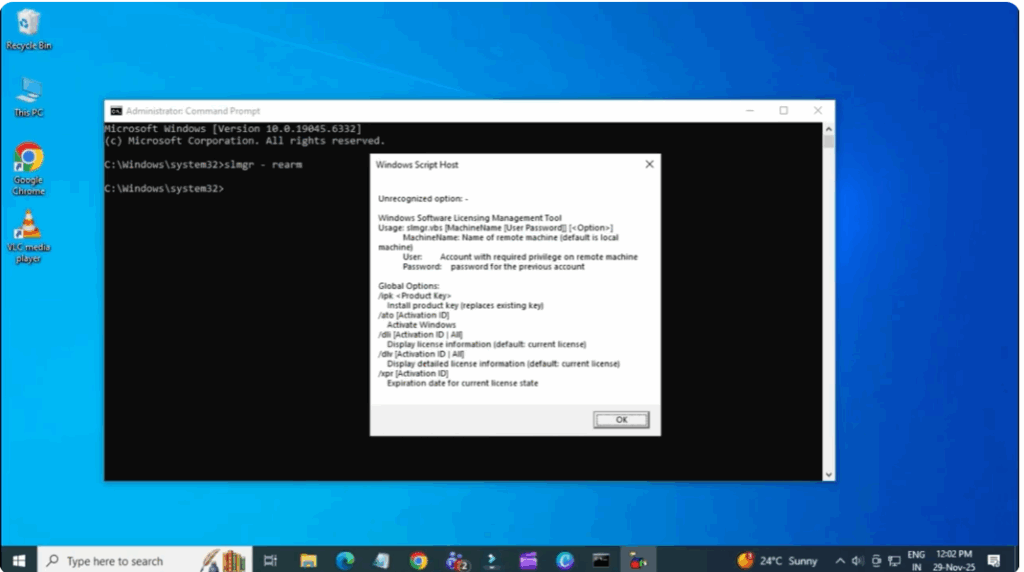
First, open the command prompt. Click the start menu, type cmd in the search bar, then right click on command prompt and select run as administrator. Now, type the command shown on the screen and hit enter. This will give the required permissions to perform system changes.
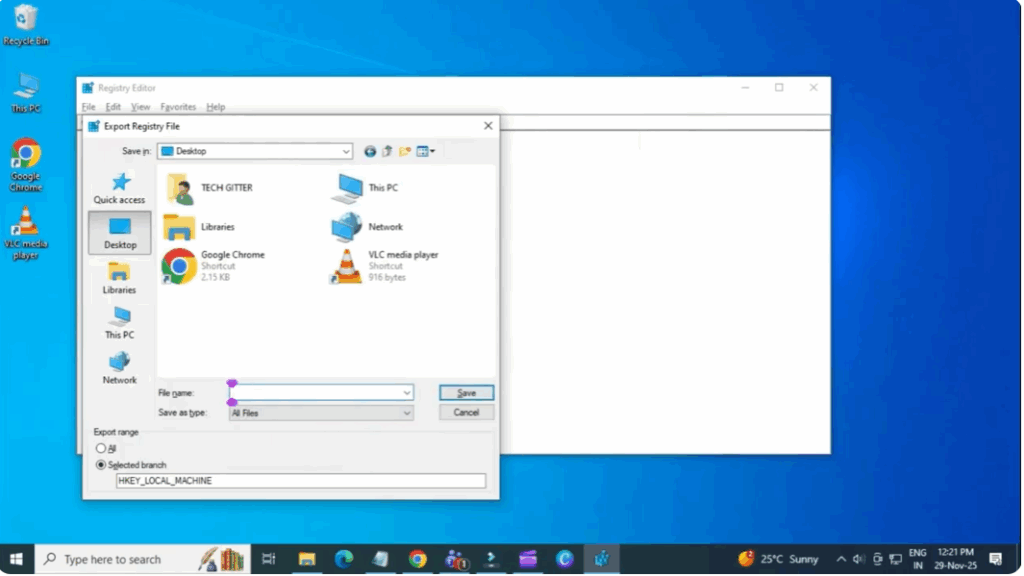
Next, press Windows plus R on your keyboard. Type regedit and press enter. Select run as administrator if asked. Now you are inside the registry editor. Go to the top left corner. Click file and select export. Make sure the export range is set to all. Choose a location and click save. This will create a backup in case something goes wrong.
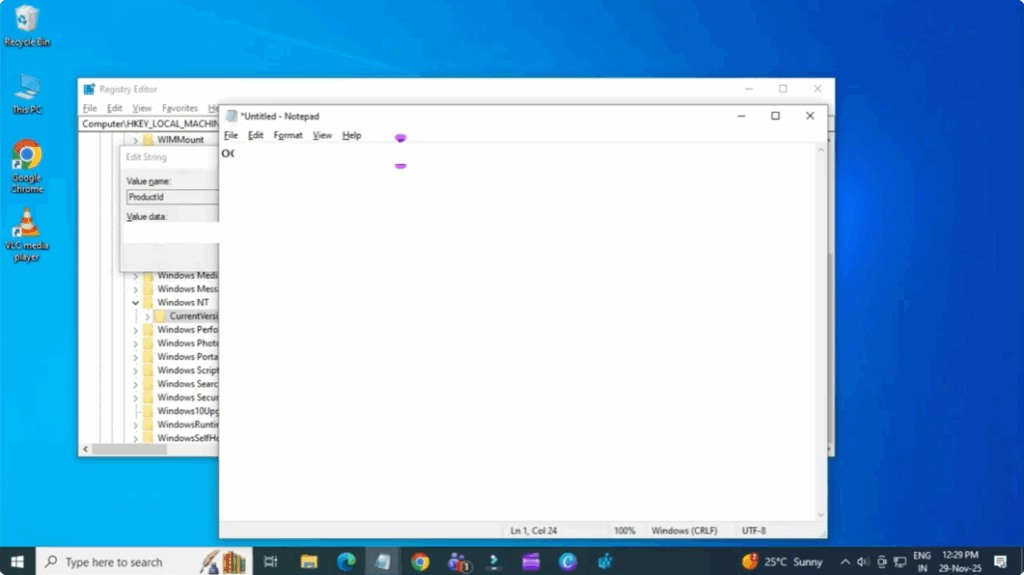
Now follow this path step by step. HQ local machine software Microsoft Windows and current version. Once you click current version, look at the right side. Find product ID. Double click it and copy the full product ID. Open notepad. Paste the ID and save the file. This keeps your product ID safe for future use if needed.
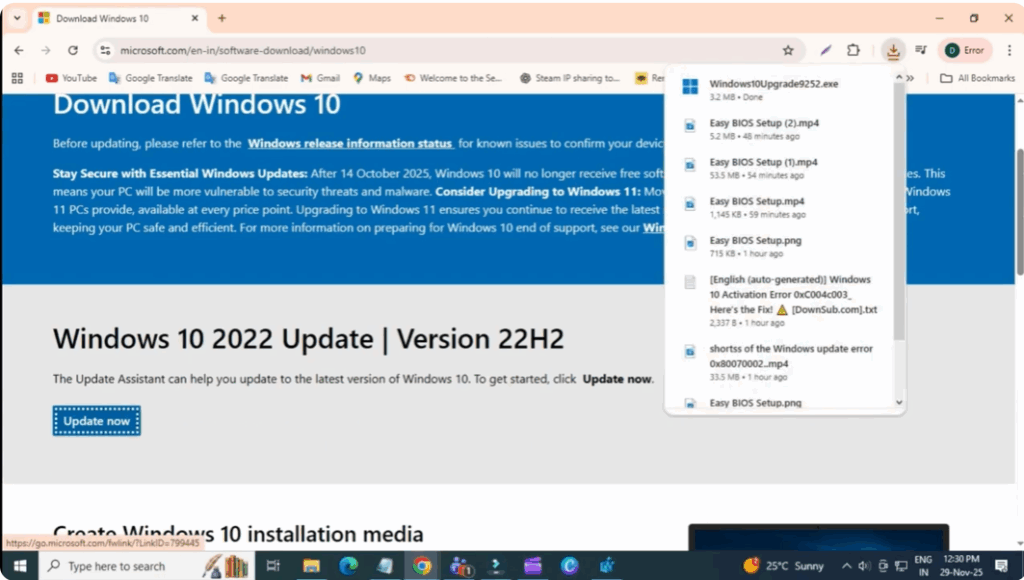
Next, open Chrome or any browser. In the search bar, Windows 10 2009 ISO download. Press enter and click the first official Microsoft link. On the page, click update now to download the Windows 10 update assistant. Once downloaded, open the tool and follow the steps to update your Windows. In many cases, updating Windows automatically fixes activation errors, including error.
After the update is complete, go to your desktop, rightclick, and click refresh.






