
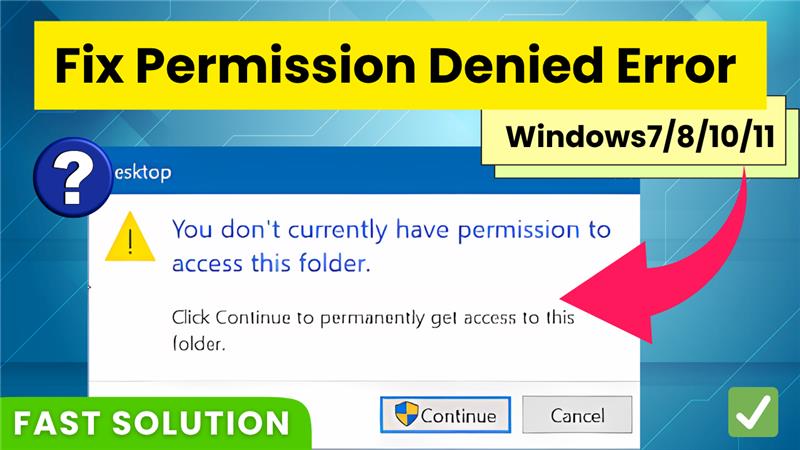
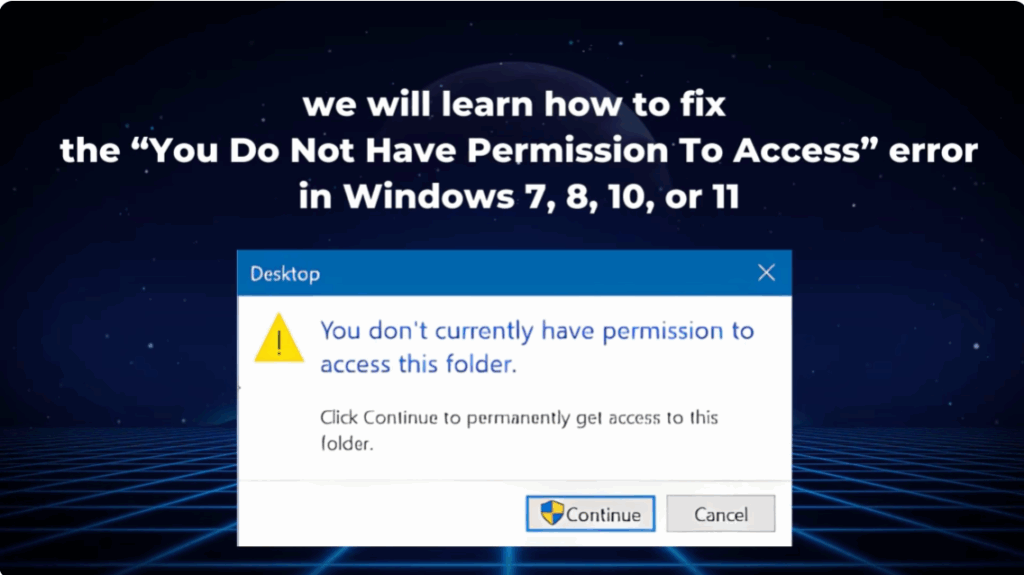
The “You do not have permission to access” error is a common issue in Windows when trying to open a drive or folder. It occurs because of restricted file or folder permissions. Fortunately, this can be fixed easily by adjusting the security settings.
Step 1: Open the Drive or Folder Properties
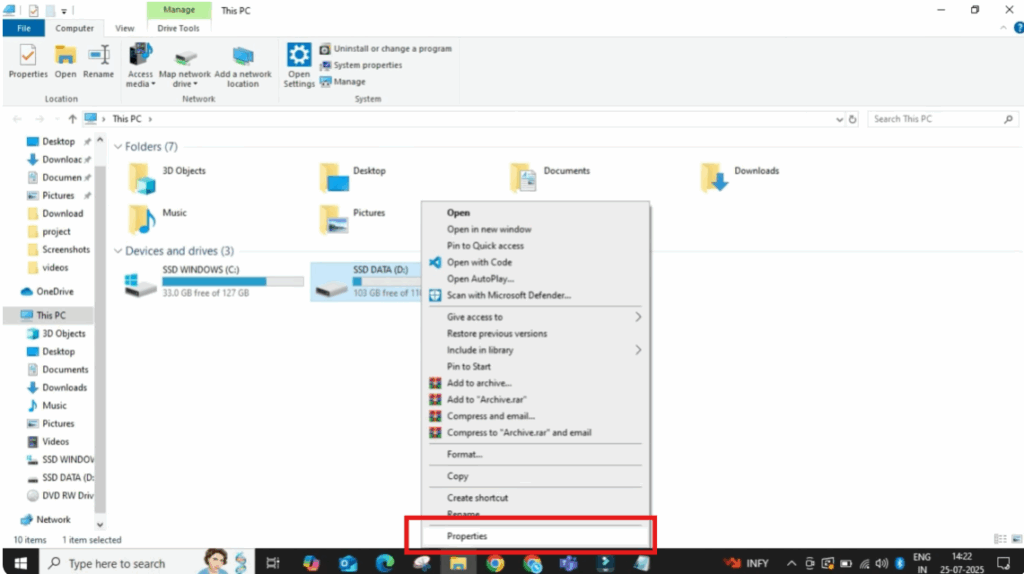
- Click on the search bar in Windows and type This PC, then open it.
- Locate the drive or folder that is showing the permission error.
- Right-click on it and select Properties.
Step 2: Navigate to Security Settings
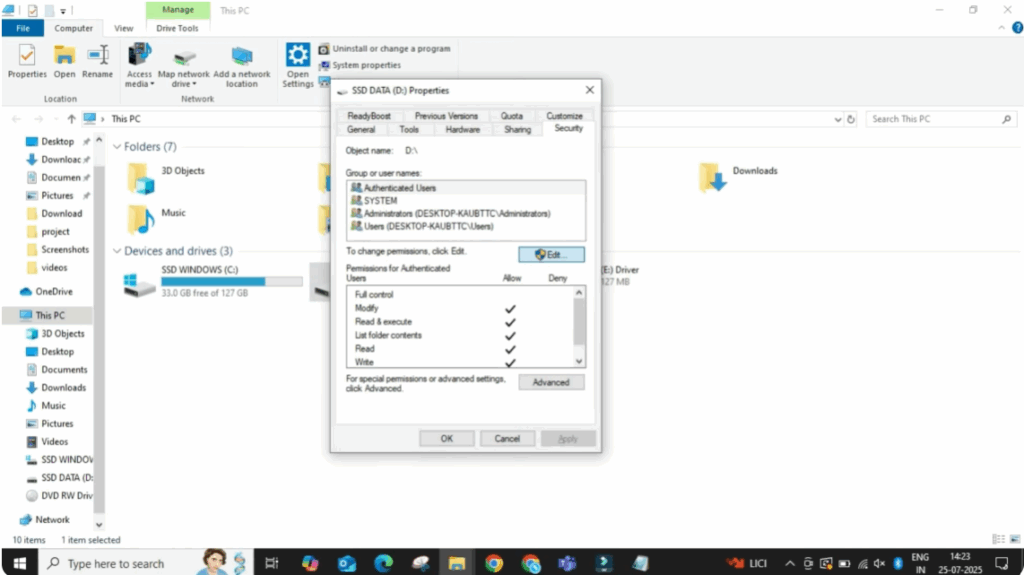
- In the new window, click on the Security tab.
- Click the Edit button to manage permissions.
Step 3: Add User Permissions
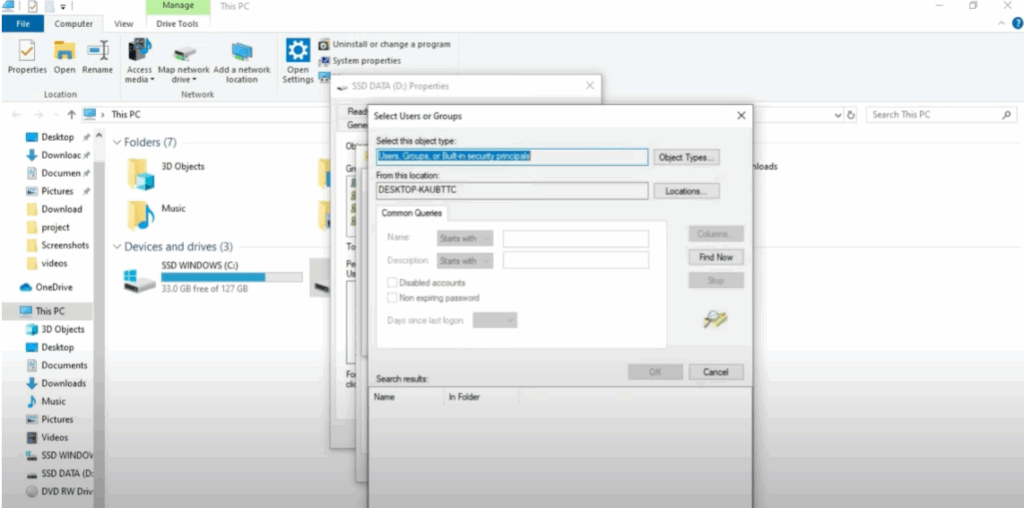
- In the next window, click on Add.
- Then click on the Advanced button.
- Select Find Now.
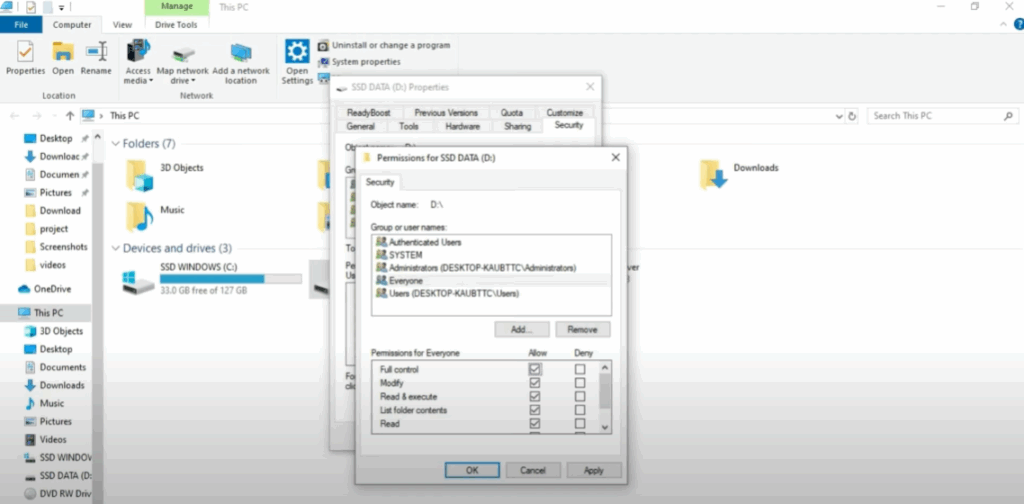
- From the list of users and groups, scroll down and select Everyone.
- Double-click on it and click OK to add it.
Step 4: Grant Full Access
- After adding “Everyone,” make sure all the permission checkboxes are selected to allow Full Control.
- Click Apply, then click OK to save the changes.
Step 5: Verify Access
Close all windows and try reopening the drive or folder. You should now have full access without any errors.
✅ Tip: Always apply these changes only to drives and folders you own or trust to avoid security risks.
And that’s it! Your Windows permission error is now solved.






