Solutions
How to Install the Windows Subsystem for Android in Windows 11/10
The Windows Subsystem for Android (WSA) lets you run Android apps directly on your Windows 11 or 10 PC without needing an emulator, making...
How to Fix Microsoft Edge Crashing Issue – Solution
If Microsoft Edge keeps crashing on your Windows computer, it’s usually due to problems with system memory, outdated browser versions, or conflicting extensions. This...
How to Enable or Disable Auto Login After Windows Update in Windows 11
If you want Windows 11 to automatically sign in to your account after updates, or disable this feature for added security, it’s easy to...
COM Surrogate Has Stopped Working – How To Fix
If you see the error “COM Surrogate Has Stopped Working” on your Windows computer, it usually means there’s a problem with the dllhost.exe process,...
How to Download and Install the Adobe PDF Reader Software
Need to open or read PDF files on your computer? Adobe PDF Reader is one of the most popular and trusted tools for viewing...
How to hide Taskbar in Windows
Want a cleaner look on your Windows desktop or just need more space on your screen? Hiding the taskbar is a simple trick that...
How to use Gmail Offline in Chrome|Enable Offline Mode
Gmail’s offline mode lets you read, write, and search your emails even when you don’t have an internet connection, making it perfect for times...
How To Enable/Disable GPU Accelerated Rendering In Steam
GPU Accelerated Rendering in Steam uses your computer’s graphics card to make the Steam client run smoother and look better, especially when browsing games...
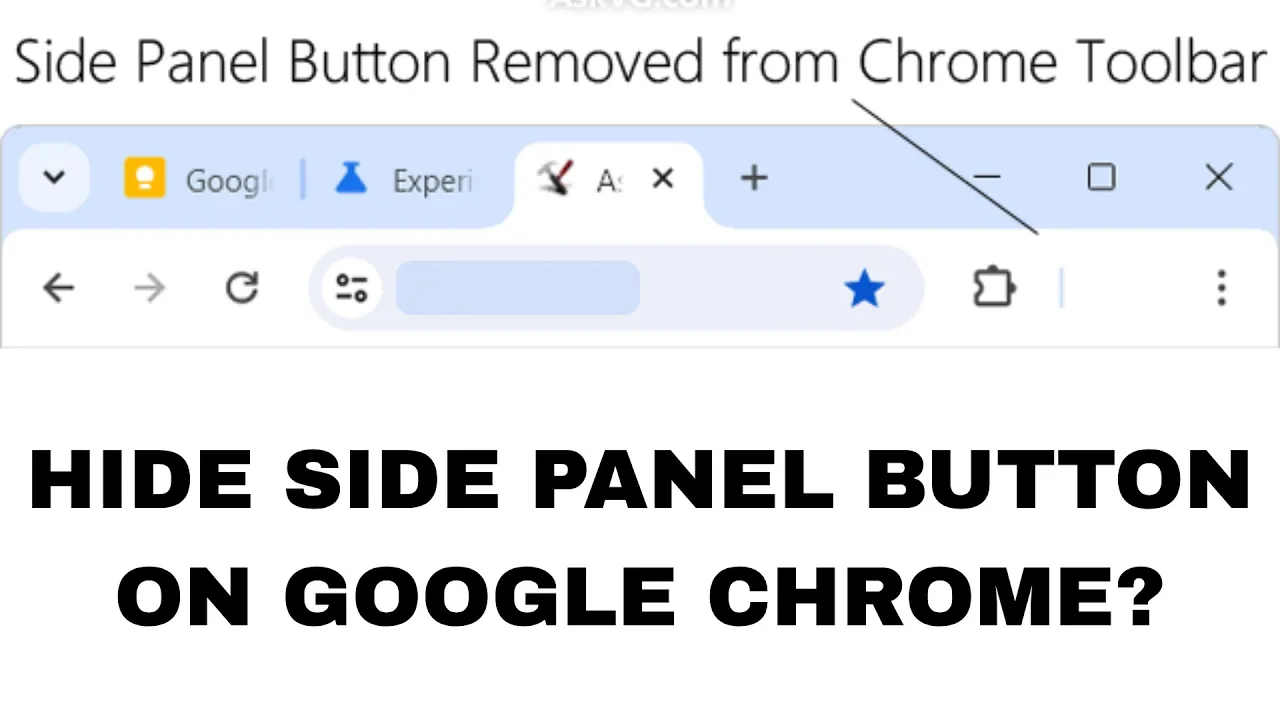
How To Hide Side Panel Button On Google Chrome?
Not a fan of the side panel button on your Google Chrome browser? You’re not alone! That little button on the top-right corner can...
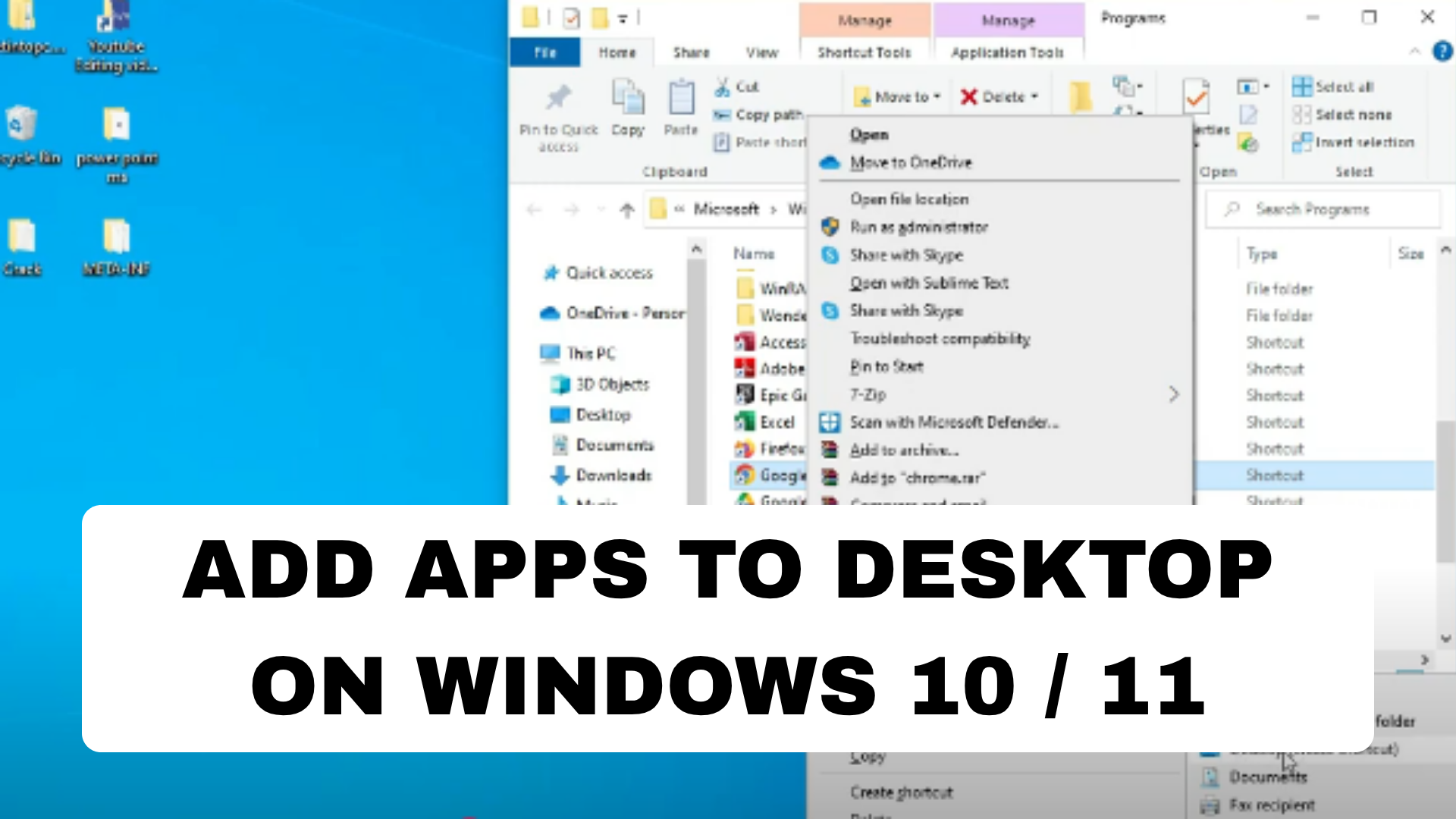
How to Add Apps to desktop on windows 10 / 11
If you want quick access to your favorite apps in Windows 10 or 11, adding them to your desktop is the easiest way. Whether...





