Solutions
How to Insert Symbol in Excel? (ALL SYMBOL)
Inserting a symbol in Excel is a simple way to make your spreadsheets clearer and more professional. Whether you need currency signs like ₹...
How to Do Multitasking with Split Screen in Windows 10
Multitasking with split screen in Windows 10 lets you work on two or more apps side-by-side, making your tasks faster and more organized. Instead...
How to update bios? Step by Step Safe process
Updating your computer’s BIOS (Basic Input/Output System) improves hardware compatibility, fixes bugs, and boosts performance, but it must be done carefully to avoid bricking...
How to Add a timer to PowerPoint slide?
Adding a timer to a PowerPoint slide is a smart way to keep track of time during presentations. It helps you stay on schedule,...

How to Add an Additional Email Account to Outlook
Adding an extra email account to Outlook is helpful if you want to manage multiple emails in one place without switching apps. Whether it’s...

How to Create a QR Code in Excel?
Creating a QR code in Excel is easier than you might think! A QR code is a small square image that stores information like...
How to Turn On On Screen Keyboard in Windows?
The On-Screen Keyboard in Windows is a handy tool that lets you type without using a physical keyboard. It shows a virtual keyboard on...

How to Calculate Working Days in Excel
Counting working days in Excel is a smart way to keep track of deadlines, project schedules, or business tasks. Instead of manually checking each...
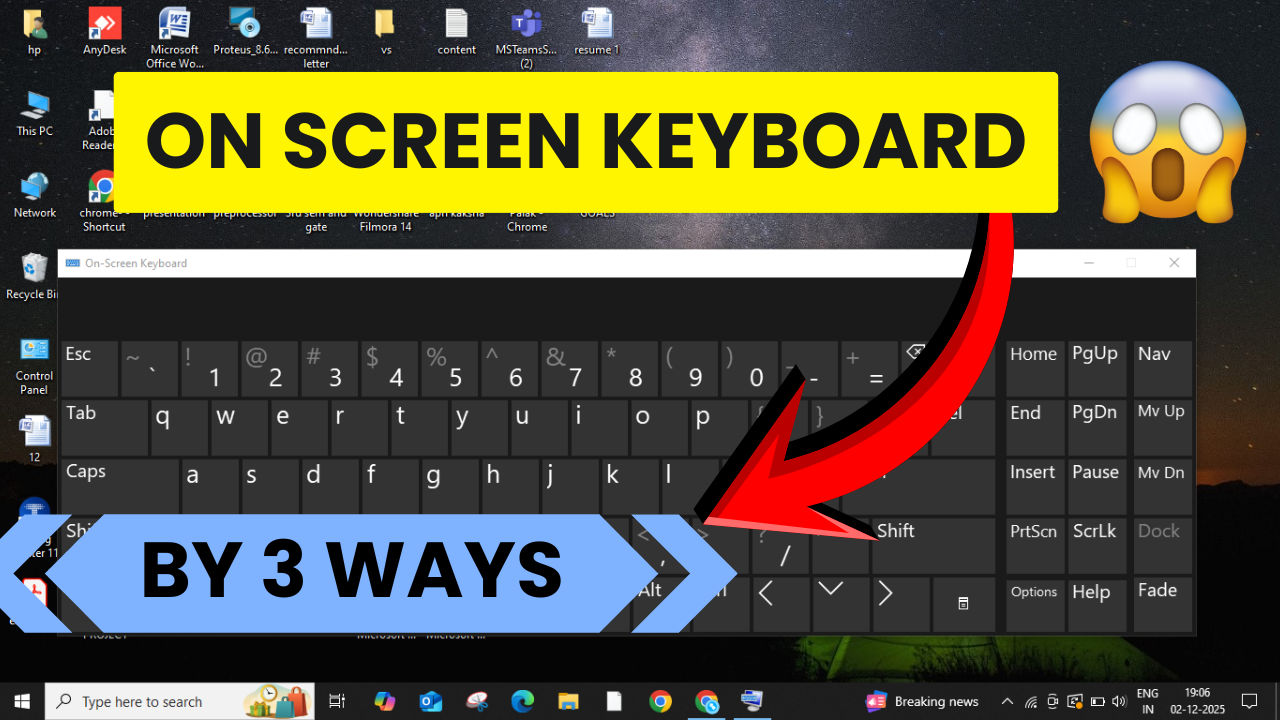
On-Screen Keyboard Not Showing? Here’s How to Enable It!
The on-screen keyboard in Windows is a helpful tool when your physical keyboard isn’t working or you need to type using a touchscreen. Sometimes,...
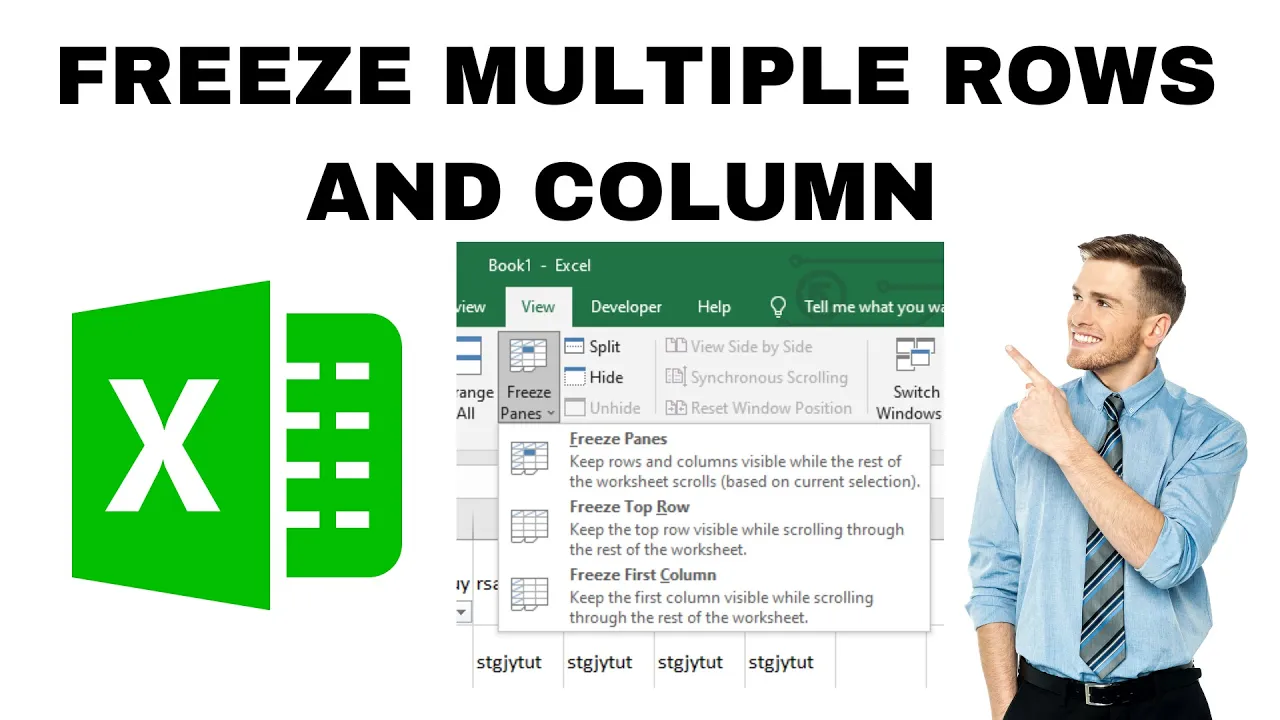
How to Freeze Multiple Rows and Column in Excel?
Freezing multiple rows and columns in Excel helps you keep important headers or labels visible while you scroll through large tables. This makes it...





