
Tech Gitter
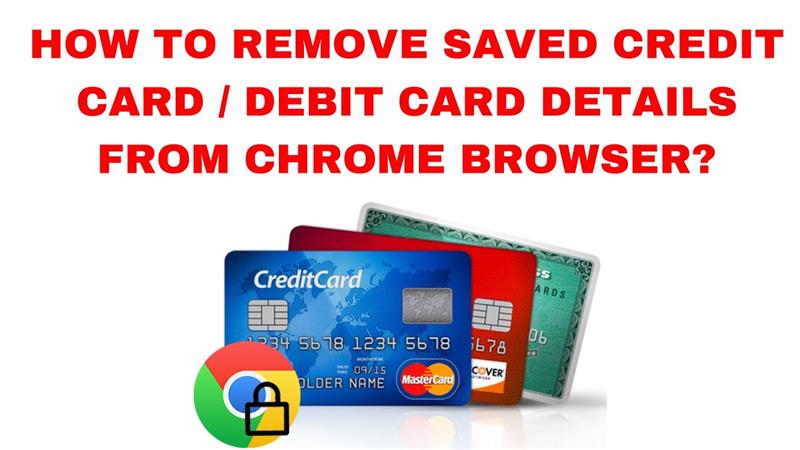
How to Remove Saved Credit Card / Debit Card Details from Chrome Browser?
Google Chrome makes it easy to save your credit or debit card details for faster checkouts — but if you’re switching devices, sharing your...
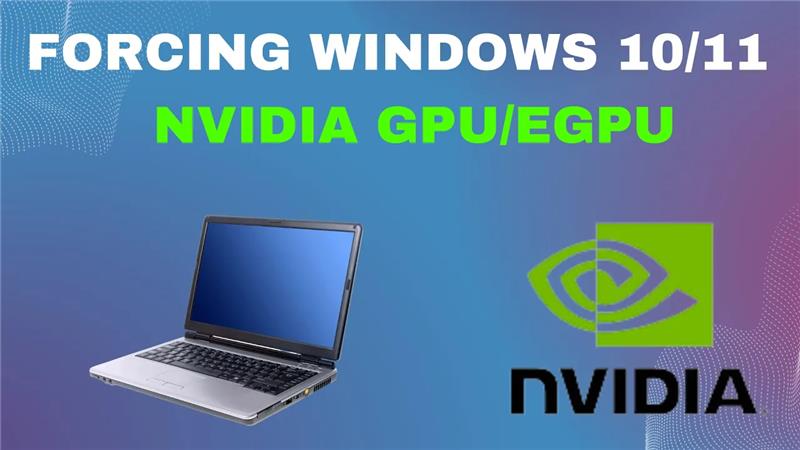
Forcing Windows 10/11 To Use Your Laptop NVIDIA GPU/eGPU
If you’ve ever noticed your laptop using Intel integrated graphics instead of your NVIDIA GPU or eGPU, you’re not alone! Many users face performance...
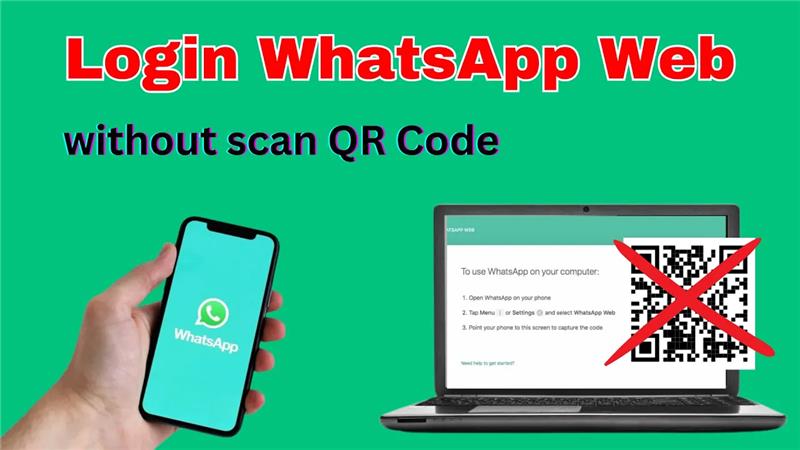
How to Login WhatsApp Web without scan QR Code on PC/Laptop
Want to use WhatsApp Web on your PC or laptop but don’t want to scan the QR code every time? Good news—there’s a way...
Fix Error 0x000003e3 Sharing Printer
Have you ever tried sharing a printer over your local network and suddenly faced the error “Operation could not be completed (Error 0x000003e3)”? 😩This...
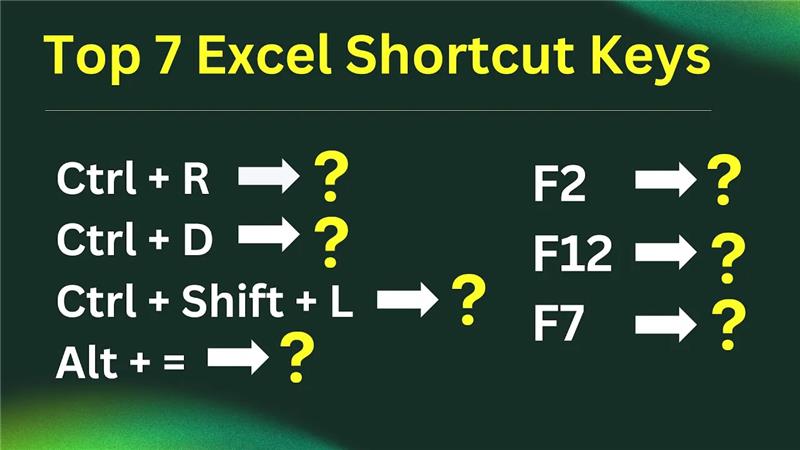
Top 7 Excel Shortcut Keys 2024
Learning a few simple shortcut keys in Excel can save plenty of time and make working with data much faster. Whether adding new data,...
Valorant Fix: Graphics Driver Crashed – Valorant Keeps Crashing
When you see an error like “Graphics Driver Crashed” in Valorant, it generally indicates that the GPU driver (or related software) stopped responding or...

Watch Crunchyroll Offline | Download Anime Easily
Crunchyroll lets anime fans watch their favorite shows offline by downloading episodes directly in its official app. If you have a Mega Fan or...
![Hyper-V VM Won’t Start – Not Enough Memory in The System [FIXED]](https://techgitterofficial.com/wp-content/uploads/2025/10/Hyper-V-VM-Wont-Start-–-Not-Enough-Memory-in-The-System-FIXED.jpg)
Hyper-V VM Won’t Start – Not Enough Memory in The System [FIXED]
Trying to start your Hyper-V virtual machine and getting the error “Not enough memory in the system”? Don’t worry—you’re not alone, and it’s fixable!...





