Solutions
How to use Chrome Remote Desktop to Access Computer Screen
Chrome Remote Desktop is a free and easy tool from Google that lets you access and control your computer from anywhere using another device....
How to Add and Remove program Icons from Taskbar in Windows
The taskbar in Windows is like a quick-access shelf for your favorite programs. By adding icons to it, you can open apps faster without...
How to Redeem a Steam Gift Card (EASY STEPS)
Got a Steam Gift Card and excited to use it? 🎮 Redeeming one is super simple and lets you add funds to your Steam...
How to Download and Install Xbox Accessories App in Windows 11/10
The Xbox Accessories app is a must-have for anyone using an Xbox controller on their Windows 11 or 10 PC. It lets you customize...
How to Fix Keyboard Input Lag in Games
Experiencing a delay between pressing a key and seeing the action happen in your game? That’s called keyboard input lag, and it can make...
How to Remove Microsoft Edge Bing Icon || Remove Discover Bing Toolbar
If you find the Bing icon or Discover toolbar in Microsoft Edge distracting, you can easily remove them to have a cleaner browser look....
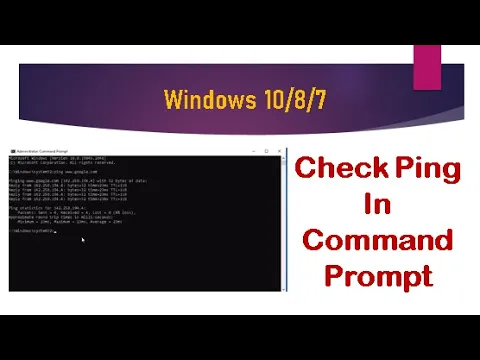
How To Check Ping In Windows 10/8/7 Command Prompt || perform a PING test || Checking Ping
Want to know if your internet connection is working properly? One quick way is to check ping using the Command Prompt in Windows. A...
How to Fix Run As Administrator Not Working in Windows
If the “Run as Administrator” option is not working on your Windows PC, it can stop you from running important programs with the needed...
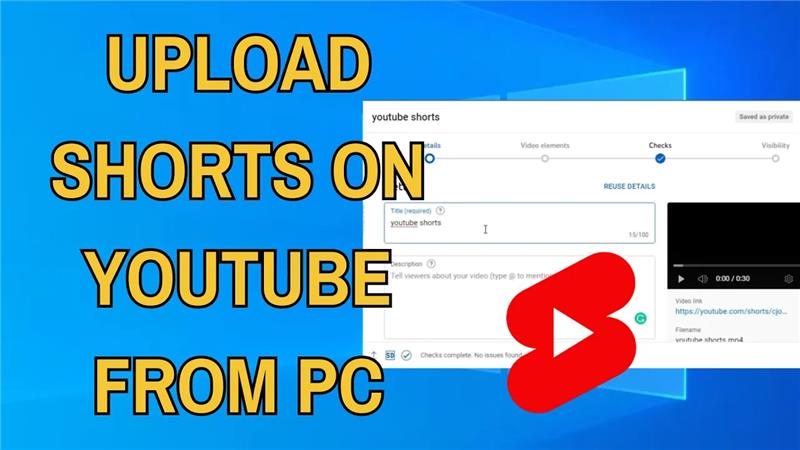
How to upload shorts on youtube from pc
Want to share quick videos on YouTube but don’t know how to upload Shorts from your PC? Good news—it’s simple! YouTube Shorts are short,...
How to Fix Random FPS Drops in Minecraft Windows 11
If you notice random FPS drops while playing Minecraft on Windows 11, your game may lag, stutter, or feel less smooth even on a...





