Solutions
How to Convert an Excel File into PDF (SAVE EXCEL FILE AS PDF )
Sometimes you may need to share an Excel file in a format that looks the same on every computer. 📊 That’s where PDF comes...

How to Add, edit, or delete Payment Information into Google Chrome
Adding, editing, or deleting payment information in Google Chrome is easy and keeps your online shopping smooth and secure. Chrome lets you save cards...
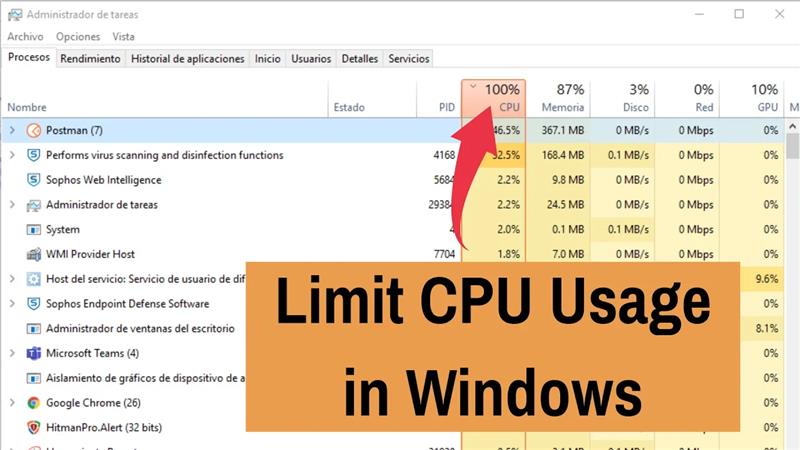
How to Limit CPU Usage of a Program in Windows
Sometimes, a program on your Windows computer may use too much CPU, which can slow down your PC and make it less responsive. To...
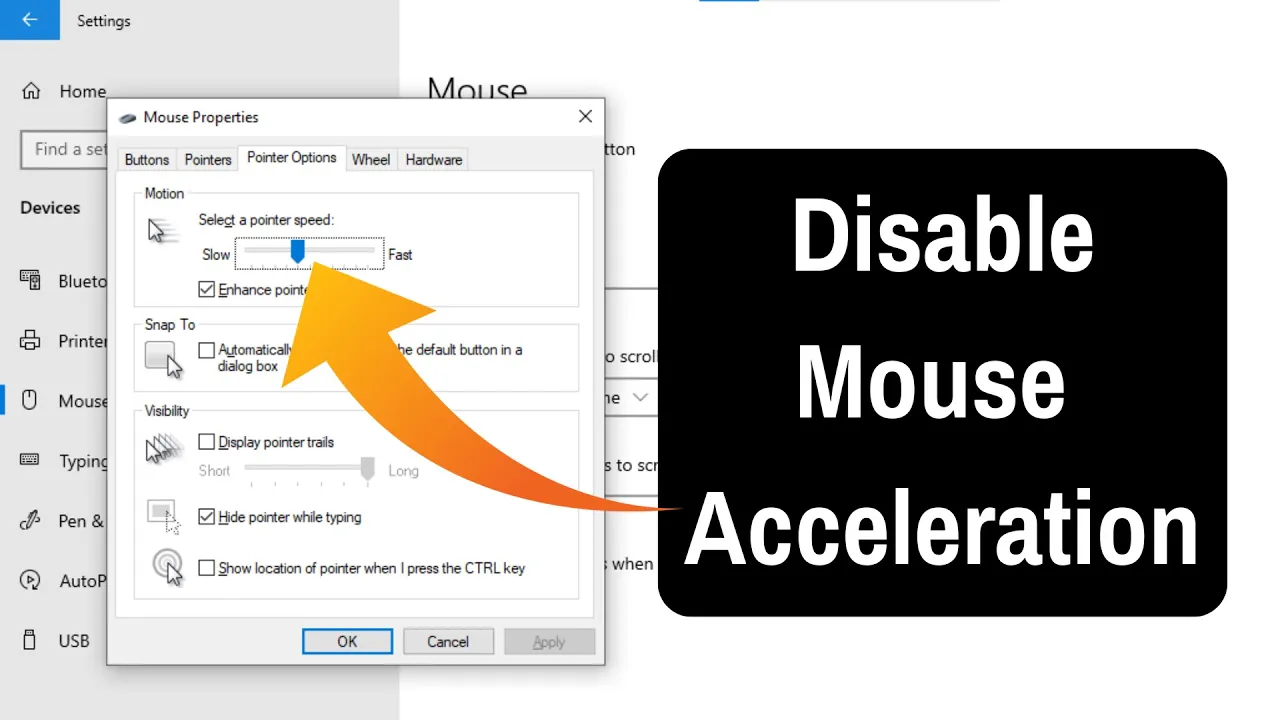
How To Disable or Turn Off Mouse Acceleration in Windows 11
Mouse acceleration in Windows 11 can sometimes make your cursor feel unpredictable. Instead of moving at a steady pace, the pointer speeds up depending...
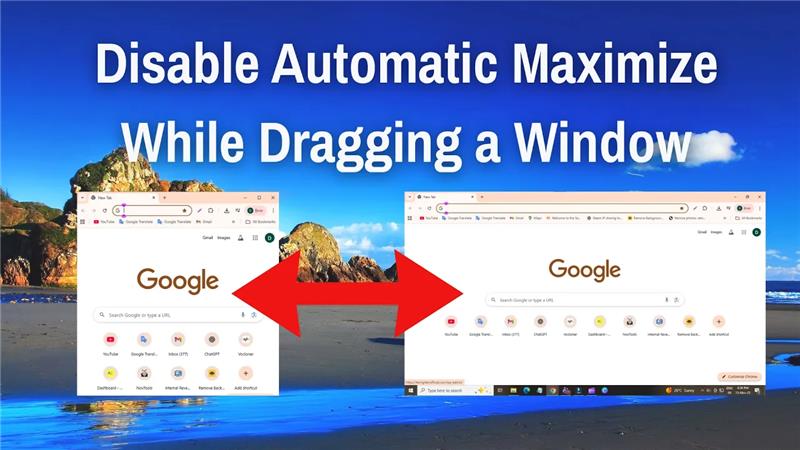
How to Disable Automatic Maximize While Dragging a Window on Windows 10/11
If Windows 10 or 11 automatically maximizes your window when you drag it to the edge of the screen, you can disable this feature...
How To Resize Text And Icons Without Changing Resolution On Windows 11
Sometimes, you want to make the text and icons on your Windows 11 screen larger or smaller without changing the screen resolution. Changing only...
How to Highlight Mouse Pointer Windows 10
When you are working on your Windows 10 computer, sometimes it’s hard for others to see where your mouse pointer is, especially during presentations...
How to Disable Background Apps in Windows 11
When you start up your Windows 11 PC, many apps keep running in the background even if you’re not using them. These background apps...
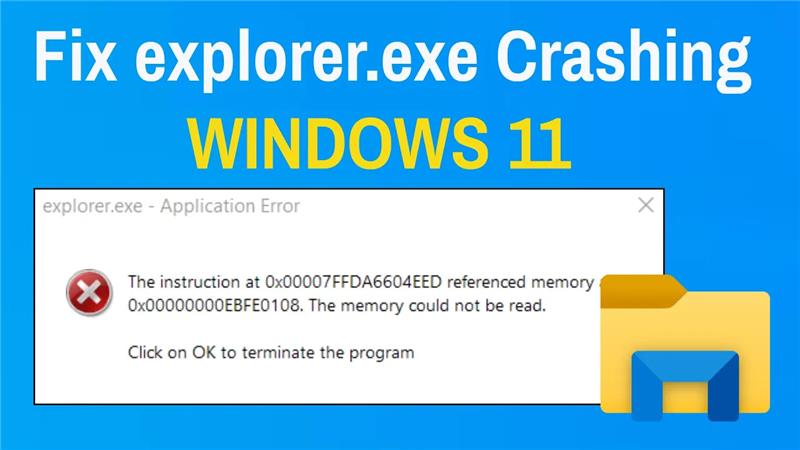
How To Fix explorer.exe Crashing In Windows 11
If explorer.exe keeps crashing in Windows 11, it can make your PC hard to use and disrupt your work. This problem is usually caused...
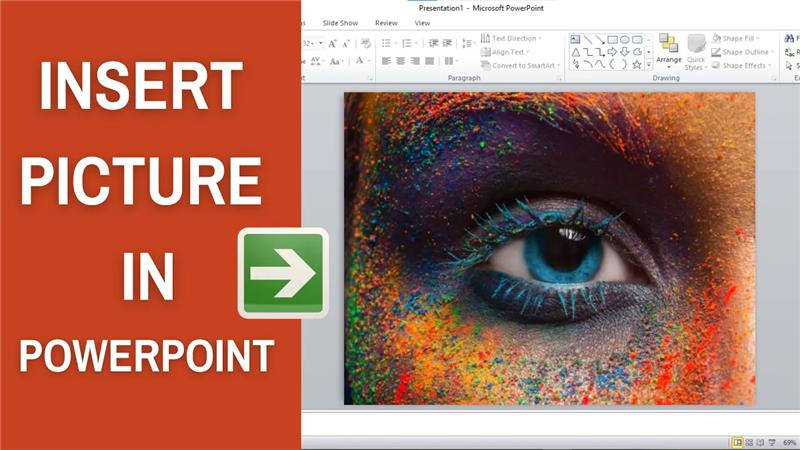
How to insert picture in PowerPoint?
Inserting pictures in PowerPoint is a great way to make your presentations more engaging and visually appealing. You can add images saved on your...





