Solutions
How to use Video as Screensaver || How to make Video Screensaver
Using a video as a screensaver lets you make your Windows PC more creative and fun. You can use tools like VLC Media Player...
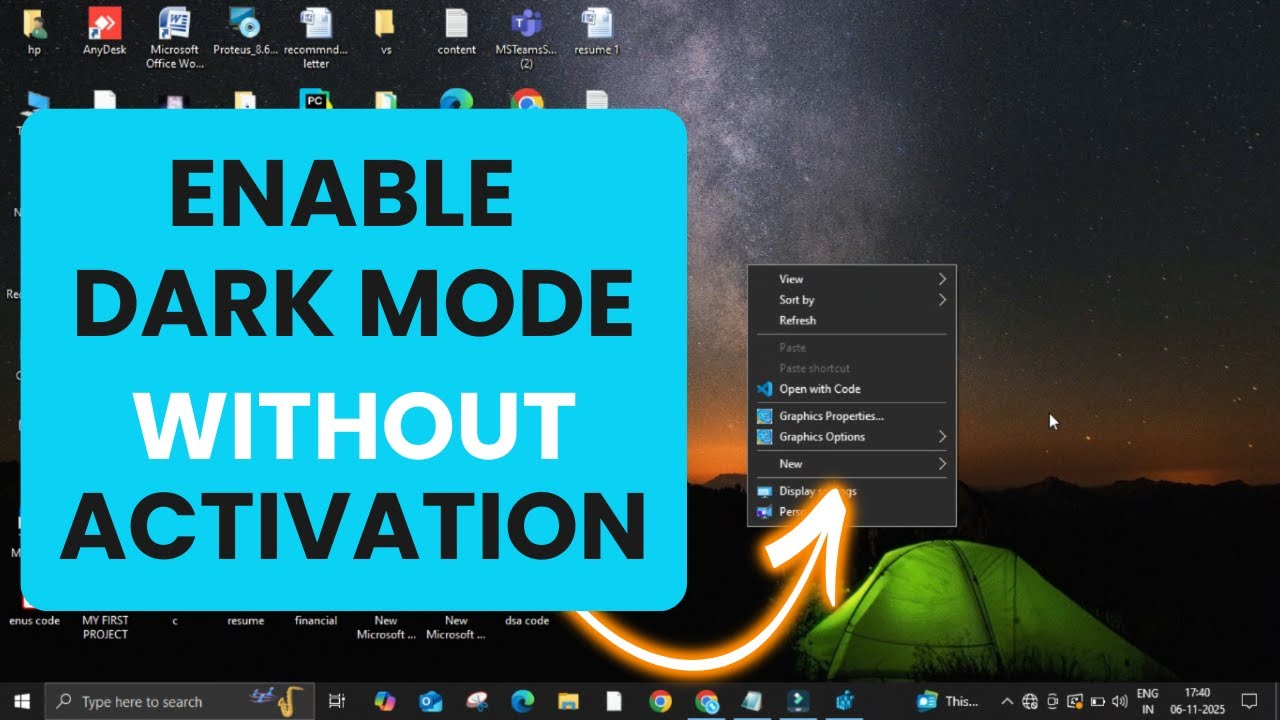
How to Get Dark Mode Without Activating Windows
You can easily enable Dark Mode without activation using a quick Registry Editor tweak. This simple trick lets you enjoy the elegant dark interface...
How To Fix Windows Update Error 0x800f080a
The Windows Update error 0x800f080a appears when your PC fails to install updates due to missing or corrupted files. To fix it, run the...
Learn How to Sort and Select Files and Folders Windows 11
Sorting and selecting files and folders in Windows 11 is easy and helps you find, organize, and manage your data much faster. Using File...
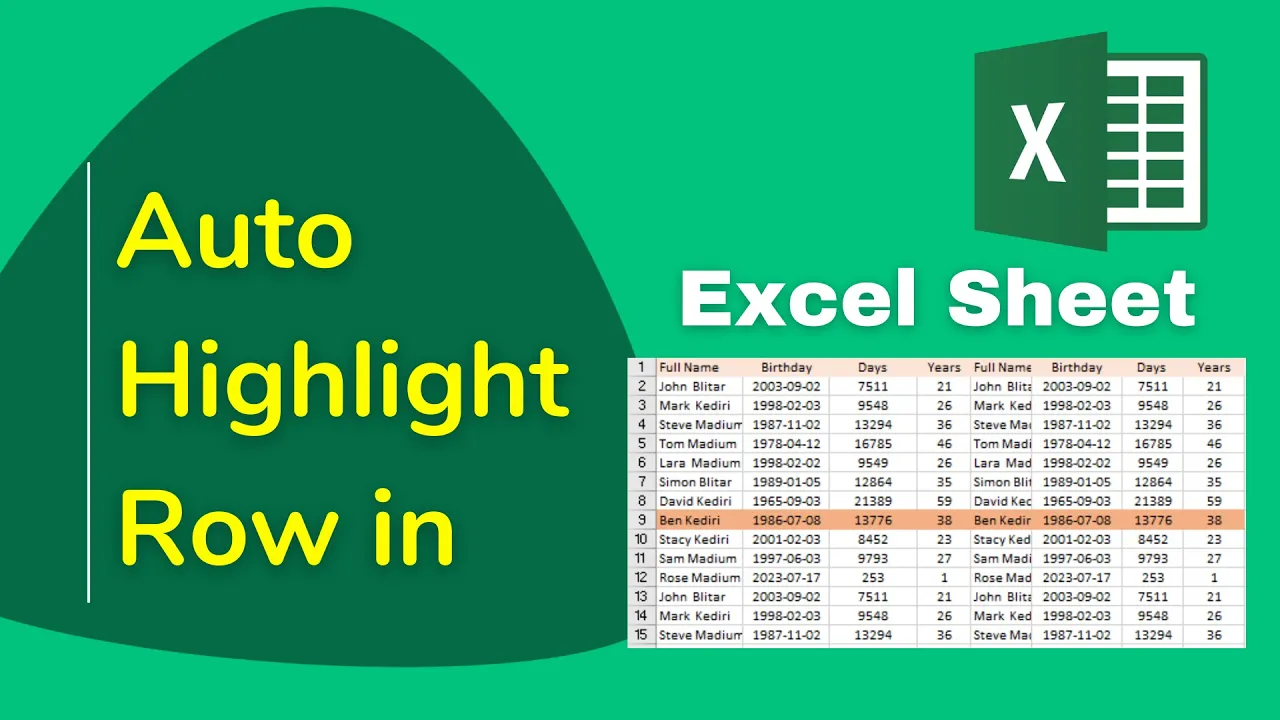
How to Auto Highlight Row in Excel Sheet
Do you want your Excel sheet to be easier to read and more organized? One handy trick is to auto highlight the entire row...
How to import multiple Contact Number in Smartphone from Excel Sheet
If you have many contact numbers stored in an Excel sheet and want to add them to your smartphone, doing it one by one...
Enable and View Printed Document History in Windows || How to Keep Track of Printed Document
Sometimes you may want to keep track of all the documents you have printed on your Windows computer. By default, Windows does not save...
How to Fix Corrupted Fonts in Windows 11?
If fonts in your Windows 11 system appear distorted or missing, they may be corrupted. To fix this, open Control Panel → Fonts →...

How To Install Facebook Messenger on Windows 11
Installing Facebook Messenger on Windows 11 is simple and helps you stay connected with friends and family right from your PC. You can download...
How to Hide Dim Display After From Power Options in Windows 11/10
If you’ve ever explored the Power Options in Windows, you might have come across a setting called “Dim display after.” While useful for controlling...





