
Tech Gitter
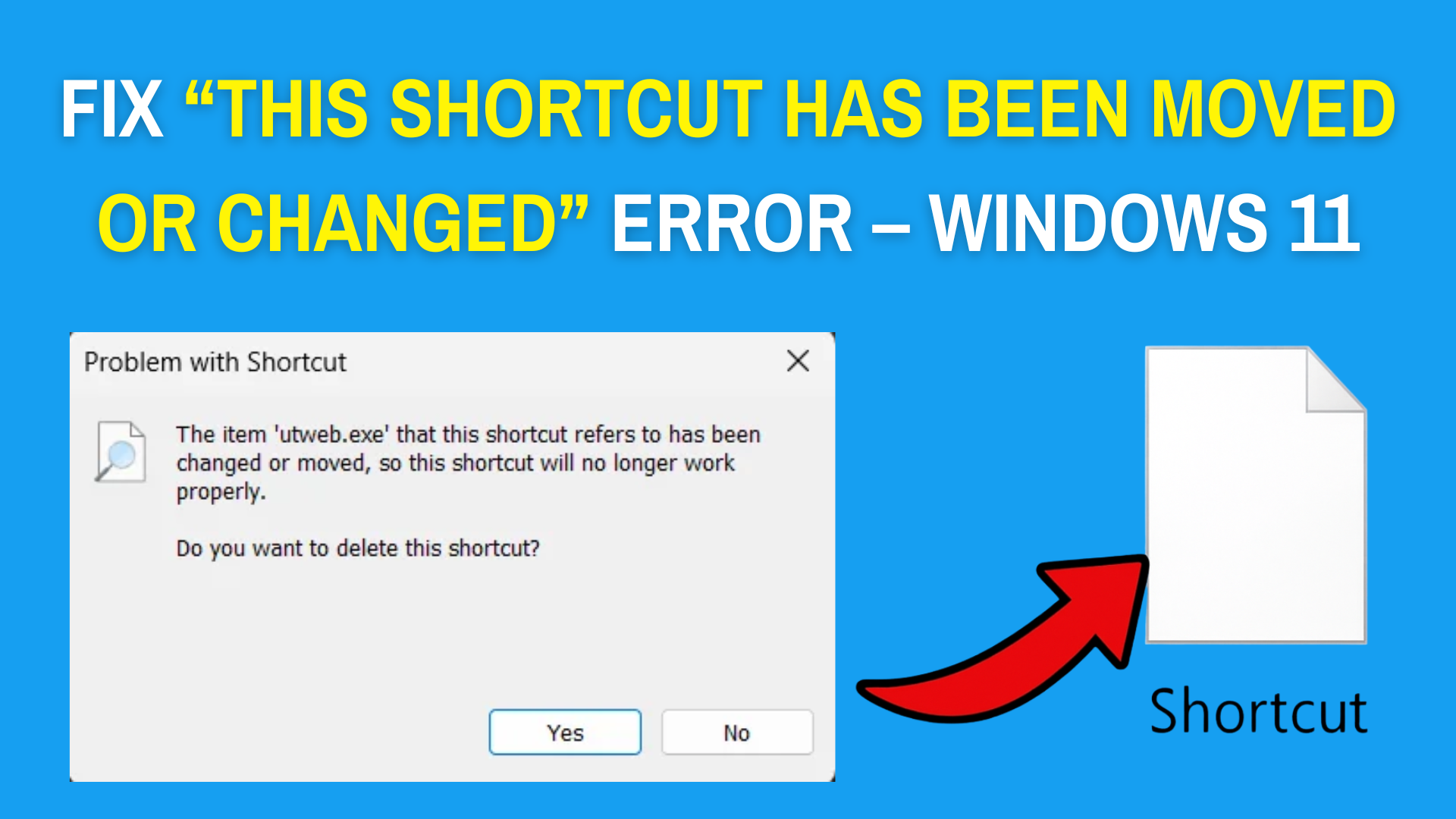
How to Fix: “This Shortcut Has Been Moved or Changed” Error – Windows 11
The “This shortcut has been moved or changed” error in Windows 11 often pops up when you try to open a program or file...
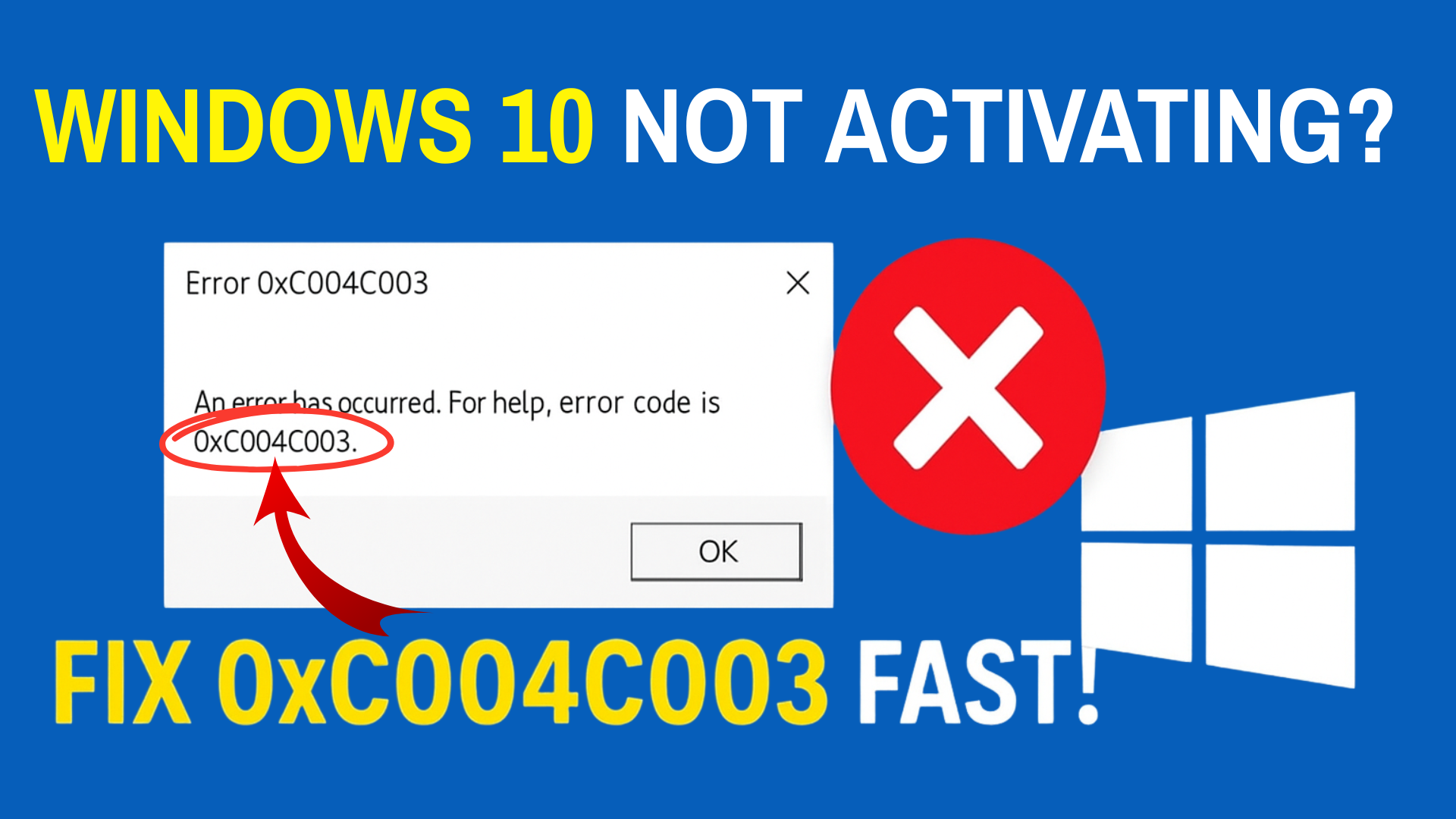
Windows 10 Not Activating? Fix 0xC004C003 Fast!
Windows 10 not activating with error 0xC004C003 usually happens when the product key isn’t recognized or there’s a server communication issue during activation. This...
White Screen Problem on Windows Laptop? Here’s the Fix!
The white screen problem on Windows laptops can be really frustrating—your screen suddenly turns completely white, and you can’t see or do anything. This...
Realtek Installed but No Sound in Windows 11? Do This! (2026 Fix)
Realtek audio drivers installed but no sound in Windows 11 is a common problem after updates, often due to driver conflicts, disabled devices, or...
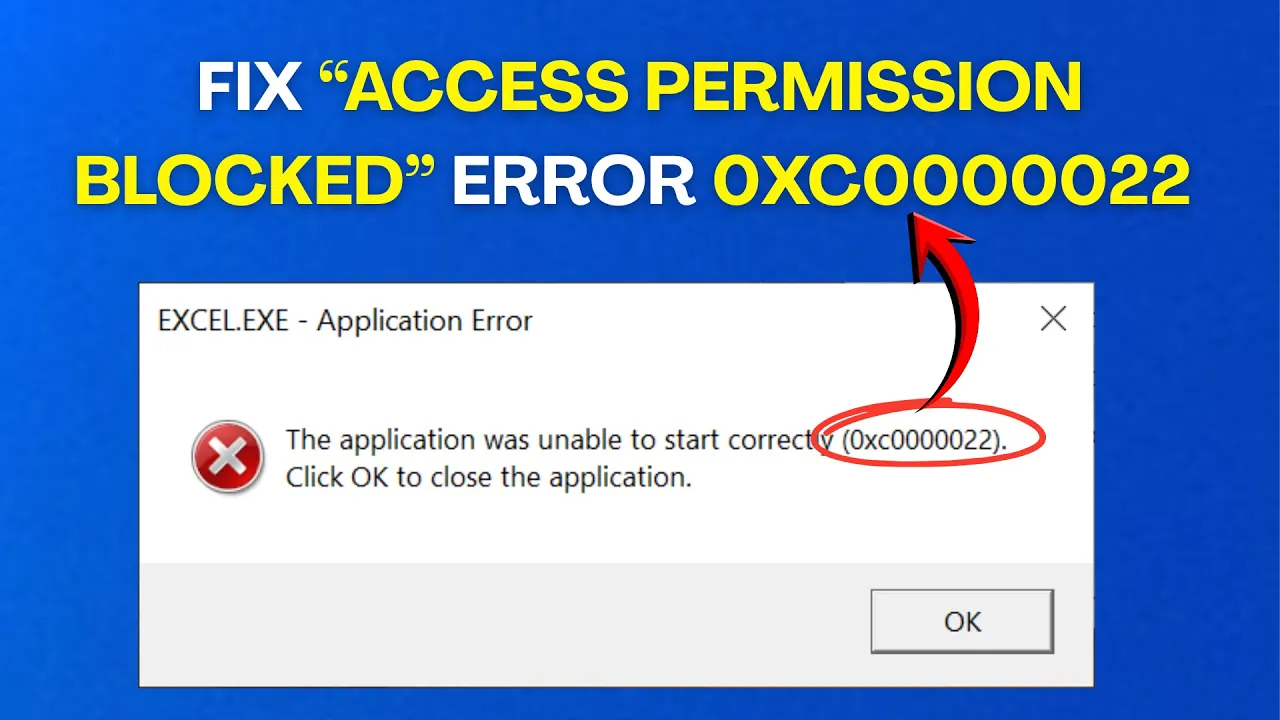
Fix “Access Permission Blocked” Error 0xC0000022 in Windows
The “Access Permission Blocked” Error 0xC0000022 in Windows can be really annoying, especially when you’re trying to open a program or file and suddenly...
How to Set Screen Saver in Windows || Change Screensaver on Windows
Setting a screen saver on your Windows computer helps protect your screen and adds a personal touch when your PC is idle. Whether you...
How To Fix Taskbar Not Working in Windows 11
The taskbar in Windows 11 is one of the most important parts of your computer—it helps you open apps, switch between programs, and check...
How to use Data Bars in Excel?
Data Bars in Excel help you easily see the size of numbers in your cells with colorful bars that fill proportionally to the value....

How to download apps in laptop?
Downloading apps on a laptop is one of the easiest ways to make your computer more useful and fun. Whether you want social media,...
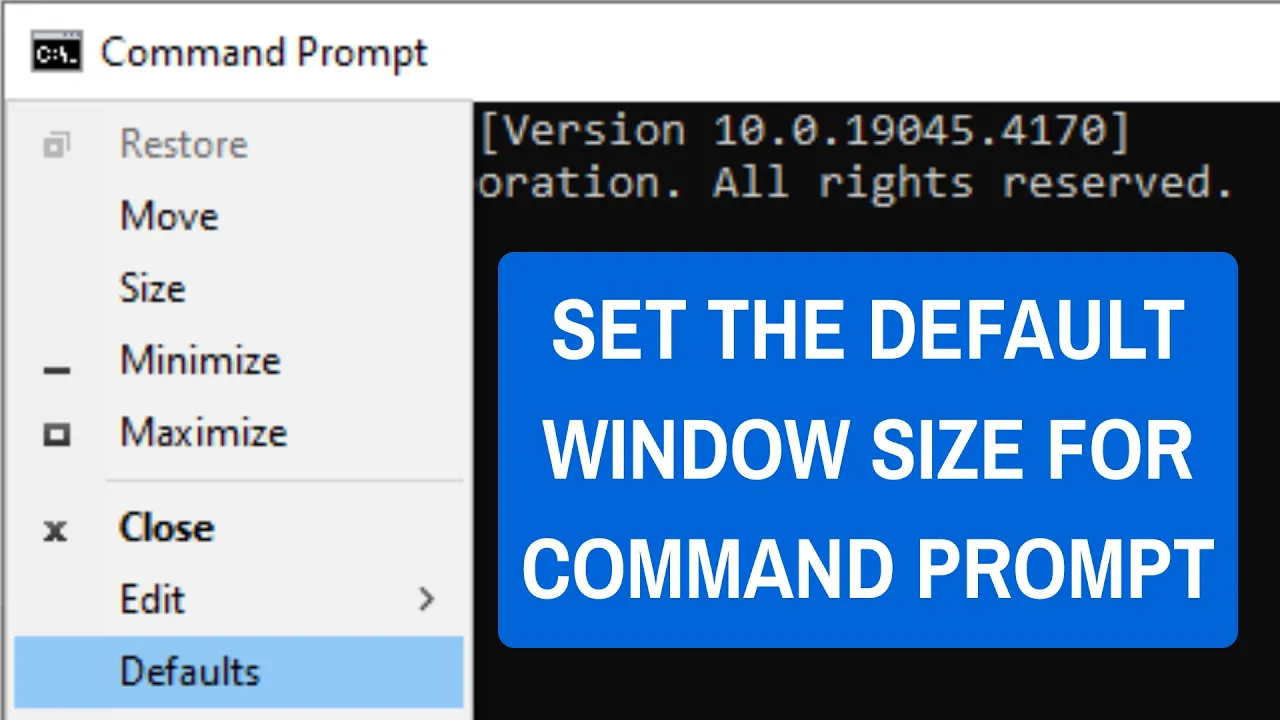
How To Set The Default Window Size For Command Prompt On Windows
The Command Prompt window in Windows always opens with the same default size, which might be too small or large for comfortable use. Changing...





