
Tech Gitter
How to Remove Unwanted Browser Extensions on Google Chrome
Unwanted browser extensions can slow down Google Chrome, show annoying ads, or even compromise your privacy. Luckily, removing them is quick and easy—you don’t...
How to Change Wallpaper in Windows?
Want to give your computer a fresh new look? Changing the wallpaper on your Windows 10 or 11 PC is one of the easiest...
Complete Rytr.Me Tutorial for Beginners Guide – Write A Blog Post Using Rytr AI
Want to write a blog post quickly and easily without staring at a blank screen? Rytr.me is an AI writing tool that helps you...
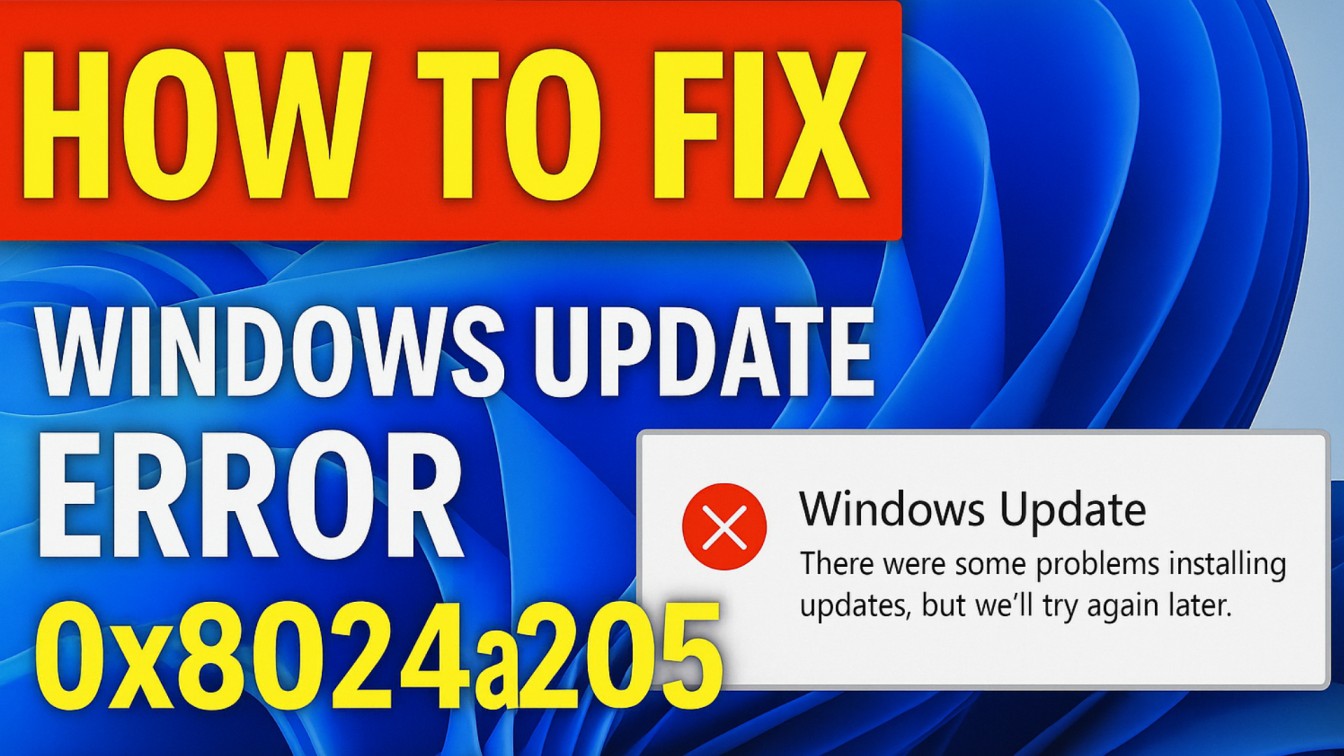
How to Fix Windows Update Error 0x8024a205 In Windows 11/10
If you see the Windows Update Error 0x8024a205 on your Windows 11 or 10 PC, it usually means something went wrong while installing a...
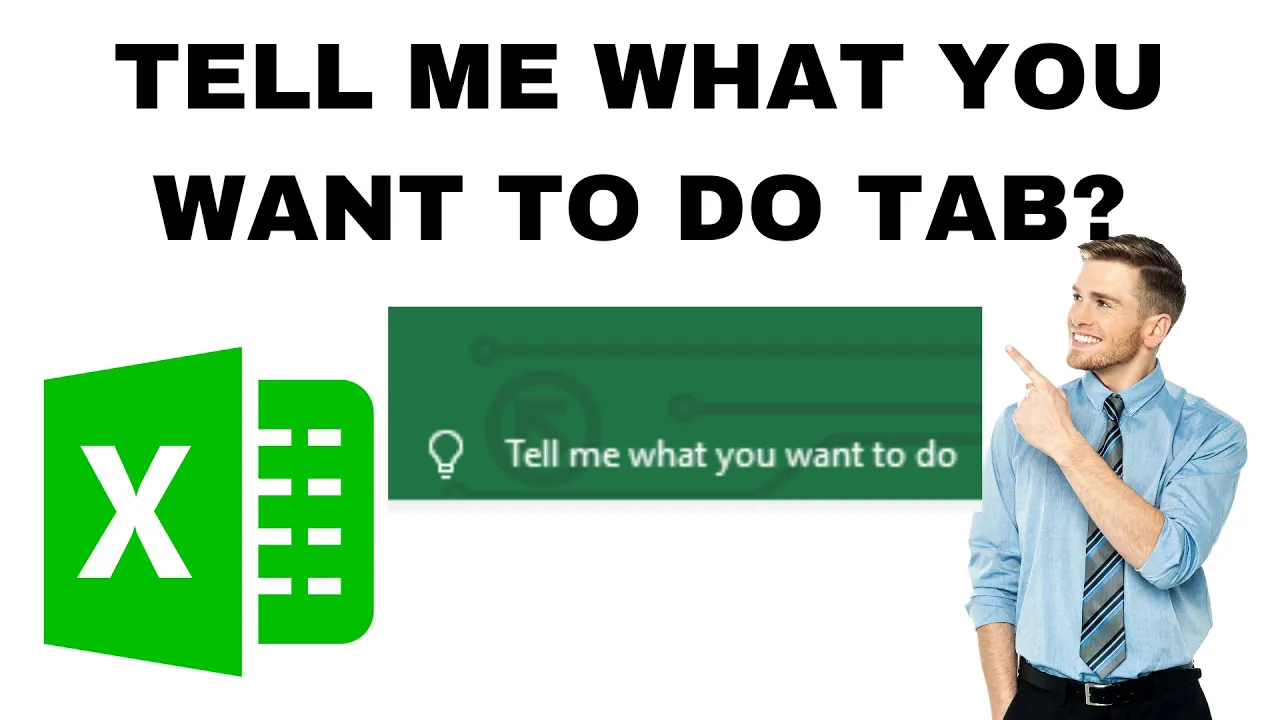
Microsoft Excel Tell me What You Want To Do Tab?
Ever felt stuck while using Microsoft Excel and didn’t know where to find a feature? That’s where the “Tell me what you want to...
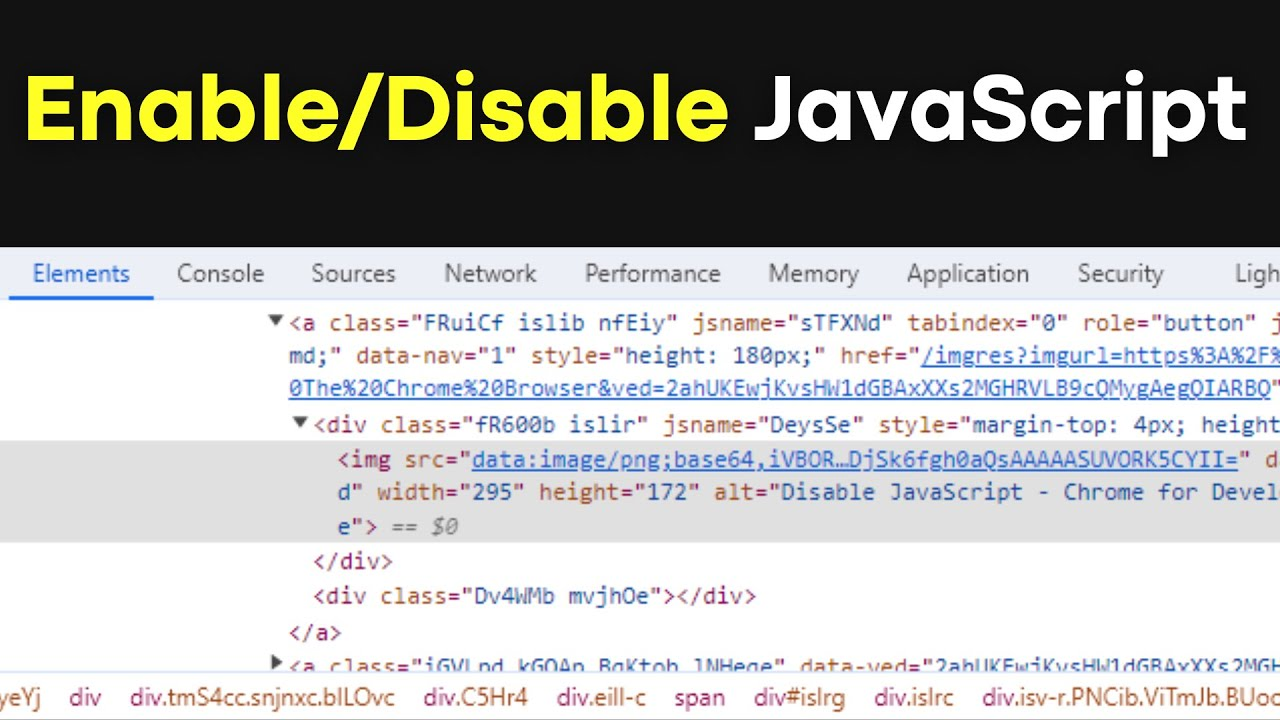
Enable/Disable JavaScript in The Chrome Browser
JavaScript plays an important role in making websites interactive and functional, but sometimes you might want to turn it off for faster browsing or...

Find Free Memory Slots in Windows 11/10
Want to upgrade your computer’s performance by adding more RAM but not sure if there’s space for it? Don’t worry—you can easily check for...
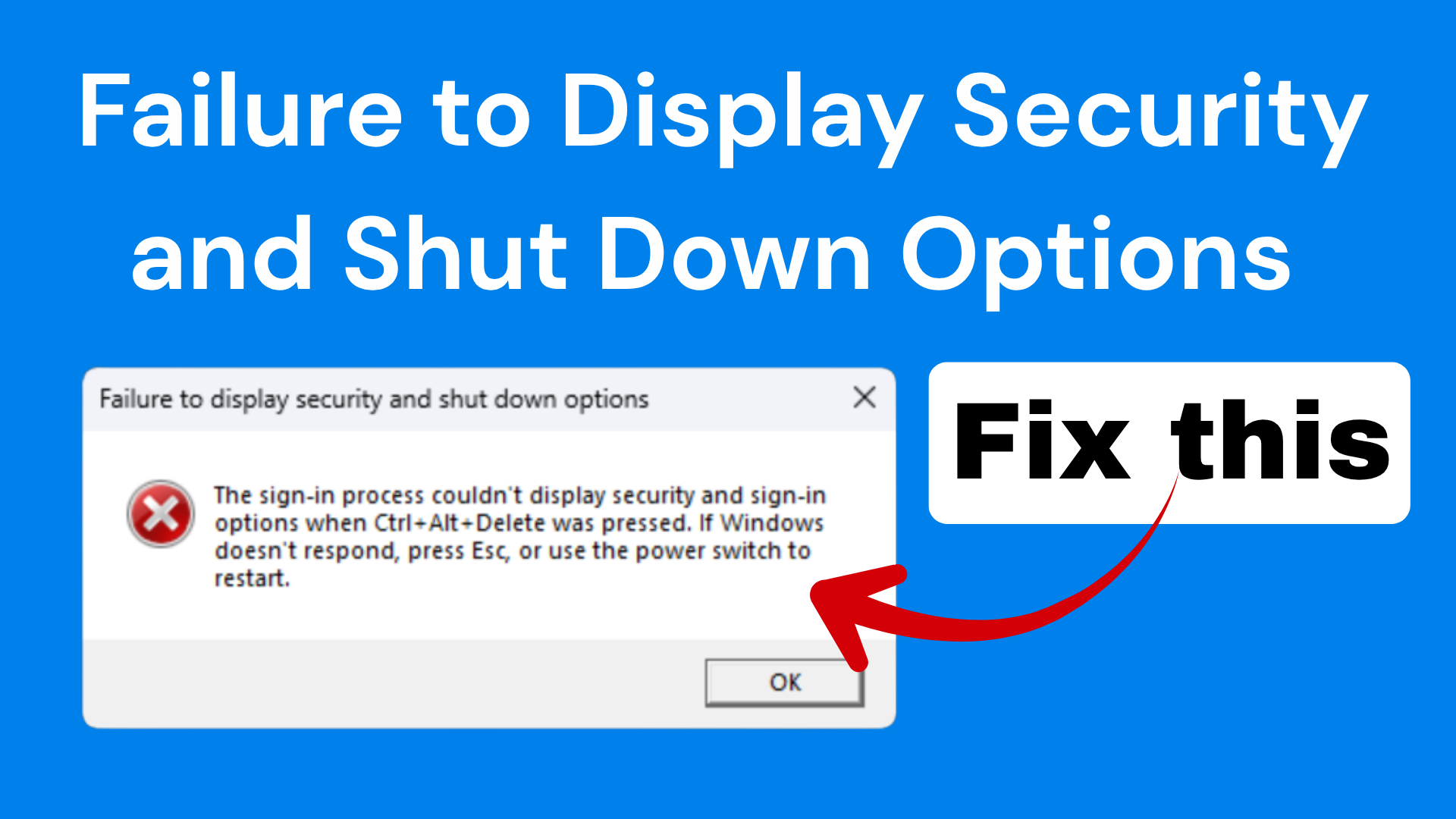
Failure to Display Security and Shut Down Options in Windows 11/10
If you see the message “Failure to display security and shut down options” on your Windows 11 or 10 computer, it can be frustrating,...
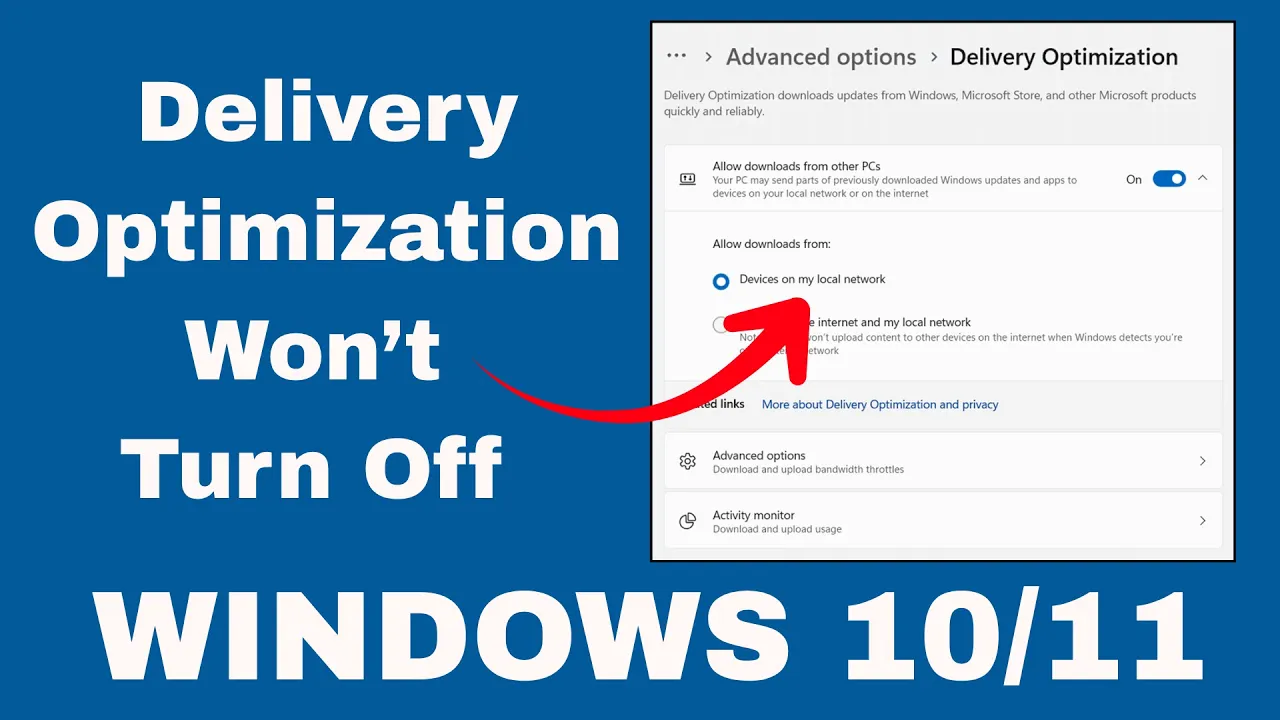
Delivery Optimization Won’t Turn Off In Windows 10/11
Is Delivery Optimization refusing to turn off on your Windows 10 or 11 PC? You’re not alone—many users face this issue where Windows keeps...
What is disk management and how to use it ?(Windows 11/10)
Disk Management is a built‑in tool in Windows 10 and Windows 11 that helps you manage your hard drives and storage devices easily. With...





